Best Figma Alternatives and Competitors (2026)
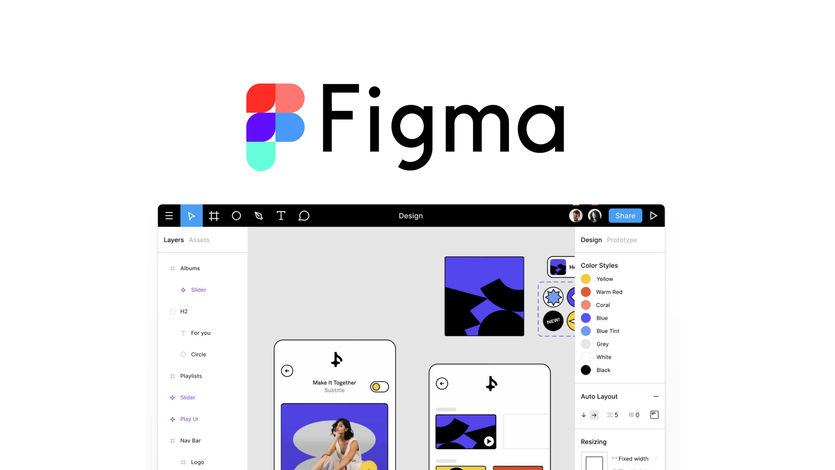
Figma is a leading design and prototyping tool known for its collaborative capabilities, cloud-based accessibility, and intuitive interface. It has become a go-to solution for designers, product teams, and developers who need to create, share, and iterate on design projects in real-time.
However, Figma may not be the best fit for everyone, particularly if you need offline access, advanced vector editing tools, or a different pricing model. Whether you’re seeking more robust features, better performance, or tailored design tools, this guide explores some of the best competitors to Figma.
How we made the list
To help you make an informed decision, we evaluated a wide range of software tools based on specific criteria. We considered features like ease of use, pricing, integration options, customization capabilities, and more. We also factored in verified customer questions and reviews to ensure we present reliable and highly recommended alternatives. This guide is then put together using generative AI and reviewed (and edited) by our editorial team of software experts.
Compare alternatives to Figma
| Deal | Price | Best for | Standout Feature |
|---|
Top 0 Alternatives to Figma in 2026
Browse the options and compare their key features, targeted users, top integrations, and more. Find a better and more affordable alternative to Figma that works best for your business.
What makes the best Figma alternatives
The best Figma alternatives offer strong design, prototyping, and collaboration capabilities while addressing some of the limitations users may experience with Figma. Here are the key factors that set these alternatives apart:
- Advanced Design and Prototyping Tools: Figma is renowned for its design and prototyping features, but some alternatives offer even more advanced vector editing, animation capabilities, and layout tools. Look for platforms that provide comprehensive design environments tailored to your specific needs, whether for web, mobile, or UI/UX design.
- Collaboration and Real-Time Editing: One of Figma’s standout features is its real-time collaboration, allowing multiple users to work on the same design simultaneously. The best alternatives should also offer robust collaboration tools, including shared workspaces, version history, and commenting features that facilitate seamless teamwork.
- Ease of Use and Accessibility: Figma’s cloud-based design allows easy access from any device with internet connectivity. Top alternatives should also prioritize ease of use, with intuitive interfaces, cross-platform support, and minimal setup, making it easy for designers to start working immediately.
- Offline Access and Performance: While Figma relies heavily on internet connectivity, some alternatives provide offline access, allowing designers to work without interruption when they’re not connected. These platforms offer better performance, especially when handling large files or complex projects.
- Integration with Other Tools: Figma integrates with various design and productivity tools, enhancing workflow efficiency. Leading alternatives should also offer strong integration capabilities, including connections with tools like Adobe Creative Cloud, Slack, or project management software, ensuring a smooth and connected design process.
- Flexible Pricing Options: Figma’s pricing can be a barrier for smaller teams or freelancers. The best alternatives often provide more flexible pricing models, including free tiers, affordable subscriptions, or pay-per-project options that make professional design tools accessible to all.
How to choose the best Figma alternatives
Choosing the right alternative to Figma depends on your design needs, collaboration style, and budget. If advanced design and prototyping features are crucial, look for platforms that offer comprehensive design tools, robust animation capabilities, and customizable components. These features will help you create high-quality designs with greater control over your creative process.
For teams that rely heavily on collaboration, consider alternatives that provide strong real-time editing, shared workspaces, and communication features. These tools are essential for maintaining smooth workflows and ensuring that feedback is captured efficiently during the design process.
If offline access is a priority, especially for designers who frequently work in environments without reliable internet, prioritize platforms that offer desktop versions or offline modes. This flexibility allows you to continue working without disruption, regardless of your connectivity.
Pricing is another important factor, especially for freelancers, small teams, or startups. Explore alternatives with flexible pricing plans, including free versions or lower-cost options that provide essential features without the need for a large financial commitment.
Lastly, evaluate how well the platform integrates with your existing tools and processes. A good alternative should work seamlessly with other design, development, and project management tools, creating a cohesive workflow that enhances productivity and keeps your projects on track.
FAQ
Get 10% off your first purchase
Plus the hottest deals on software sent straight to your inbox