AppSumo Radar beta
Radar products are early-stage listings that are managed by the team who built the product.Learn more about Radar

Hides private info the moment you share

No reviews yet, be the first!
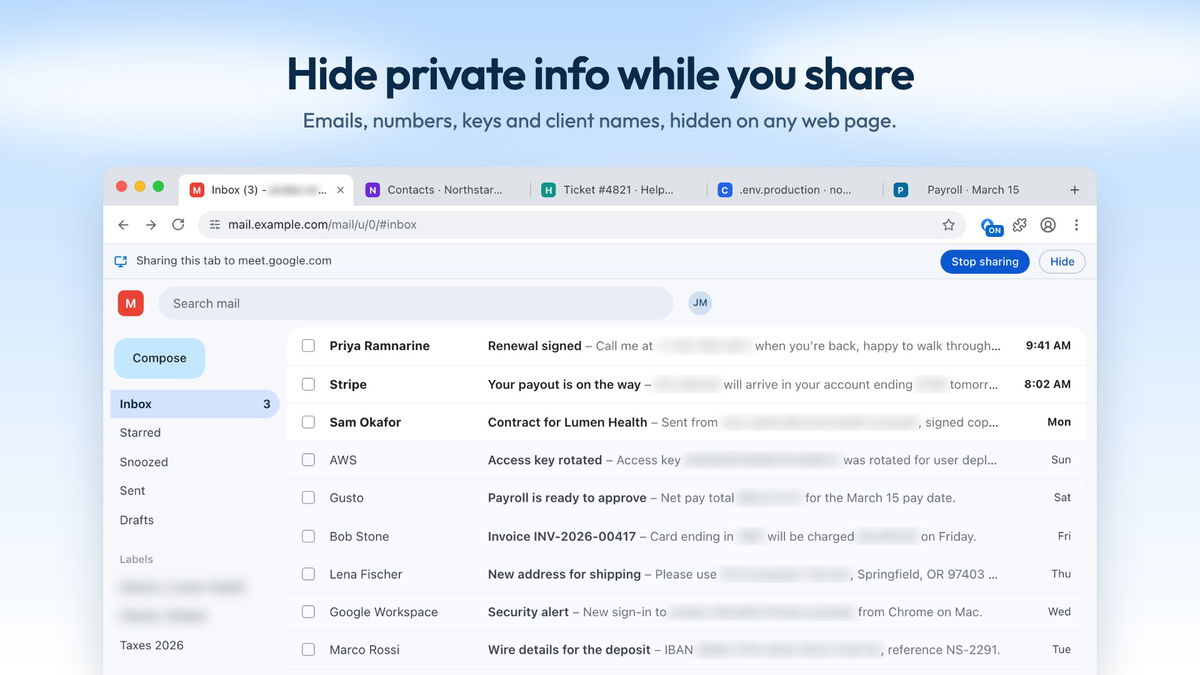
Inbox with private info hidden
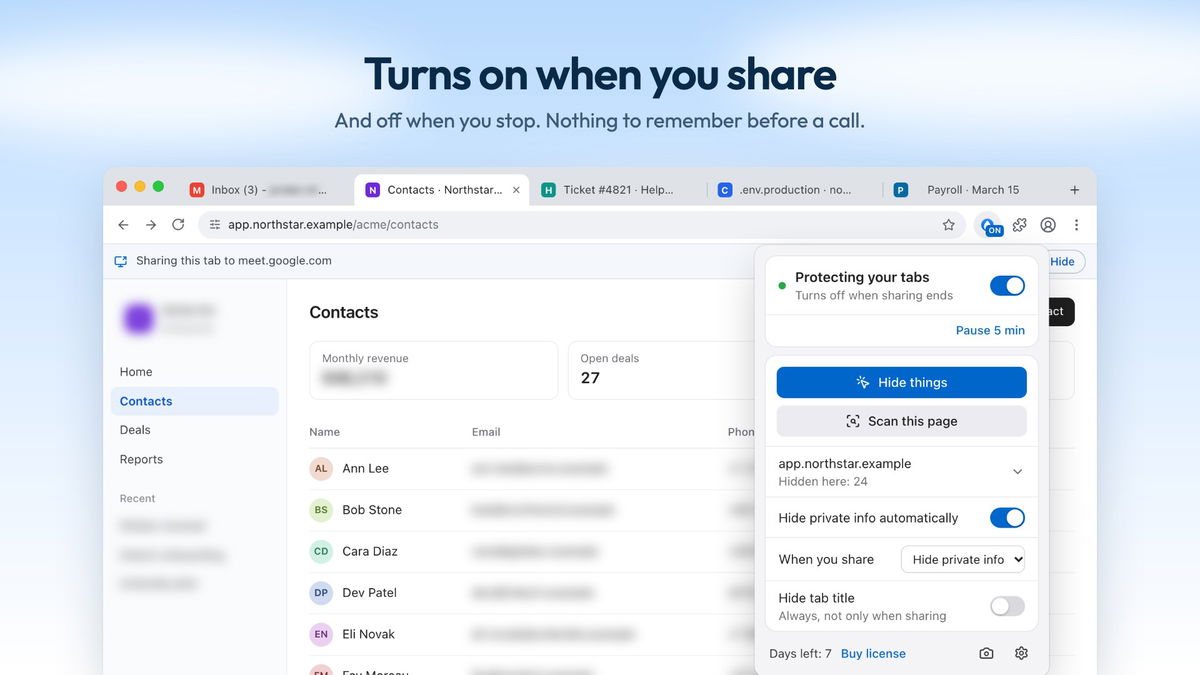
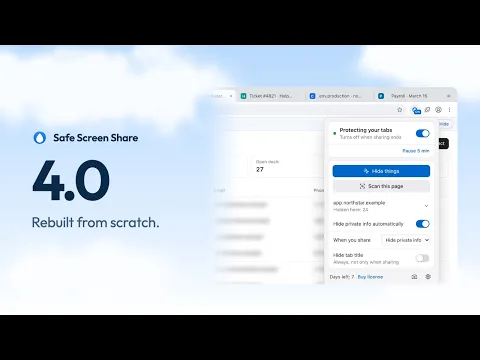
Popup protecting tabs while sharing
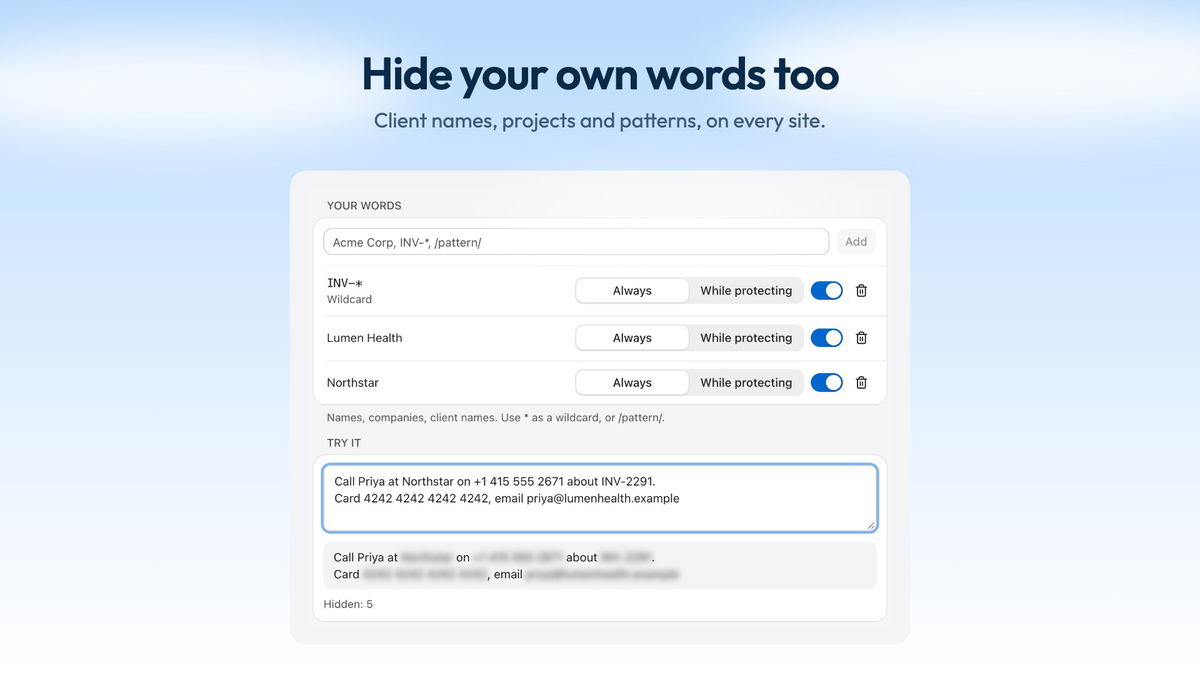
Your words list with live test
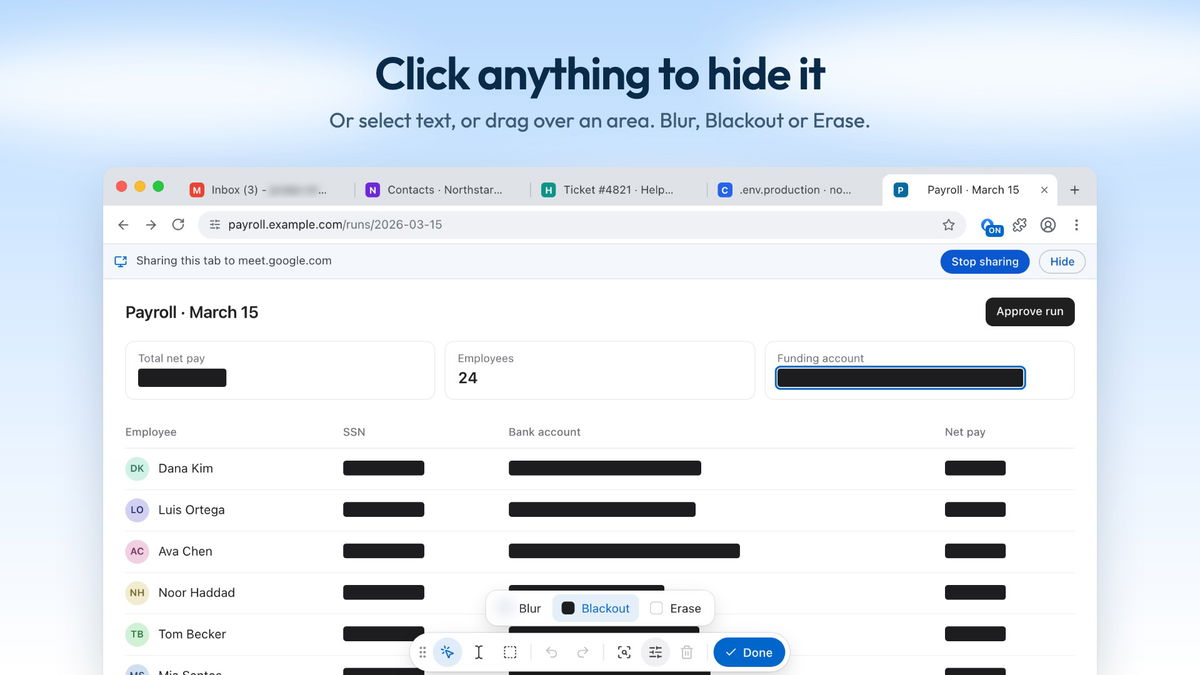
Payroll with Blackout and toolbar

Safe Screen Share

Micro-SaaS
-51%$29
$59
$29$59
  • Lifetime access
  • Refundable up to 60 days
No "We Got Your Back" guarantee. Radar is a discovery engine — we don't vet these products, so this guarantee doesn't apply.
AppSumo's 60-day refund applies to most deals. AI skills are non-refundable once redeemed.
AppSumo Labs

Early-stage product. Brought to you by the team who built it.

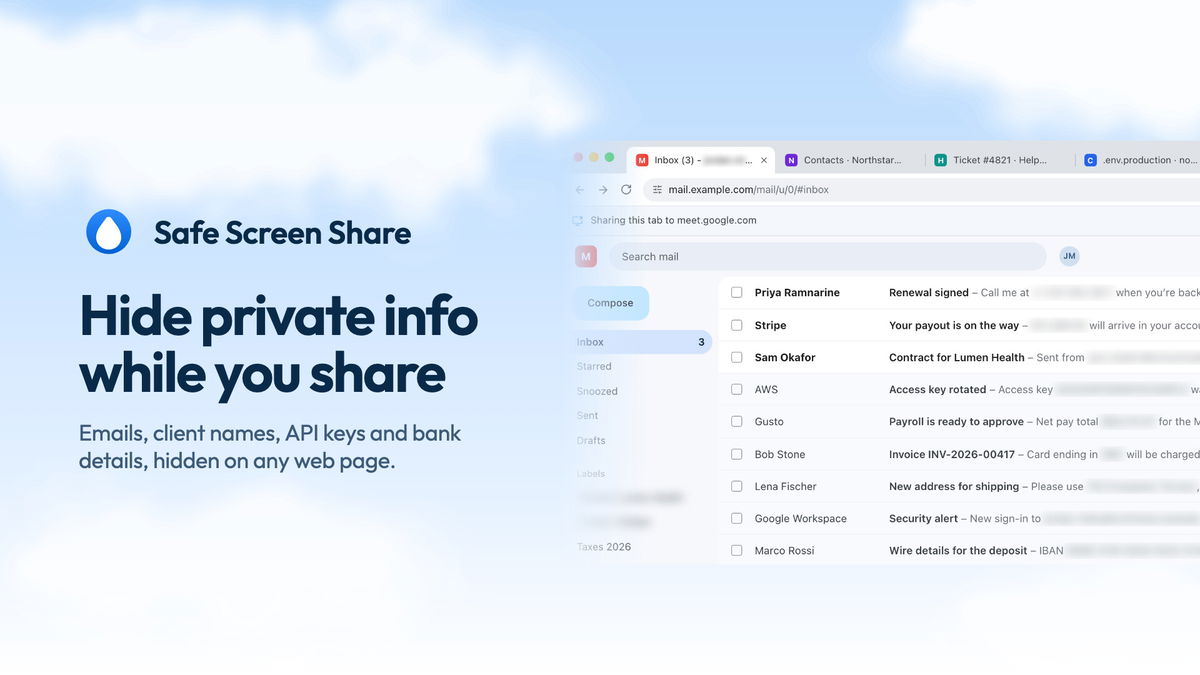
Screen shares leak inbox previews, client names and API keys. Safe Screen Share hides them in your browser the moment you share, and page content never leaves your computer.

TL;DR

  • checkmarkHide 50+ kinds of private info automatically, right on your computer
  • checkmarkTurn on by itself the moment you share your screen or join a call

Integrations

Google Meet, Loom, Microsoft Teams, Zoom

Best for

Content creators, Customer support, Remote teams

Safe Screen Share logo

Safe Screen Share

Keep private data out of every screen share

Hide private info automatically

  • Auto-hide finds 50+ formats: emails, phone numbers, card numbers, IBANs, ID numbers, API keys, tokens and database URLs
  • Turn each kind on or off, so only what matters to you gets hidden
  • Turn on Deep scan to catch names and addresses in plain sentences, with an AI model that runs on your computer
  • Keep it all on your device: page content is never uploaded or stored
Hide private info automatically

Turns on by itself when you share

  • Share your screen on Zoom, Google Meet, Teams, Discord or Slack and Auto-protect turns on. It turns off when you stop
  • Prefer another trigger? Start when a call starts, ask first, or only when you turn it on
  • Cover private sites like your bank or password manager, or every tab except the one you present
  • Hide tab titles and icons, which show up in share pickers
Turns on by itself when you share

Hide your own words on every site

  • Add client names, project names or any word once and they stay hidden on every site, in form fields and tab titles
  • Use * as a wildcard or a /pattern/ to catch every invoice or account number in the same format
  • Paste text in Settings to see exactly what gets hidden before a call
  • Keep one profile per client, each with its own words, hides and private sites
Hide your own words on every site

Click anything to hide it, and it stays hidden

  • Click any element, select text or drag over an area to hide it, or use the right-click menu
  • Pick a style: Blur, Blackout boxes, or Erase, which removes content and keeps the layout
  • Hides stay put when you reload, scroll or move around an app
  • Copy a screenshot with everything still hidden, or hold Alt to peek at what's hidden
Click anything to hide it, and it stays hidden

One plan, all inclusive

Feel secure in your purchase with AppSumo's 60 day money-back guarantee.

Refundable up to 60 daysNot covered by We Got Your Back. Why?
Deal terms & conditions
Safe Screen Share
See Safe Screen Share
Founded September 20, 2024
🇧🇩Dhaka, Bangladesh
1-10
Startup
Bootstrapped

Why I built Safe Screen Share

I needed to share a screenshot, but the page was full of personal information I did not want anyone else to see. Editing the image every time felt slow and repetitive, so I made a simple bookmarklet that could blur any element with one click.

That solved the immediate problem, but it did not remember anything. When I returned to the same page days later, I had to hide the same details all over again. I turned the idea into Safe Screen Share, a browser extension that remembers what you hid and brings it back when you return.

Today it is built for creators, educators, freelancers, sales and support teams, and anyone who presents real browser data. Auto-hide finds private info on its own, Your words keeps chosen names hidden on every site, and Auto-protect turns everything on the moment you share your screen. Every privacy decision stays on your computer.

What “Radar” means for this product

Learn more about AppSumo deals

Radar is home to early-stage products looking to gain traction. Here’s the lowdown of what these deals are and aren’t.

Where it is in its life

Radar products are at the start of their journey. They're fresh on the scene and building a customer base.

How we vouch for it

We've verified the basics and reviewed the listing for safety. Success isn't guaranteed — we haven't fully vetted every claim, feature, or result.

Code & security review

All AI skills are reviewed for security purposes. We do not review software code — partner owns security and what ships.

Refund policy

60-day refund on most deals. AI skills are non-refundable once redeemed.

Pricing

Prices are set by the founder. Simple as that.

Where you'll see it

The Radar section of our site exclusively. These products are in early discovery and not quite ready for the AppSumo limelight yet.

Radar is a discovery engine — because we aren’t vetting these products, our We Got Your Back guarantee doesn’t apply. Should these products show traction, our team will work with theirs to get them ready for the main stage (and protected).

Questions & reviews