Hi Sumo-lings 👋
Thank you for all the great questions and feedback!
We noticed several topics coming up repeatedly, so here's a clear overview to help everyone better understand how AiPPT works.
Credits & Usage Limits (Top Frequent Question)
Please be rest-assured, all usage limits are recurring — NOT one-time.
AiPPT works with renewable usage limits.
To make things clearer, here's how Tier 1 works as an example:
AI generation + PPT template downloads per day 20
👉 You can generate and export up to 20 presentations per day. Limit resets automatically the next day.
AI image credits per month 500
👉 500 credits are provided each month for AI image generation. Credits auto-renew every month.
Maximum AI-generated slides per day 20
👉 Each presentation can contain up to 20 AI-generated slides. This limit applies per PPT file, not per day or per month.
AI edits per day 30
👉 Up to 30 AI-assisted edits per day. The limit resets daily.
Nano Banana slide credits per month 600
👉 600 Nano credits are provided monthly for slide generation powered by Nano Banana models.
Credits automatically renew every month.
🍌 Is Nano Banana Included in Both Plans? (Second Popular Question)
Yes — Nano Banana is included in both Tier 1 and Tier 2 plans.
AiPPT supports multiple Nano Banana models:
- Nano Banana
- Nano Banana Pro
- Nano Banana 2
Using Nano Banana features consumes Nano credits.
Tier allocations:
- Tier 1: 600 Nano credits/month
- Tier 2: 1200 Nano credits/month
Don't worry — Nano credits renew automatically every month.
We've also seen questions about differences between AppSumo and our official website.
👉 All core benefits are the same as on our official website plans, so you can confidently purchase through AppSumo.
🚀 AiPPT Features Roadmap?
Many of you asked about our roadmap — here's an overview of where AiPPT stands today and where we're heading.
What AiPPT features currently?
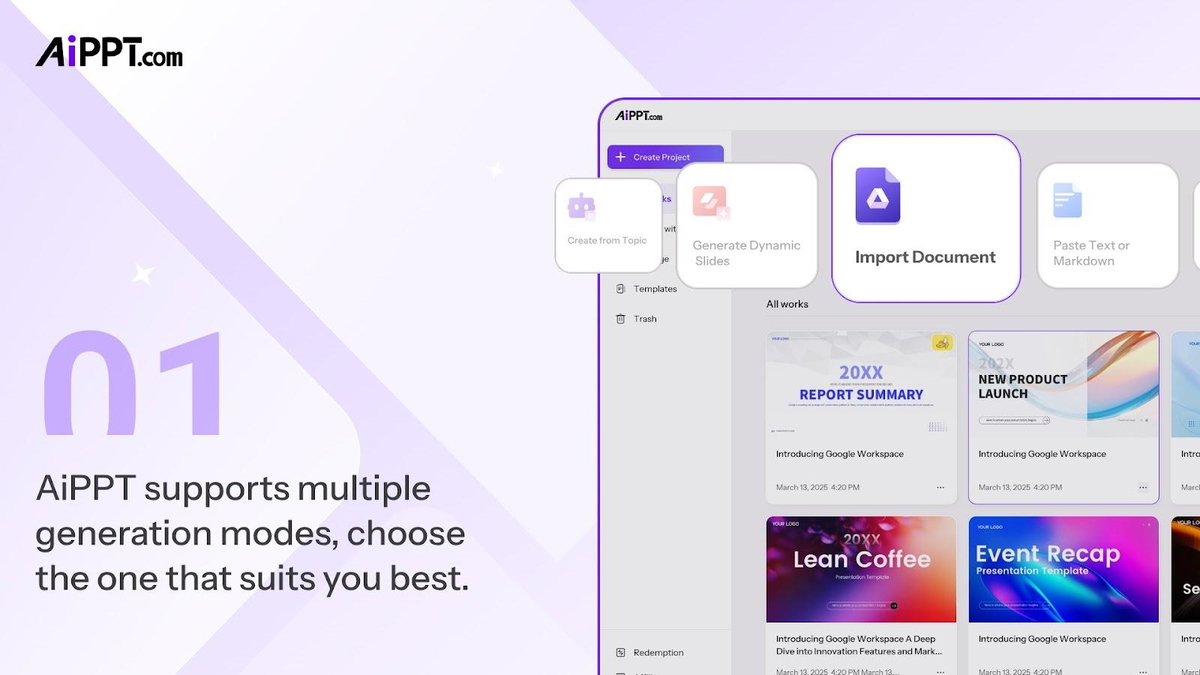
Three Core Presentation Modes
- Classic Presentation 👉 Classic 16:9 slide presentations.
- Dynamic Slides 👉 Auto-formatting slides with no fixed canvas size and grow with your ideas.
- Nano Banana Mode 👉 Image-led slides for visual storytelling, powered by Nano Banana Models.
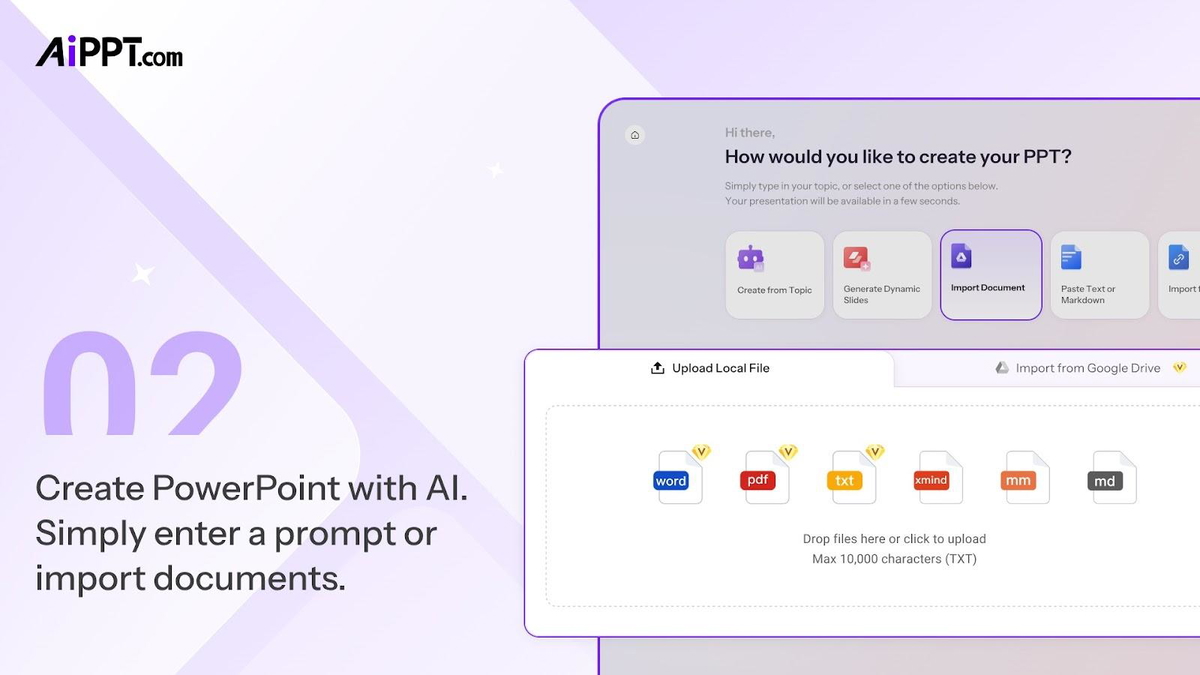
Multiple Ways to Start Creating
- Create with topic 👉 Start with one sentence and our AI model will elaborate on it.
- Import files 👉 Support Word, PDF, TXT, or Google Drive.
- Paste long text and markdown 👉 Input long, plain text or markdown text to start.
- Import URLs 👉 Copy paste a web link and turn web pages into presentations.
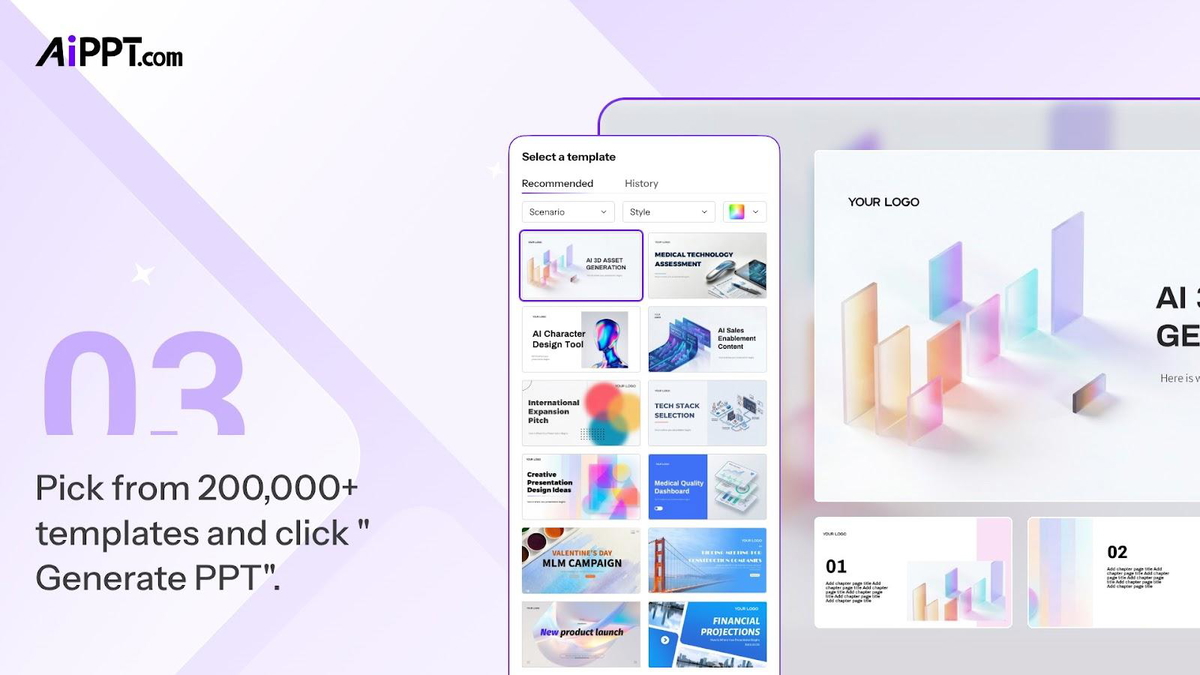
- Set up the tones 👉 such as language, audience, tone, page count, and AI model to power the slides generation.
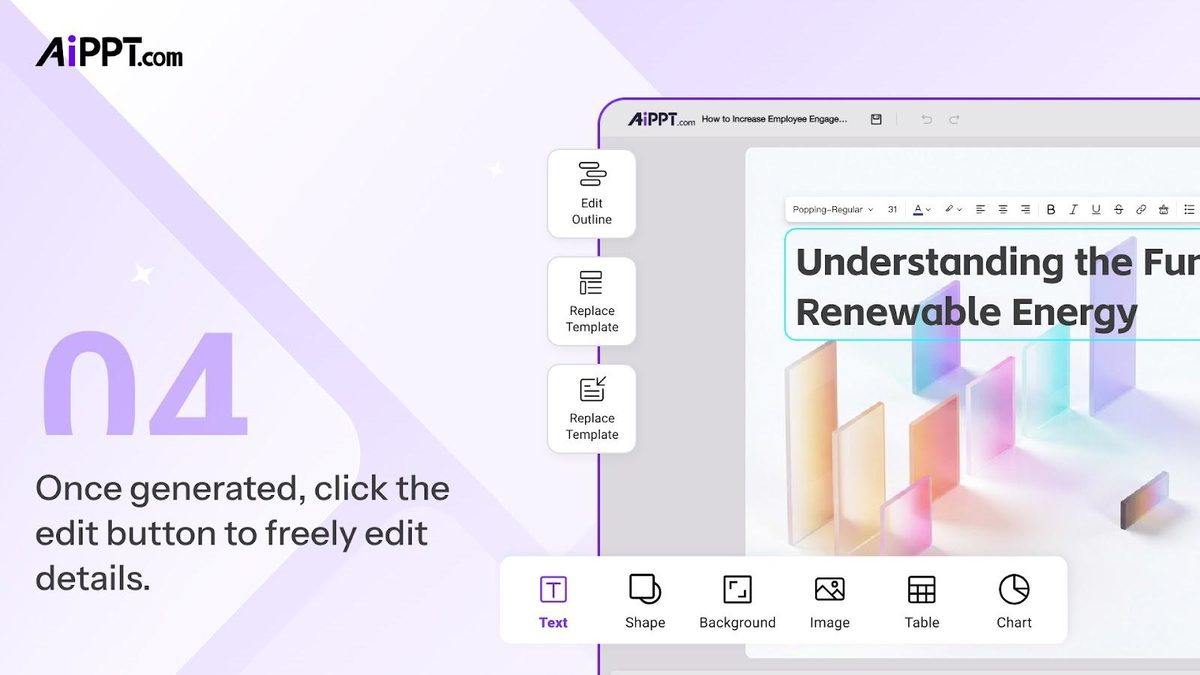
Editor Capabilities
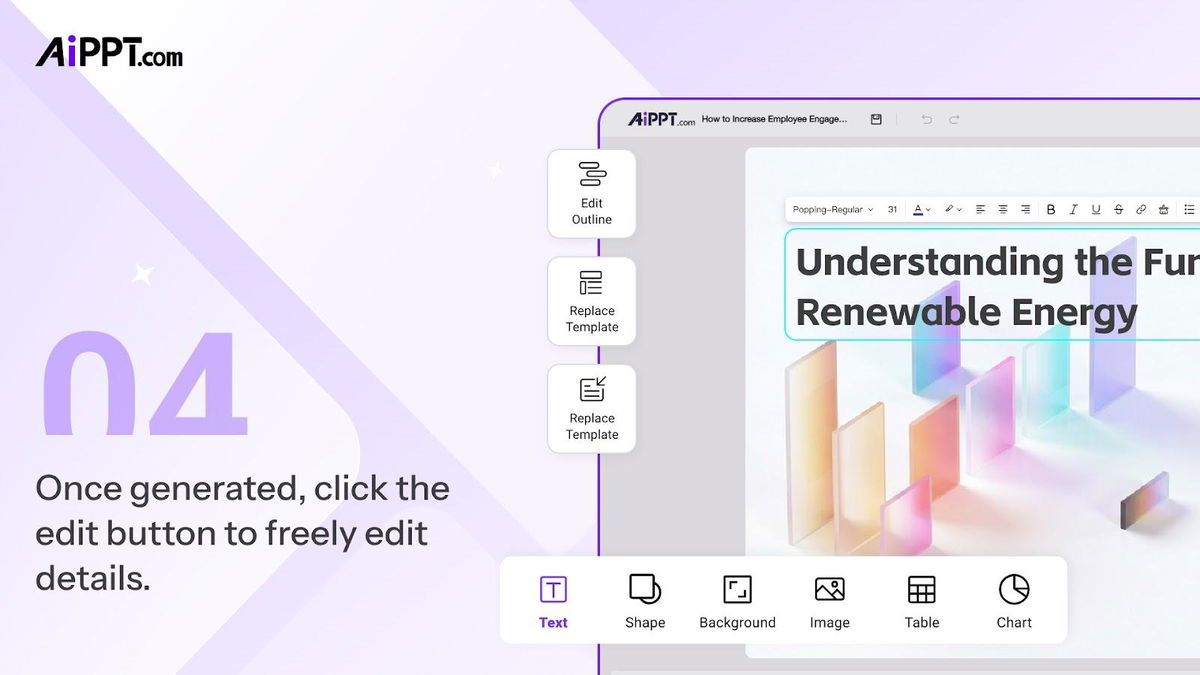
After generation, AiPPT gives you full flexibility to refine your slides:
- Add slides with AI 👉 If you'd like to add more slides, we also got your AI partner to help.
- Insert diverse elements 👉 text, shape, image table, and charts.
- Replace slide theme 👉 Also you may have selected the slide theme, you'll still have the chance to change it after the slides have been generated.
- Switch slide design 👉 If you're not happy with any slide, you can change the design of that slide specifically.
Sharing & Export Options
Your presentations can be shared or exported easily:
- Exportation 👉 export as pdf, ppt, images and one single-collaged image, or share using a private link.
🚧 What's Coming Next
Here's a glimpse of features coming soon:
- Fully Customizable Theme 👉 Create your own brand styles with custom colors and fonts.
- Upload Images to Generate Slides 👉 Upload images and let AI build presentations around them.
- Presentation Design Enhancement 👉 Upload an existing PPT to automatically improve layouts, backgrounds, and typography without changing content.
(And yes — more updates are continuously rolling out.)
🌍 Language Support
AiPPT supports 40+ world languages! Including:
English (US), English (India), English (UK), Afrikaans, Indonesian, Czech, Danish, German, Spanish, Spanish (Spain), Spanish (Latin America), Spanish (Mexico), Filipino, French, Italian, Lithuanian, Malay, Dutch, Polish, Portuguese (Brazil), Portuguese (Portugal), Finnish, Swedish, Vietnamese, Turkish, Greek, Kazakh, Russian, Hebrew, Egyptian Arabic, Arabic, Marathi, Hindi, Bengali, Tamil, Telugu, Thai, Javanese, Korean, Japanese, Traditional Chinese, Simplified Chinese.
You may also want to learn that AiPPT's AI generation accepts multilingual input and produces multilingual output.
Not only can you generate slides from different language sources, but also create presentations in another language.
Example workflows:
- German source → English slides
- Swedish input se → English presentation
- Chinese input → English export
❤️ Final Note
We truly appreciate the thoughtful questions from the community — they directly shape our roadmap.
If you have feature ideas (branding automation, multilingual workflows, education features, etc.), please keep sharing them. We are building AiPPT together with you 🚀


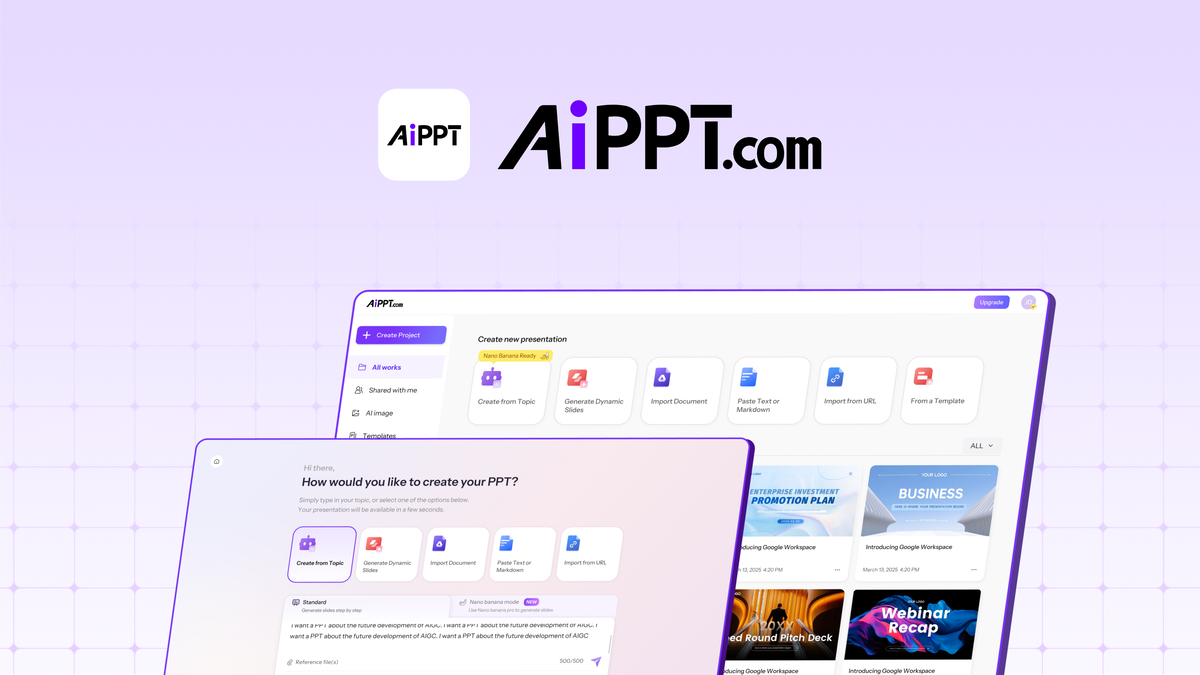
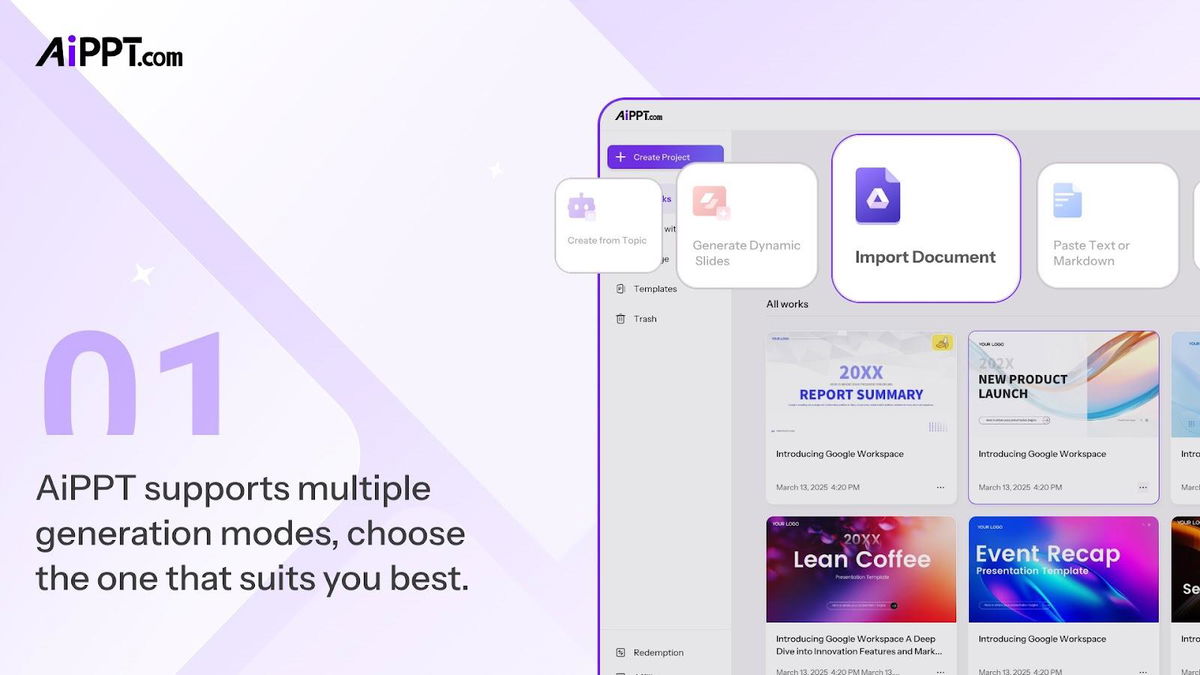
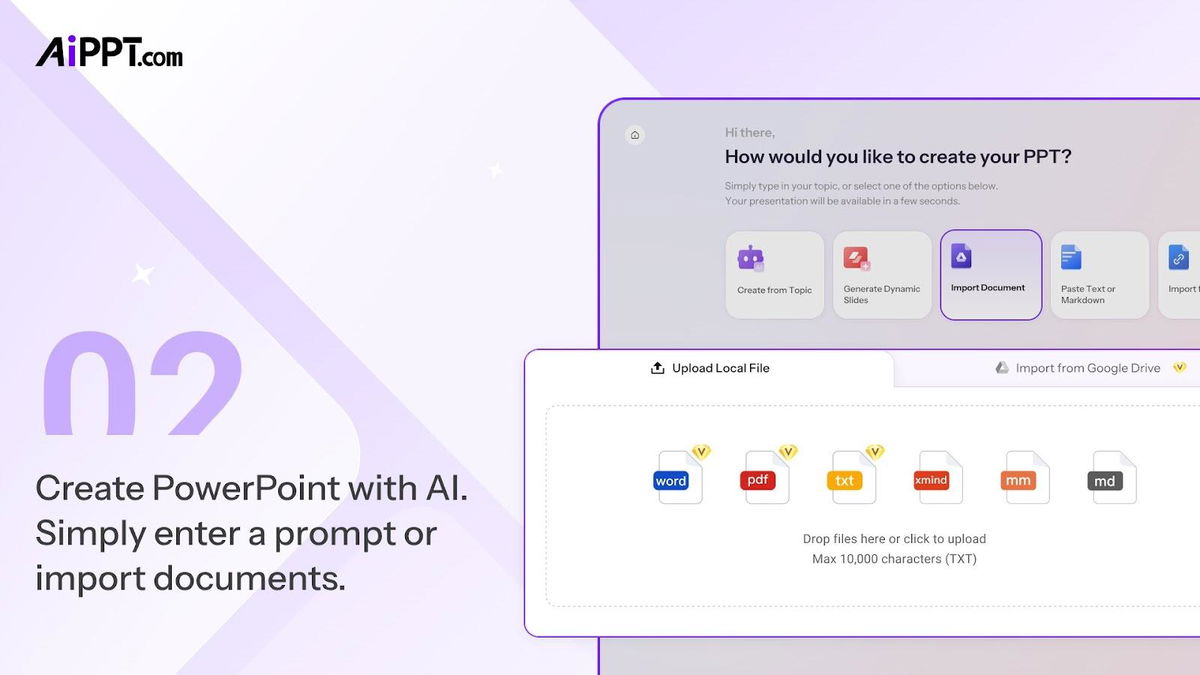
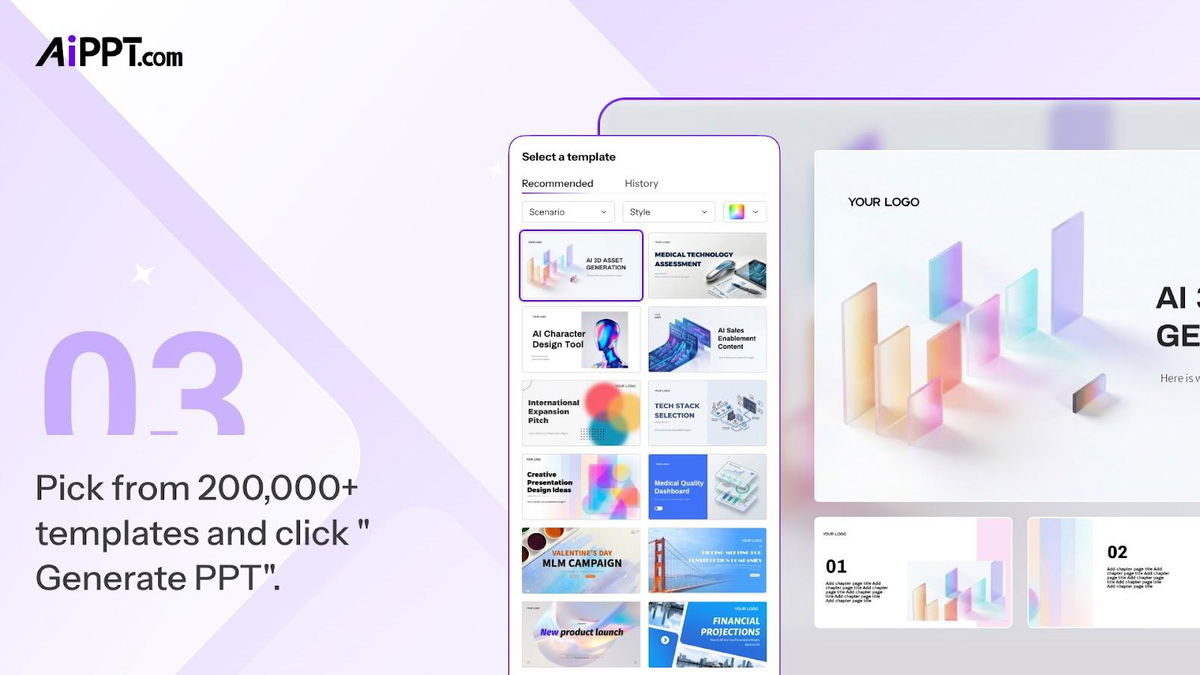


 Generate polished slides from text, Word docs, PDFs, URLs, or Google Drive files in seconds
 Recommended