Blip AI
Dictate text in any app on Mac, Windows, or Android with a hotkey, smart formatting, and support for 99+ languages
No reviews yet, be the first!
Sold out
View images
No matter how impressive your typing speed is, replying to every single message is slowing you down. ("For the record, I'm channeling that cat keyboard GIF.")
The thing is, you have the exact response ready in your head—you just have to figure out how to get it all out there.
If only there was a tool that could turn your voice into clean, formatted text in any app the moment you press a hotkey.
Do it with Blip AI.
TL;DR

Dictate in any app with smart formatting, filler-word removal, and support for 99+ languages
Use Hey Blip voice commands to instantly draft emails, Slack messages, and more by voice
At-a-glance
Alternative to
Features
Product Tier
Certification
- Yes
Overview
Turn speech into clean, formatted text in any app on Mac or Windows using a single hotkey
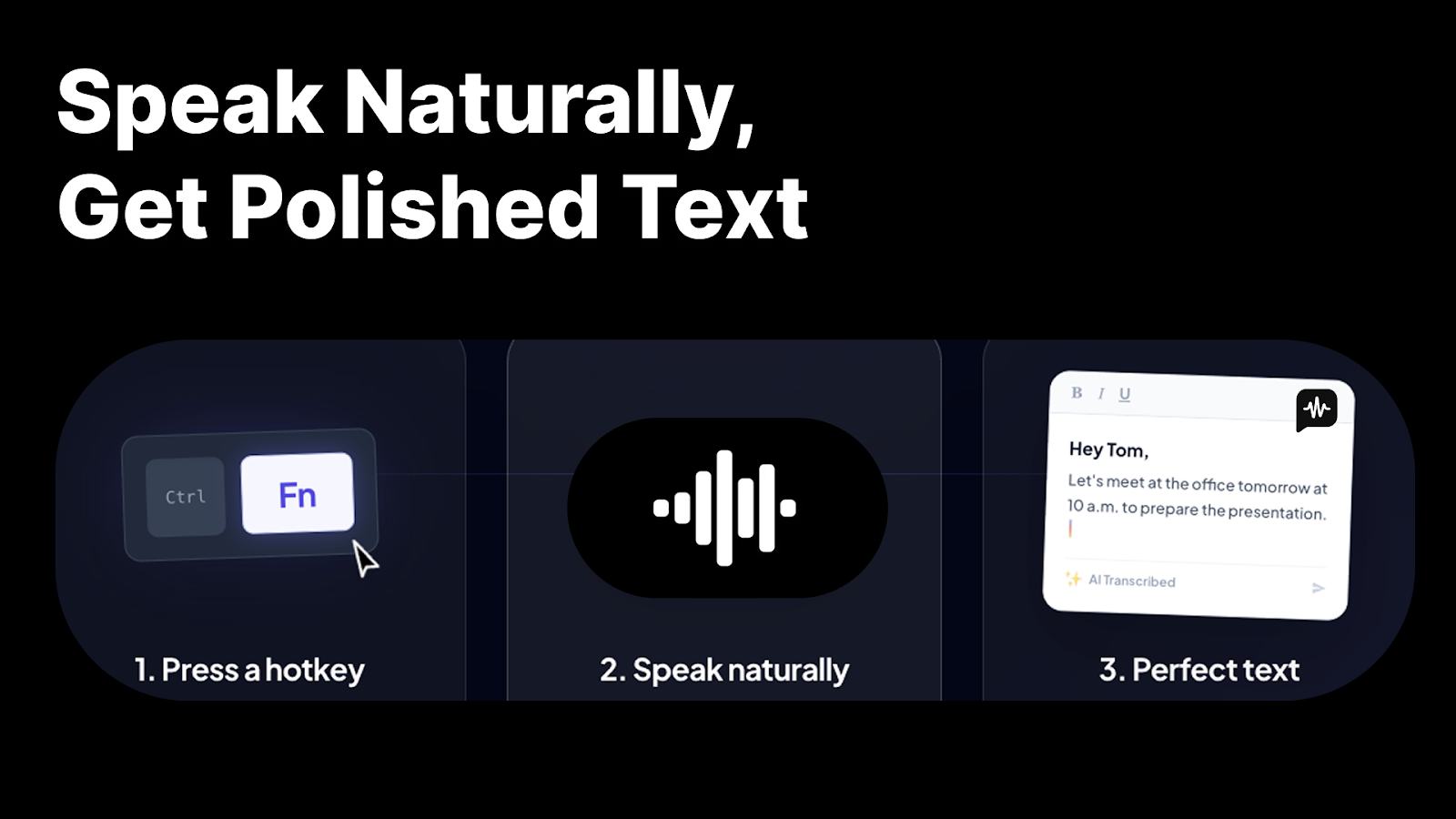
Speak naturally, get polished text
- Press a global hotkey and start dictating—Blip AI listens and transcribes in real time
- Strip filler words like "um" and "uh" automatically, so only your final thought makes it through
- Auto-format spoken sentences into clean punctuation, smart casing, and structured text
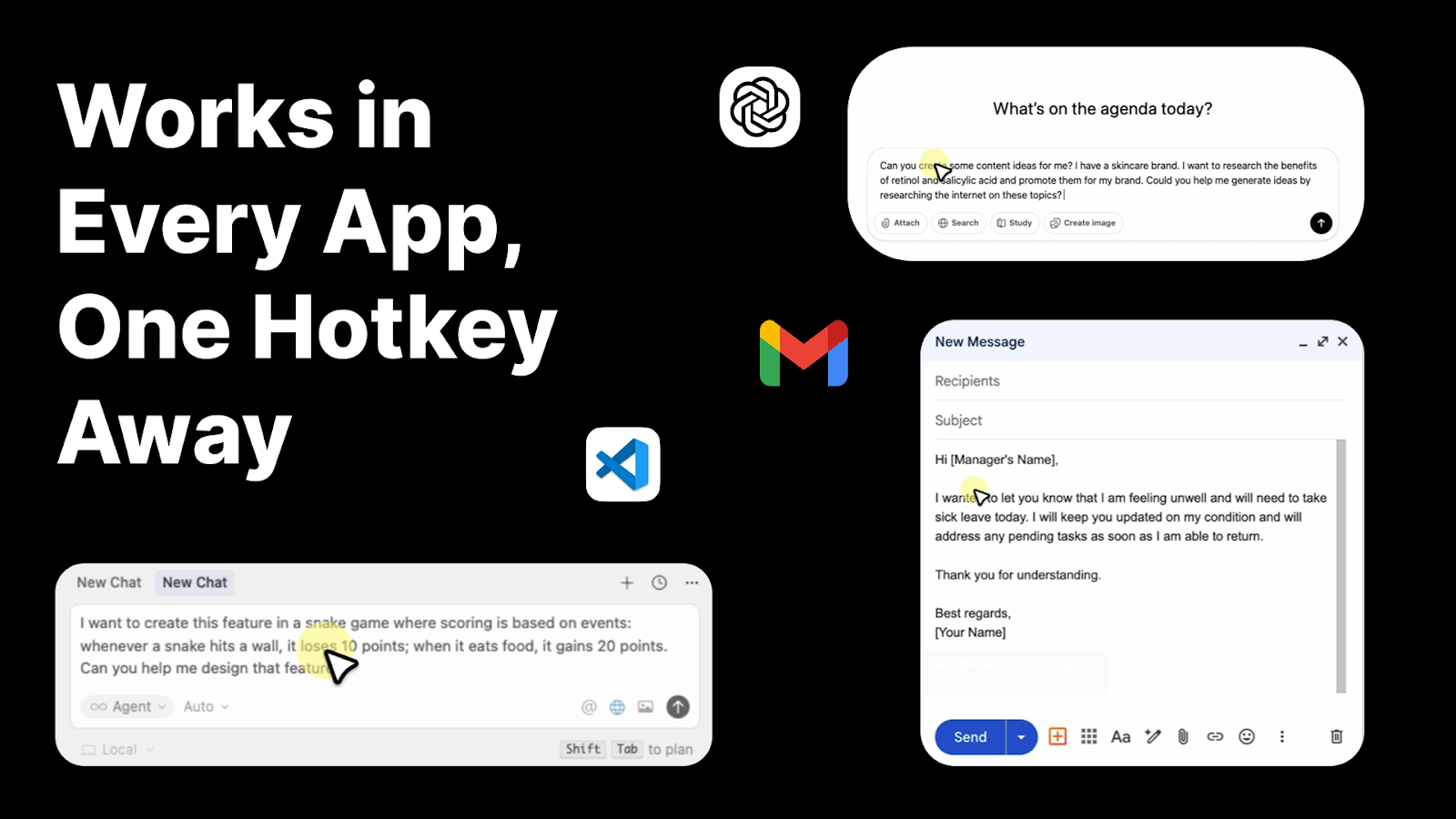
Works everywhere you type
- Dictate in Gmail, Slack, ChatGPT, VS Code, Cursor, and any other app on your desktop
- Keep one voice workflow across macOS and Windows—no switching tools between platforms
- Paste transcribed text directly at your active cursor, in any text field or IDE
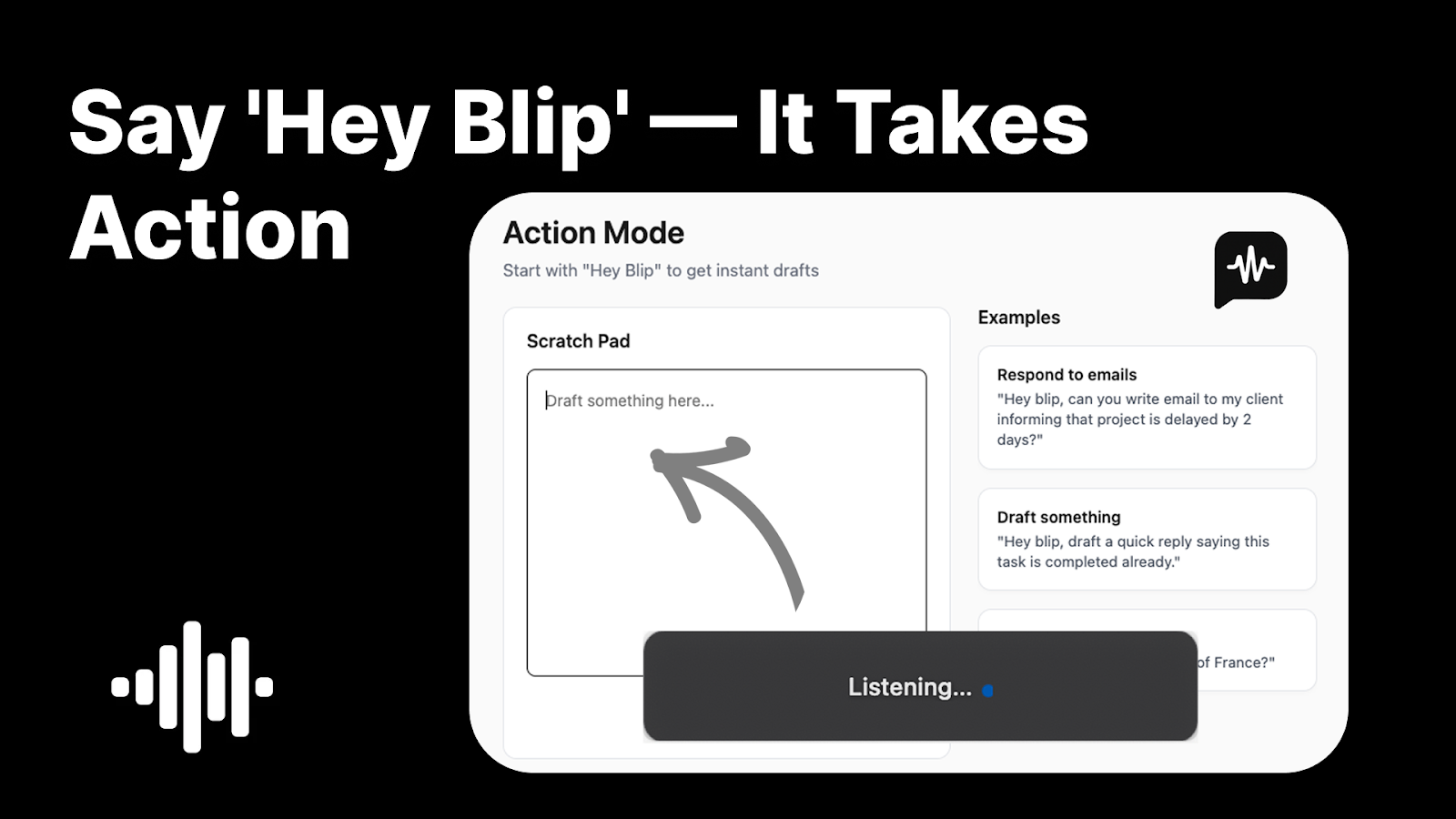
Draft messages and emails with voice commands
- Say "Hey Blip" followed by what you want to write, in any app
- Describe an email, Slack update, or note by voice and get a ready-to-send message back
- Use a Scratch Padto capture quick thoughts and turn them into polished text without switching apps
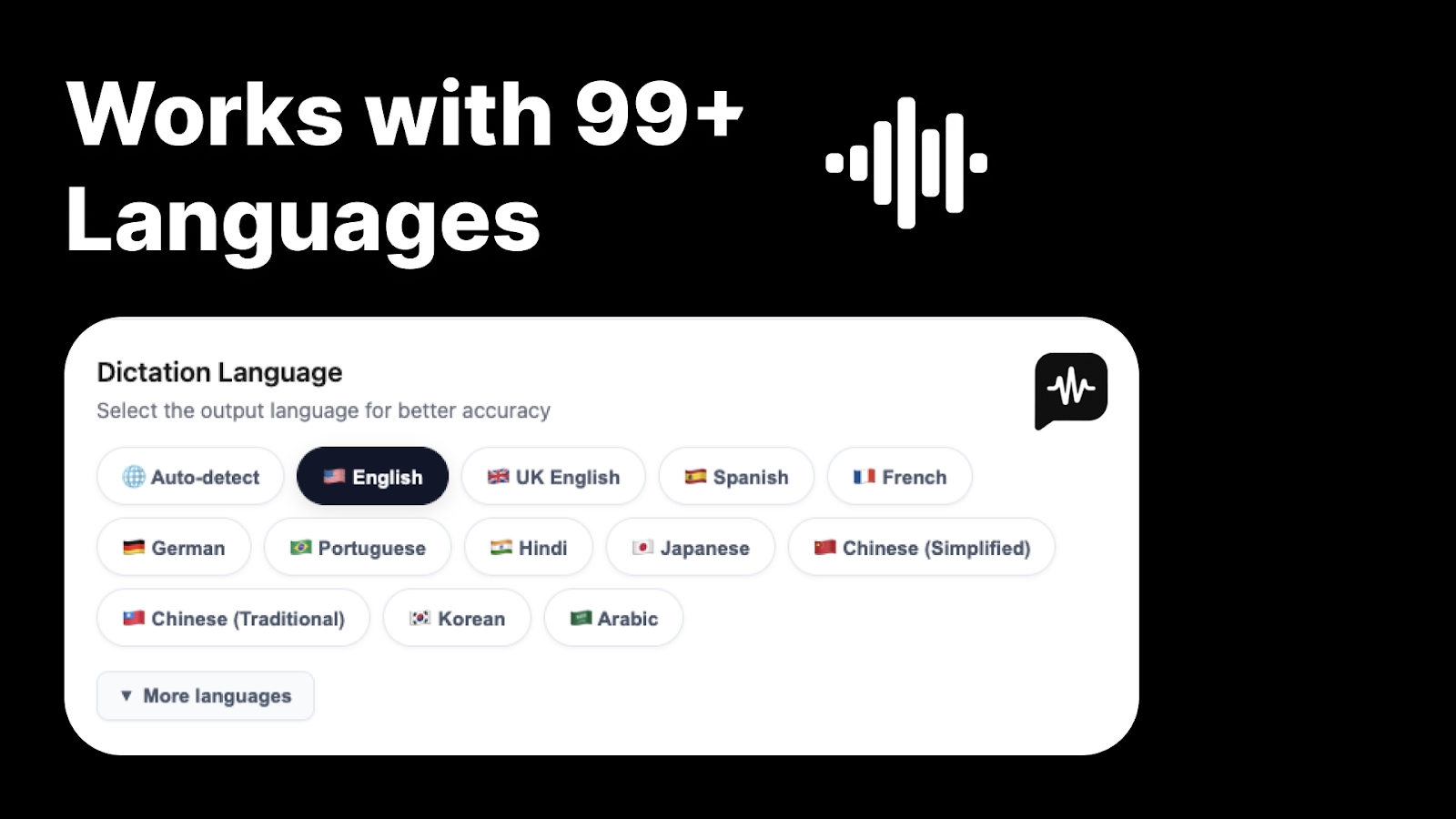
Personalize how Blip listens
- Add custom words and keywords to improve accuracy for industry terms, names, or acronyms
- Map shortcut phrases to links and saved text, like saying "my portfolio" to get the URL
- Choose your dictation language from 99+ supported options, with auto-detection available
Plans & features
Deal terms & conditions
- Lifetime access to Blip AI
- All future Pro Plan updates
- If Plan name changes, deal will be mapped to the new Plan name with all accompanying updates
- No codes, no stacking—just choose the plan that’s right for you
- You must activate your license within 60 days of purchase
- This deal cannot be upgraded or downgraded between license tiers

60 day money-back guarantee. Try it out for 2 months to make sure it's right for you!