ElkQR
Boost your business with ElkQR -- the ultimate tool for generating and managing secure QR codes
What if every printed material in your business could come alive with a single scan?
ElkQR turns your business cards, menus, flyers, and packaging into interactive experiences through dynamic QR codes.
Create stunning QR codes in seconds. Update them anytime without reprinting. Track every scan with precision analytics. With our Chrome Extension, generate QR codes instantly from any webpage. Need automation? Our developer API lets you create and manage QR codes programmatically.
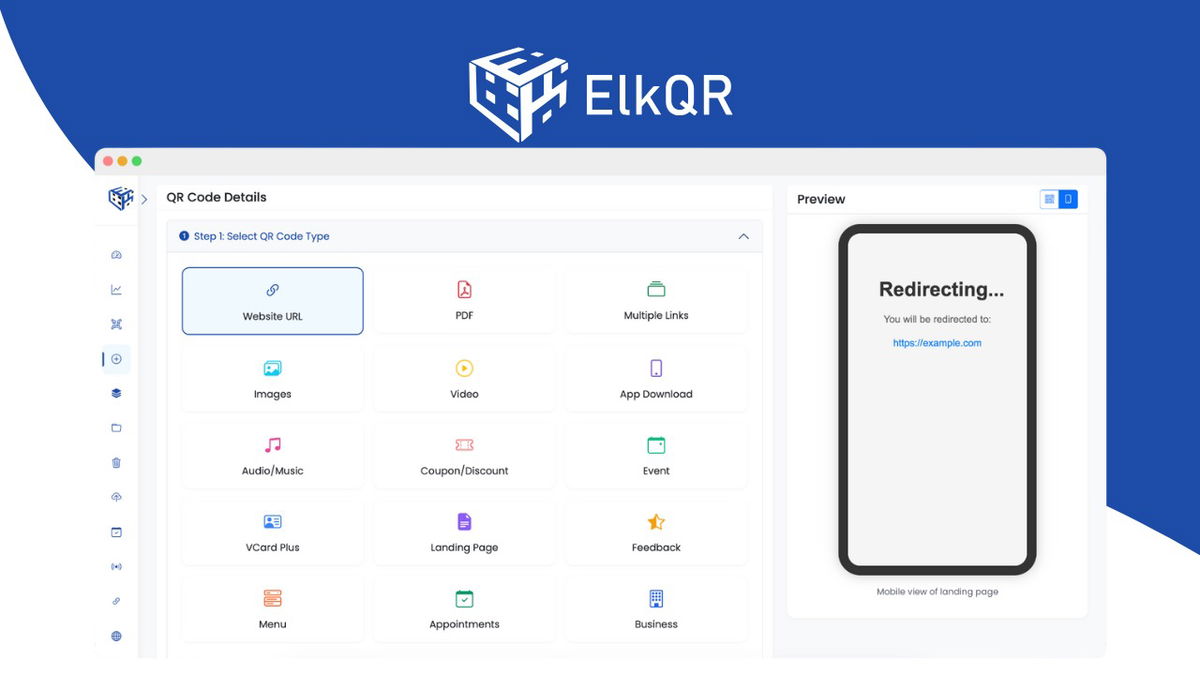
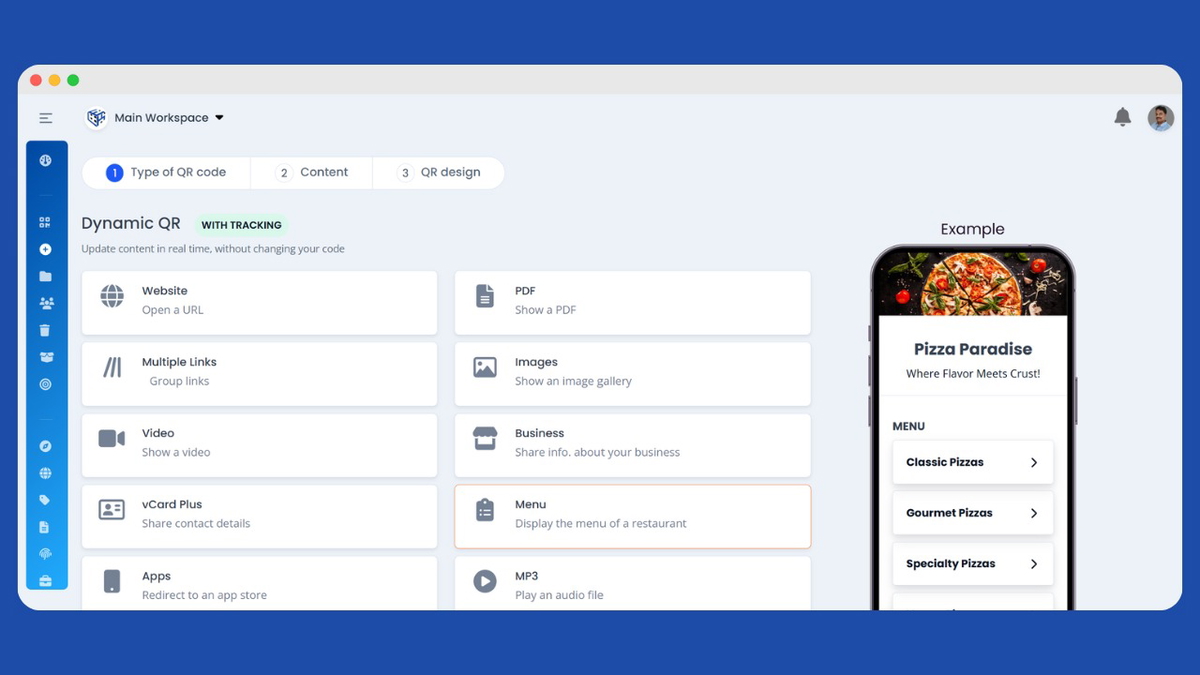
Choose from 18 QR code types, including digital business cards, restaurant menus, booking pages, video galleries, PDF shares, payment codes, and WiFi sharing. Customize with your brand colors, logo, and choice of 15 shapes and multiple patterns. Download in PNG, JPG, WEBP, or SVG at sizes up to 4096 pixels.
Built for reliability with a global CDN ensuring lightning-fast scans worldwide. High uptime. Unlimited scans. Zero compromises.
TL;DR
At-a-glance
Integrations
Features
Overview

ElkQR: 18 Dynamic QR Code Types for Every Business Need
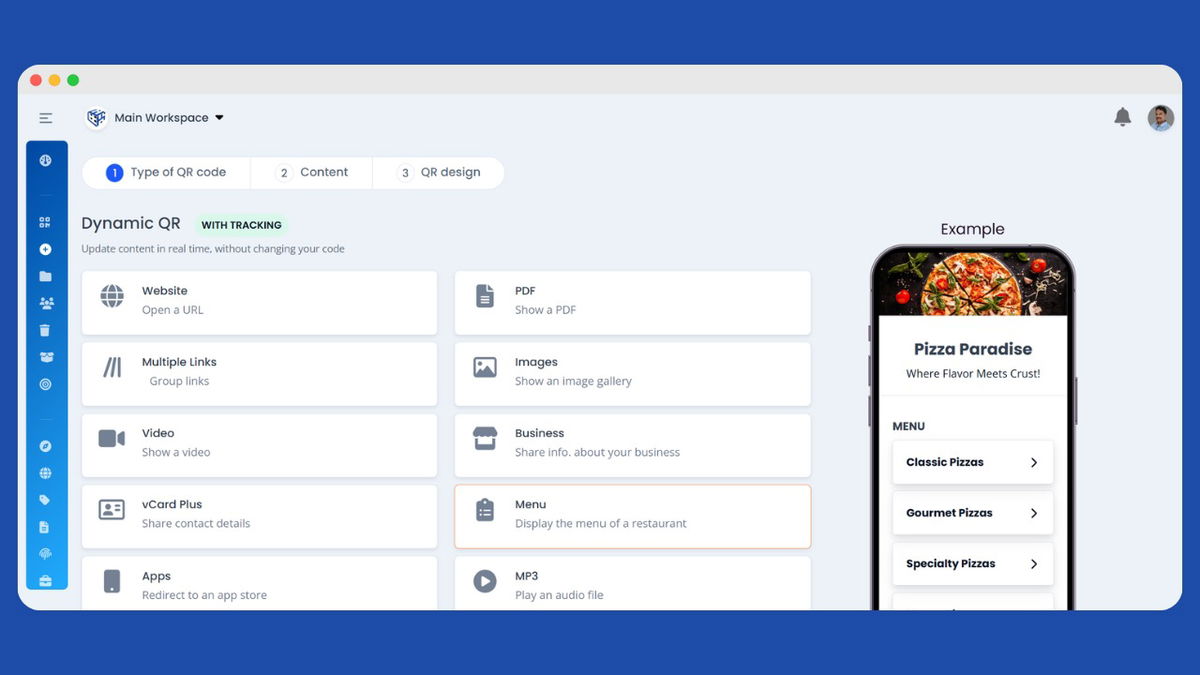
Stop limiting yourself to basic URL redirects. ElkQR gives you 18 powerful QR code types designed for real business needs.
Create digital business cards that save directly to phone contacts with a single tap โ complete with photo, social profiles, multiple phone numbers, and work addresses. Share PDFs that can be updated anytime without reprinting. Build restaurant menus with categories, pricing, and images you can change instantly.
Set up native appointment booking where customers pick dates and times directly from scanning. Create multi-link landing pages showcasing all your important links. Share video galleries and audio files with download options. Display image portfolios and product catalogs.
Enable one-tap Wi-Fi connections without typing passwords. Create event invites that add to calendars. Collect customer feedback and ratings. Share discount coupons with expiry dates. Build complete business profiles with services, hours, reviews, and payment methods. Promote app downloads with smart iOS and Android store detection. Accept payments with EPC bank transfers and Singapore PayNow.

ElkQR: Tons Of Customization Options
Your QR codes should look as professional as your brand. ElkQR gives you complete creative control over every visual element.
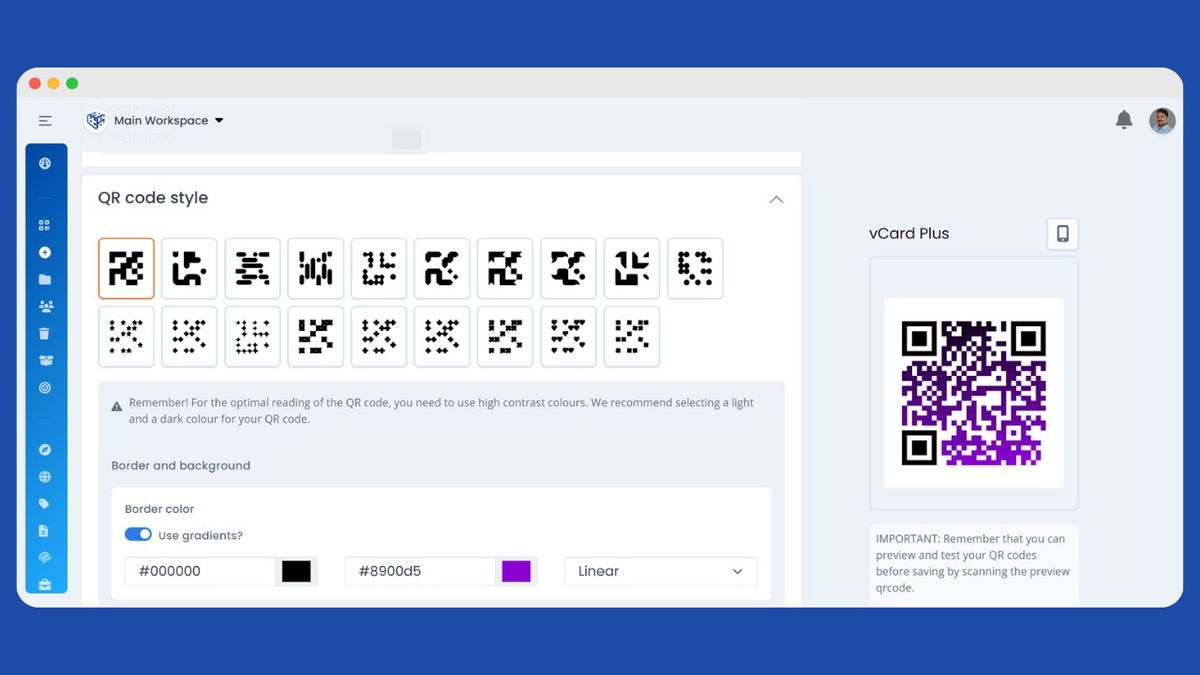
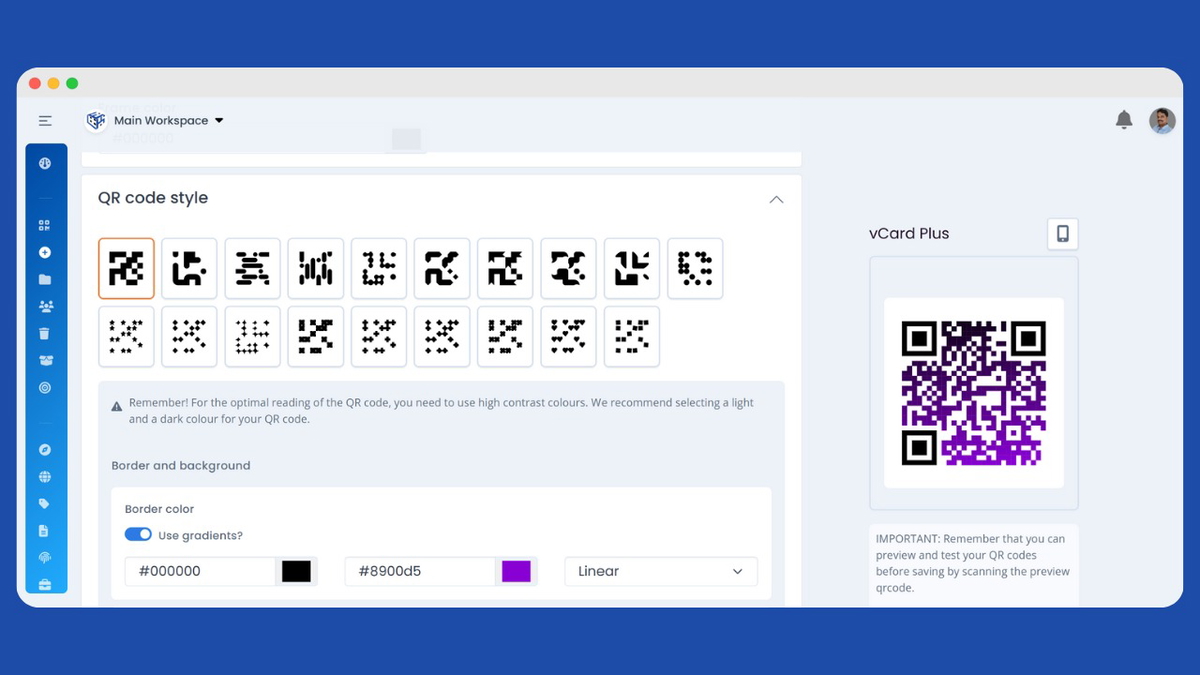
Choose from 15 unique QR shapes โ squares, circles, stars, shields, trophies, and creative options like pizza, burger, and teddy bear shapes for themed campaigns. Customize body patterns with 15 different styles. Style the corner finder patterns with 9 options, including circles, octagons, water drops, eye shapes, whirlpools, and zigzags. Customize finder center dots with 8 matching styles.
Apply colors that match your brand. Set solid colors or gradients for body, finders, and background separately. Want transparent backgrounds? Disable the background and place QR codes seamlessly on any design.
Add your logo with full control over size, position, and white background padding. Or choose from 20 preset icons, including Facebook, Instagram, LinkedIn, YouTube, WhatsApp, Spotify, and more.
Export in PNG, JPG, WEBP up to 4096px, or SVG for infinite scalability. Your QR codes, your brand, your rules.

ElkQR: Add a Custom Domain
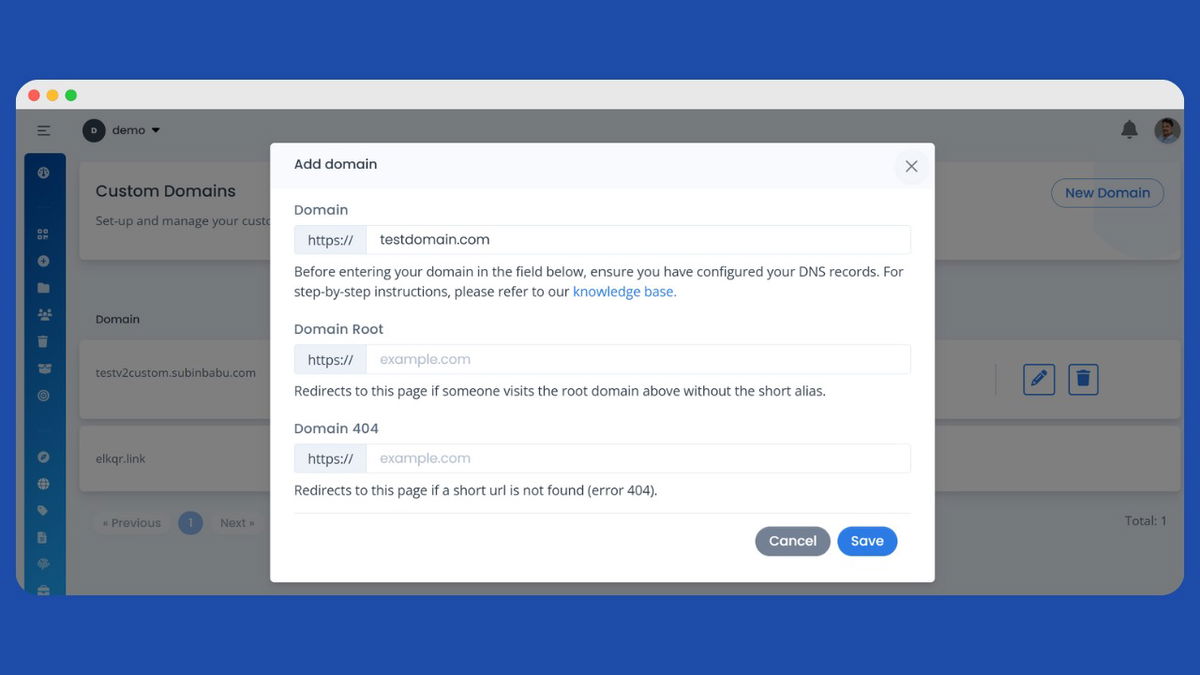
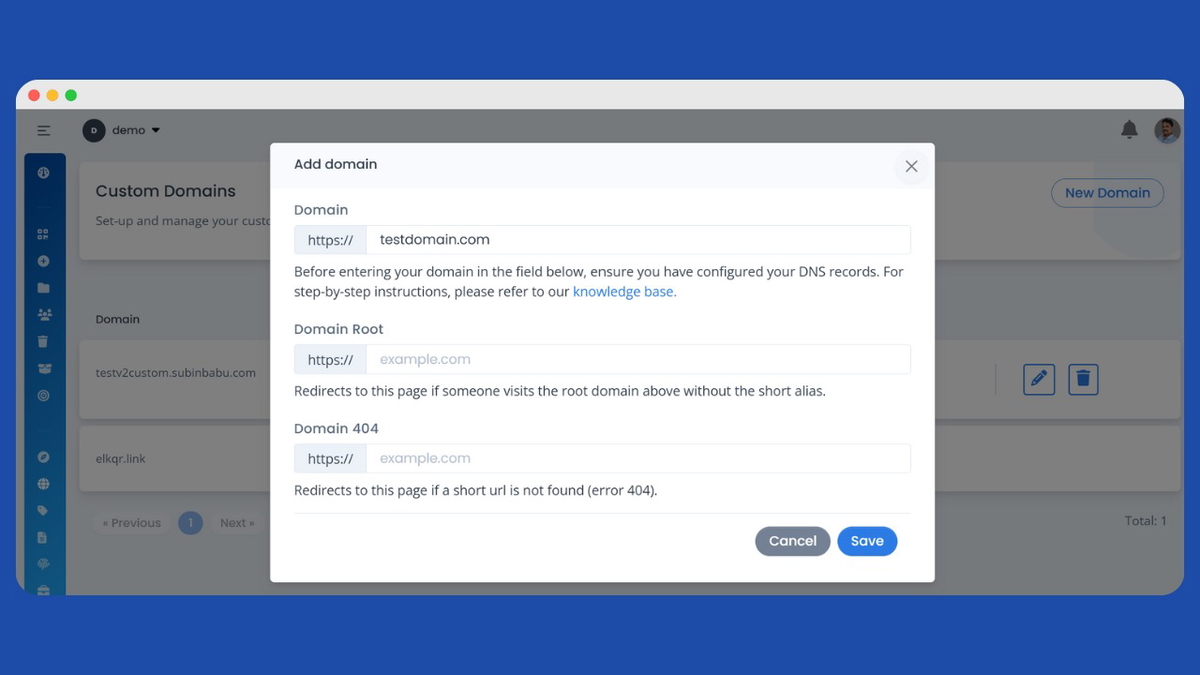
Elevate the professionalism of your QR codes with your own branded domain. Instead of using elkqr.link, use your own domain like qr.yourbrand.com or scan.yourcompany.com for all your QR code short links.
Adding a custom domain is simple. Register your domain in ElkQR, point your DNS to our servers, and you're ready to go. Every custom domain comes with free automatic SSL certificates โ no extra configuration needed. Your visitors get a secure, seamless scanning experience while you build trust and brand recognition.
Assign different custom domains to different workspaces. Give each client their own branded domain. Control which team members can use which domains. Perfect for agencies managing multiple brands, franchises with multiple locations, or enterprises managing multiple departments.
Custom domains work with all your QR codes automatically. Every new QR code you create can use your branded domain. Every scan reinforces your brand identity instead of showing a generic URL.

ElkQR: Analytics & Marketing Pixels
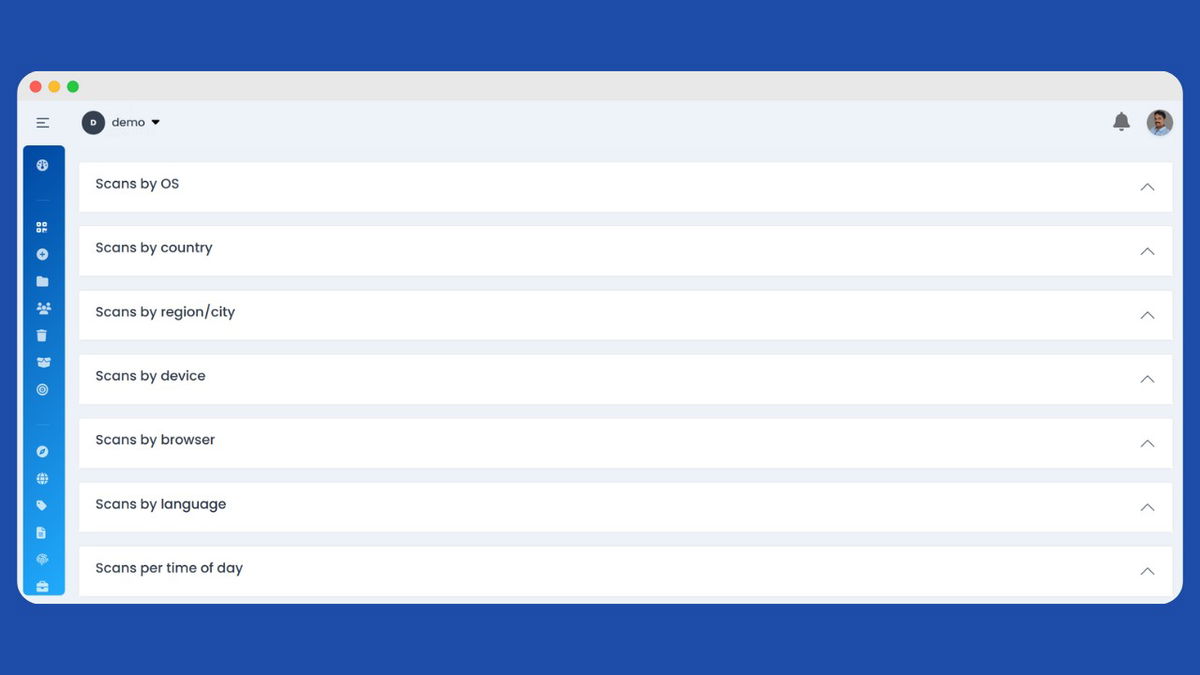
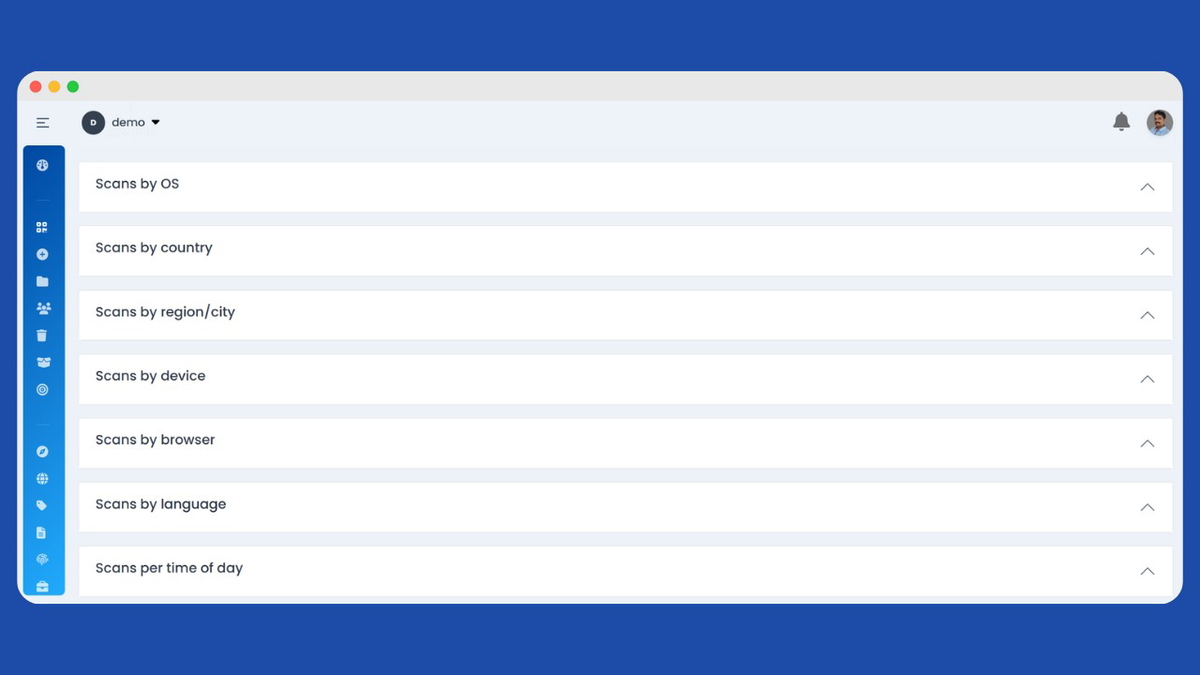
Your QR codes become powerful data collection tools. Every scan is tracked with detailed analytics showing exactly when, where, and how people interact with your code. See scan counts over time, geographic distribution across countries and cities, device breakdowns between mobile and desktop, and browser and operating system details. The analytics dashboard gives you a clear picture of campaign performance at a glance.

Take your marketing further with pixel tracking. Add your marketing pixels directly to any QR code to build retargeting audiences from people who scan. Whether you use Facebook, Google, TikTok, or any other advertising platform, paste your pixel code and start collecting audience data. Every person who scans your menu, flyer, or packaging can be added to custom audiences for future campaigns.
Schedule your QR codes to activate and deactivate automatically. Set start and end dates for promotions, seasonal campaigns, or limited offers. Your codes only work during the specified window, perfect for flash sales or event content. Password protection adds another layer, letting you restrict access to exclusive content or internal resources.

ElkQR: Unlock Collaborative Power with Team Members & Workspaces
Organize your QR codes into separate workspaces for different clients, projects, or departments. Each workspace has its own set of qrcodes, analytics, and settings completely isolated from others. Perfect for agencies managing multiple client accounts or businesses with distinct brands. Switch between workspaces instantly without logging in and out of different accounts.
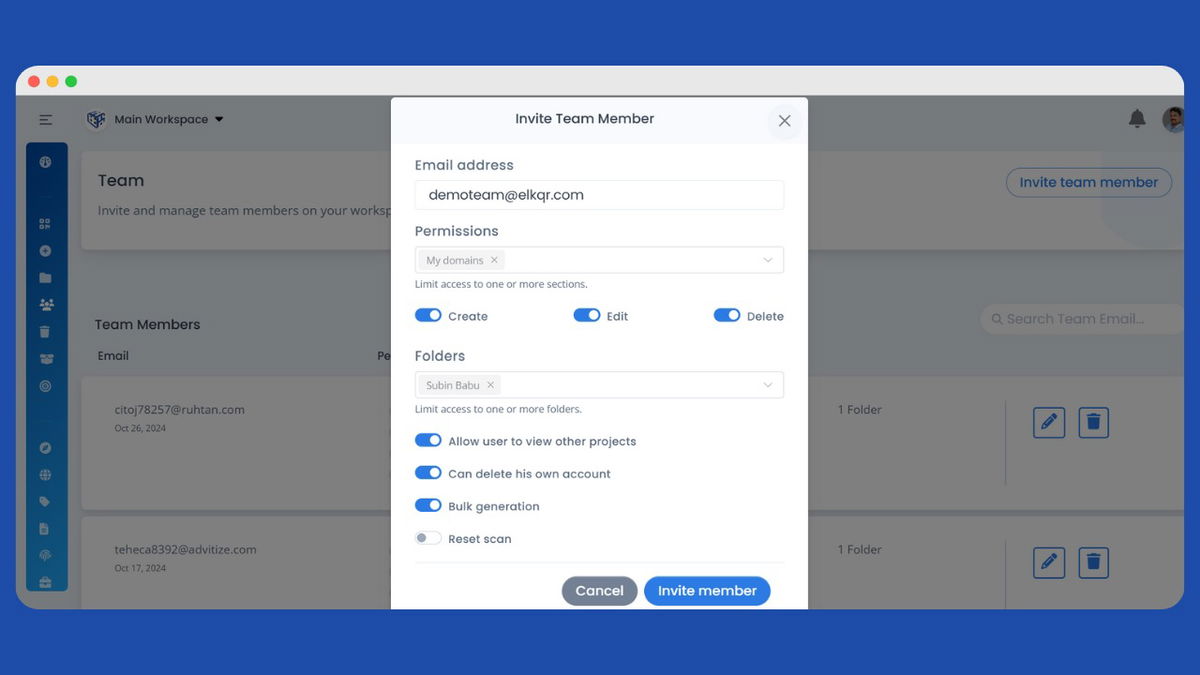
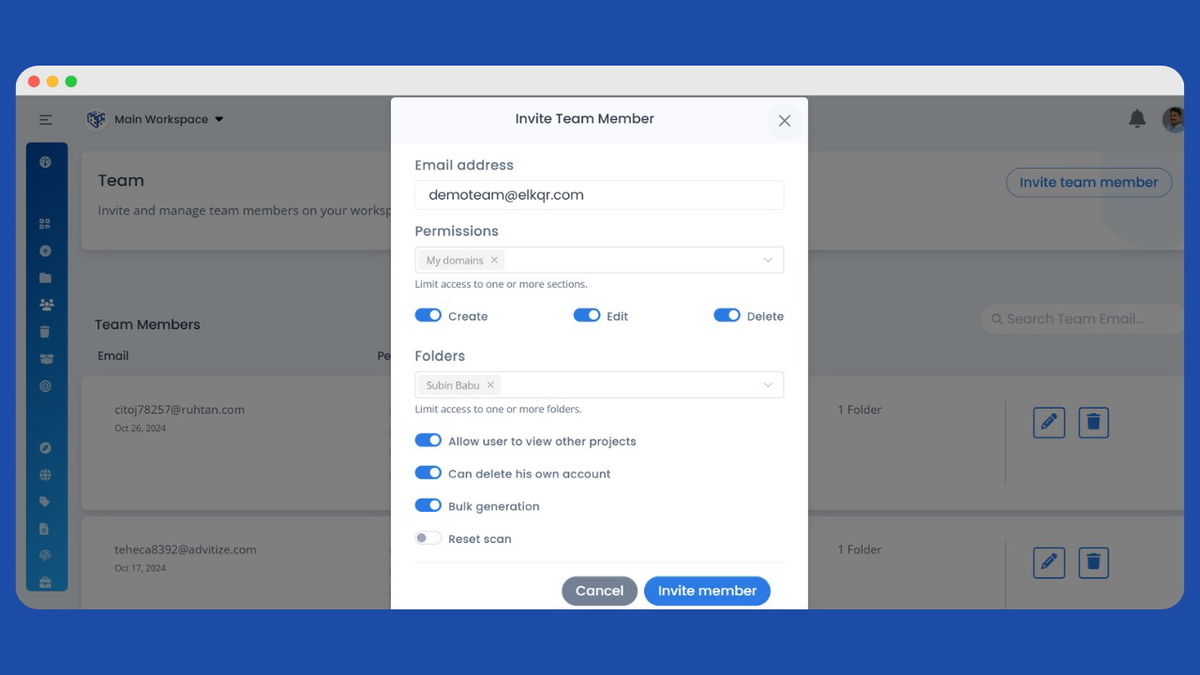
Invite team members to collaborate on your workspaces with granular access control. Assign the editor role to team members who need to create, edit, and delete QR codes. Assign viewer role to those who only need to see codes and analytics without making changes. Each team member receives an email invitation with a secure link to join your workspace. They create their own account and get access instantly.
Team members only see the workspaces they are invited to, keeping client work confidential. The workspace owner maintains full control and can add or remove team members anytime. Track who created or modified each QR code with activity logs. Collaborate efficiently, whether your team is in the same office or spread across different locations.
Plans & features
Deal terms & conditions
- Lifetime access to ElkQR
- You must redeem your code(s) within 60 days of purchase
- All future Growth Plan updates
- Stack up to 3 codes
60 day money-back guarantee. Try it out for 2 months to make sure it's right for you!
Features included in all plans
- Folder manager, Advanced sorting options, Templates
- Team members
- Meta tag customization
- Weekly account summary
- Custom domains
- GB of overall storage
- Password protection, Two-factor authentication
- Shared & Private team members
- Bulk QR code creation
- Workspaces
- Landing page builder, UTM builder
- Stat retention
- GDPR popup
- Scans
- File manager
- QR codes
- Pause/Resume QR codes
- Scheduled QR codes
- One-time scannable QR codes
- QR Code download in different sizes
- Download PNG, JPEG, WEBP & SVG
- Public stats sharing
- Custom landing page
- Pixel tracking
- Custom link alias
- Auto-generate SSL & CDN
- Dynamic & static QR codes
- 100+ apps supported for deep linking