❓ Branding... seriously!? I know,
I know! Being a Sumo-ling of many, many years, I understand why branding can be
annoying. We have been able to achieve steady growth through the very small
link to the service we have on the finished Flip Books. We feel it is a small
trade off which allows us to be able to offer this LTD for such a low price.
However, we don't want to hold you back! You can stack an additional code to
unlock the option to remove this if preferred when creating your Flip Books.
Please don't shoot us (and thanks for your support)!
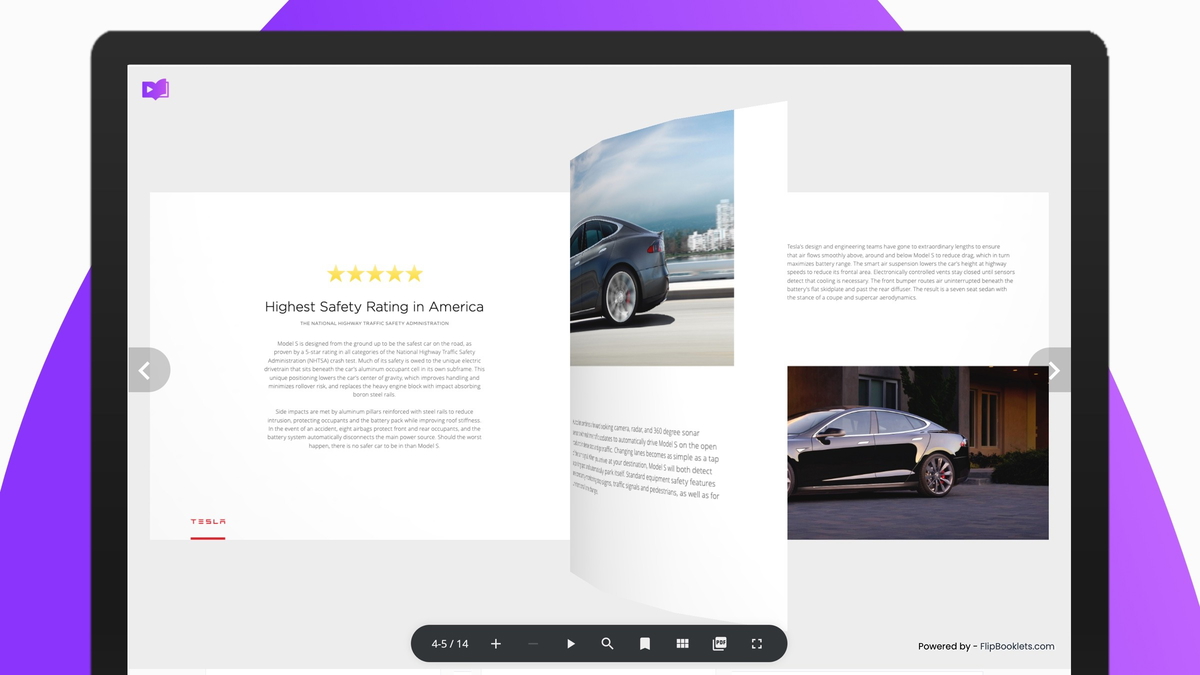
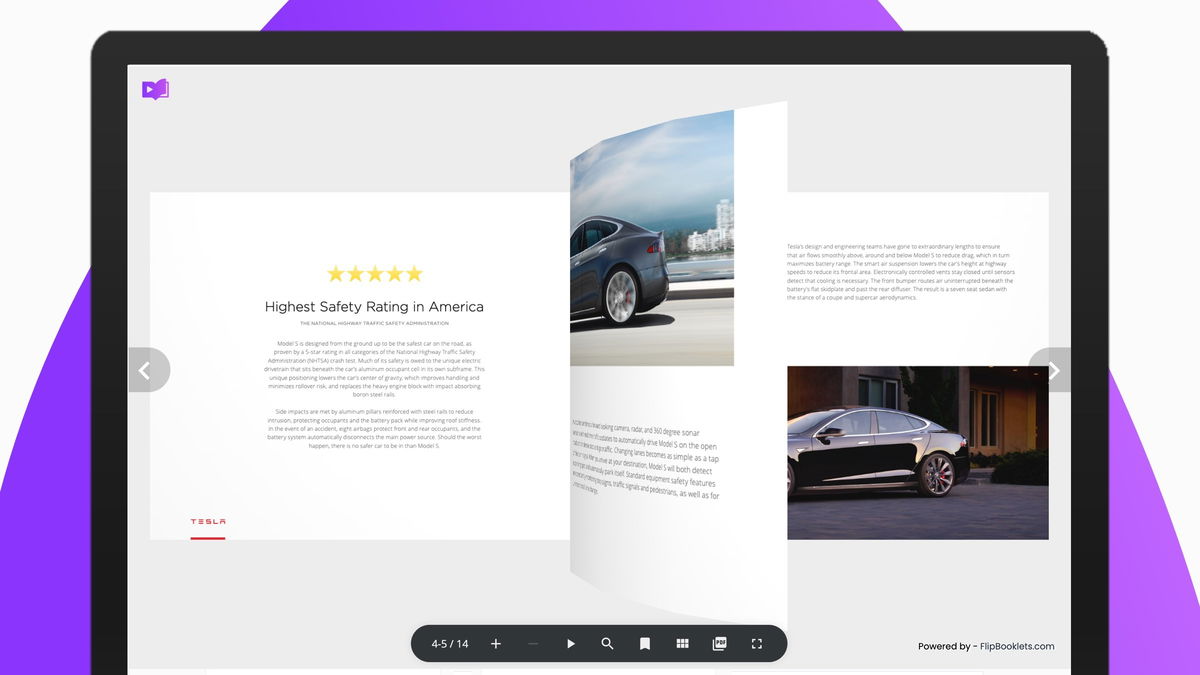
❓ Where is the branding? There is
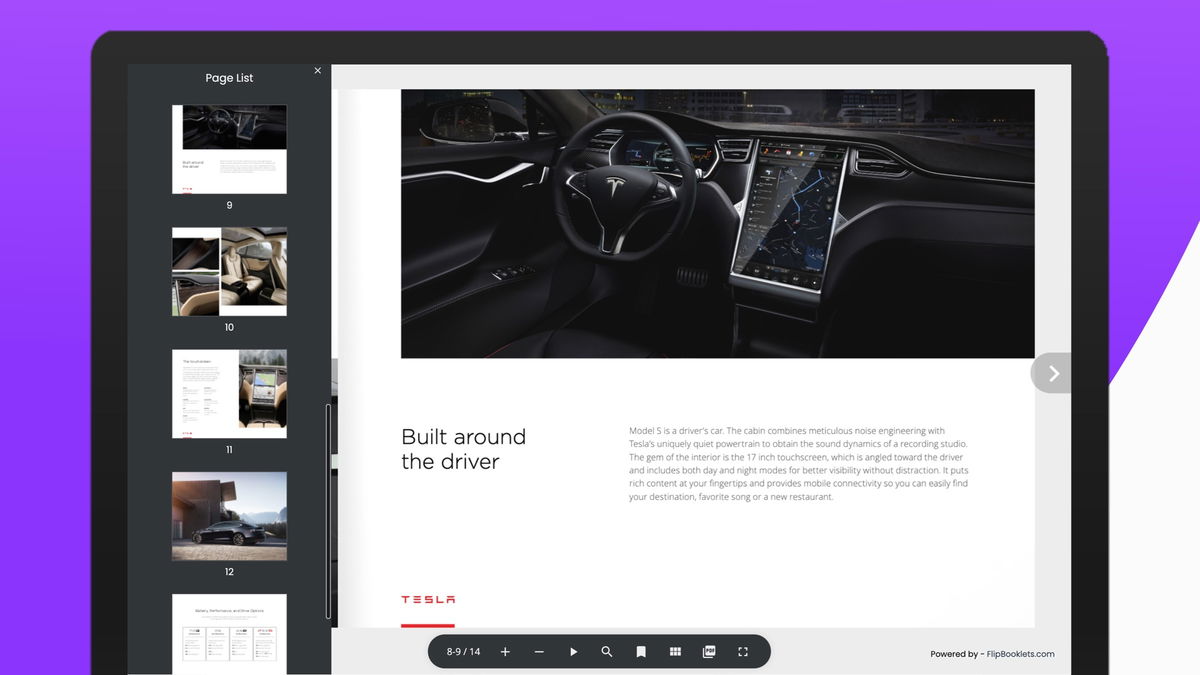
a small icon (top left) and a "Powered by FlipBooklets.com" (bottom
right) of the generated Flip Books. It isn't meant to be intrusive or
restrictive, it is just a helping hand to get our name out there to help more
people to create beautiful Flip Books.
❓ Do you offer a CNAME? YES! We had so many Sumo-lings request this feature it would be downright rude to ignore! A custom domain is now available for the customers with the relevant tier. For those Sumo-lings that find editing DNS records out of their comfort zone, we also offer an alternative. Use the new full-screen embed code feature. This is explained below.
❓ What is the difference between
full-screen embed and normal embed code? With the full-screen embed code the
flip book will takeover the entire page. You can create a new page on your
website just for the flip book. Once you paste the full-screen embed code, it
will cover the entire page (including navigation, footer and everything else).
This means you are in full control over the complete URL path and it is simple
to implement. Just copy and paste the full-screen embed code.
❓ Can I change the PDF once
created? Yes! You can open your PDF Flip Book at any time and change the PDF.
You can change them as often as you like, there are no restrictions and if you
update the existing book, the link will remain the same.
❓
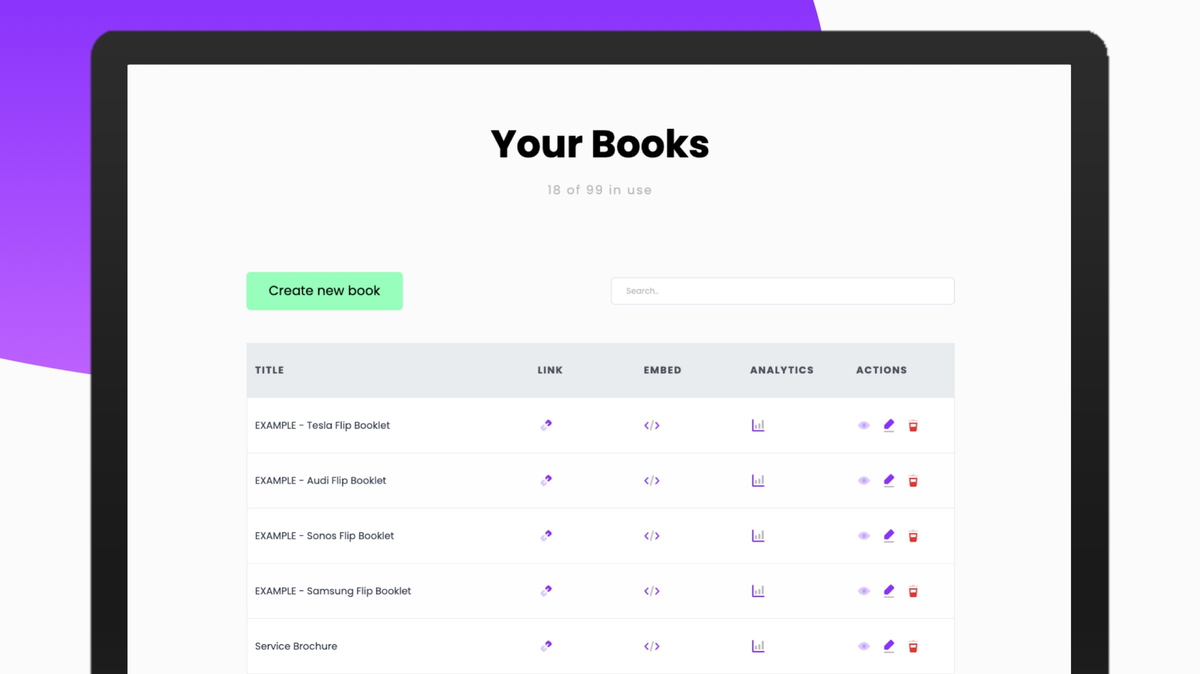
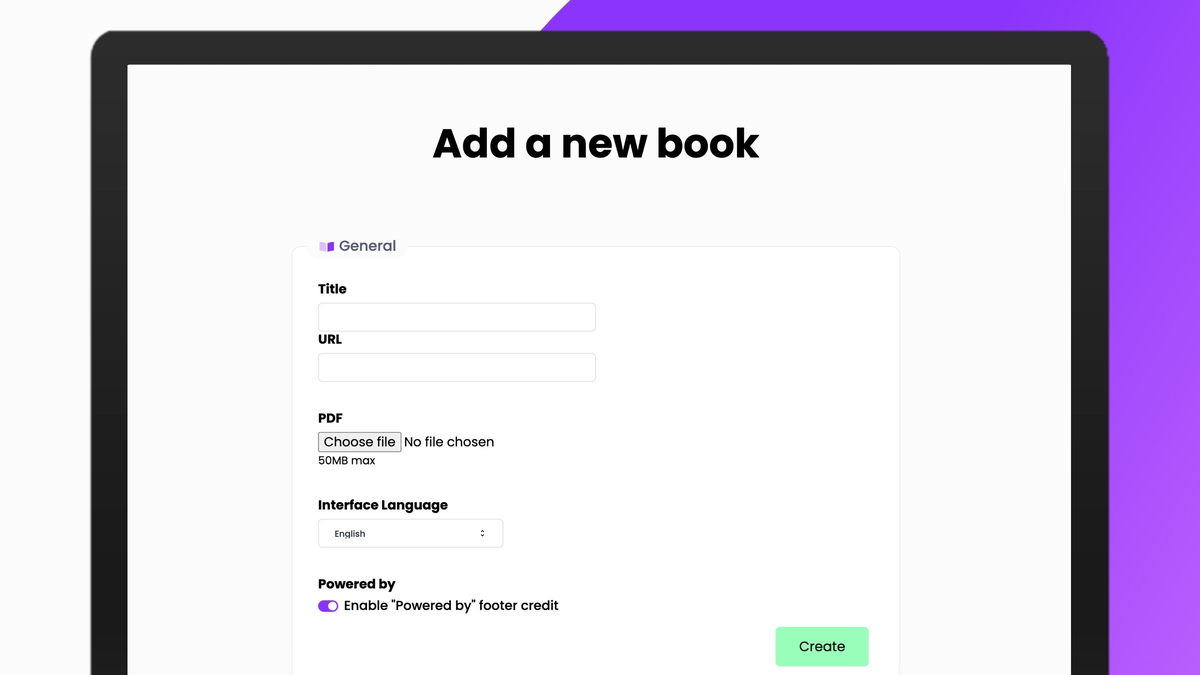
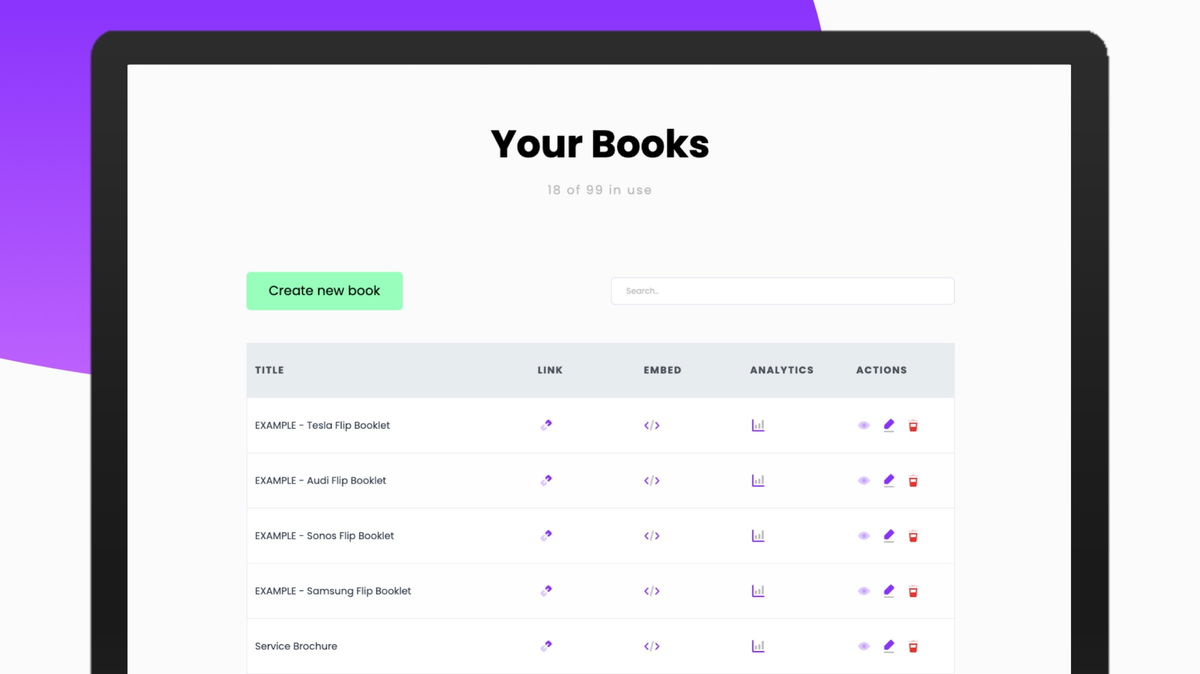
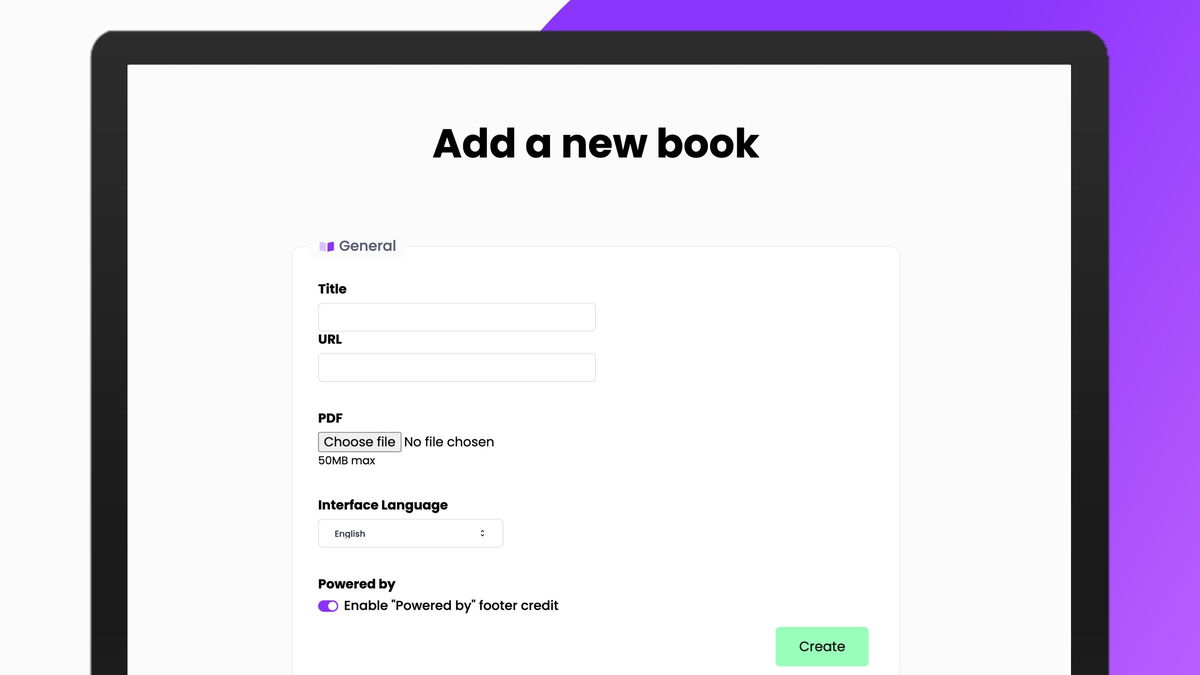
How easy is it to create a PDF Flip Booklet? Very! Once you've signed up all
you need to do is click the "Create New" button, specify your title,
upload your PDF and adjust any features, then click "Create". It
takes under a minute!
❓ Do you offer a self-hosted
version? No. FlipBooklets is an alternative for self-hosted versions that
removes the headaches commonly associated with them.
❓ What is Autoplay? You book will
turn the pages automatically when played. We've found this to be great at
conferences where it can be played on repeat on a big screen.
❓
Can I use an image as a background? No, we've taken the approach that your PDF
should be the focus. Often backgrounds are very distracting and can clash with
the content of the PDF if not chose correctly. We do however allow you to
change the background colour that is most suitable for your Flip Book.
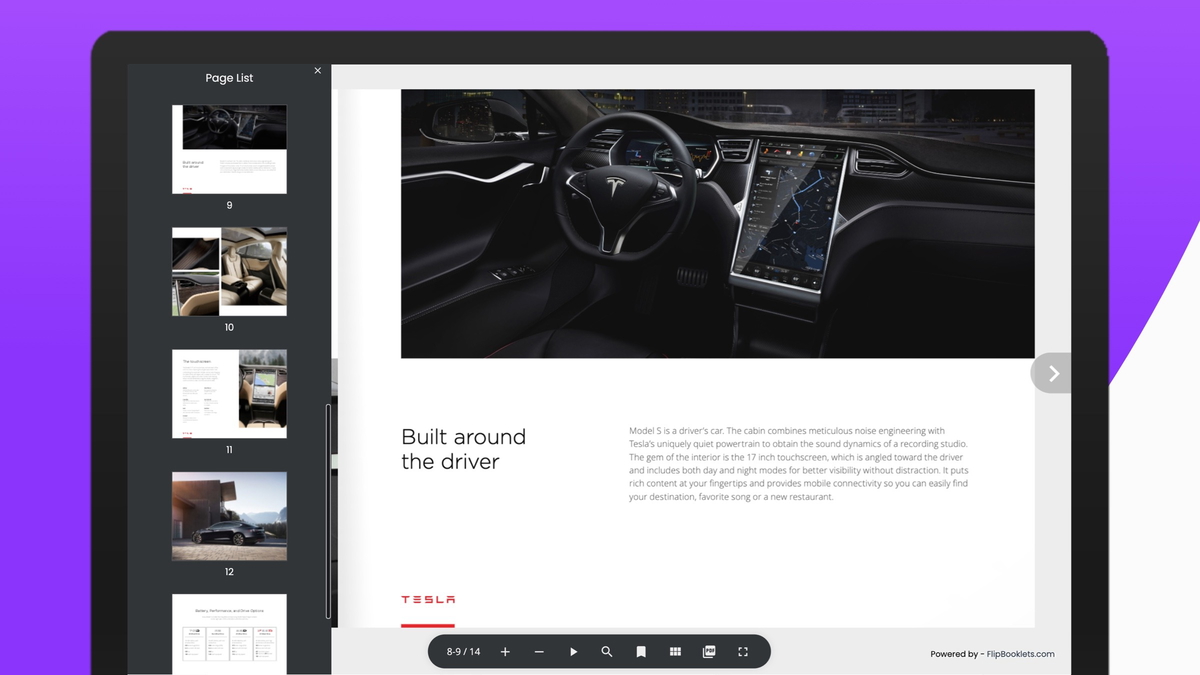
❓ Are the books good for SEO?
Yes! We've implemented the title and meta description per book and improved the
construct of the title for SEO purposes. If your PDF contains live text
FlipBooklets will retain the live text meaning that search engines can also
read the contents. Not only that but the viewer of the book can search the live
text in all the pages to find just what they are looking for quickly and
easily.
❓ Can I add or edit anything to
the books once I've uploaded the PDF? No, FlipBooklets converts your existing
PDFs into online Flip Books, we don't allow to add any interaction to them. It will
however keep any links (to other pages, other websites or videos) that are
already in the PDF.
❓ Are there any more features
coming? Always! We are constantly gathering feedback and use this to improve
the service. If you have anything in mind please get in touch using [email protected]!



 Convert your PDFs into interactive PDF Flip Books in seconds