vidBoard
Turn documents, URLs, and text into multilingual AI avatar presenter videos with a drag-and-drop editor


You can’t afford to burn through your whole day to create one polished video. ("So much for filming in natural lighting.")
Between writing the script, setting up your shot, recording, editing, and captioning, video content can derail your entire workflow—and that's before you've even thought about doing it again tomorrow.
If only there was a tool that turned your documents, website links, and plain text into polished presenter videos with lifelike AI avatars, voices, and captions.
Meet vidBoard.
TL;DR

At-a-glance
Overview
Convert documents, URLs, and text into presenter-led videos with lifelike AI avatars—no camera needed
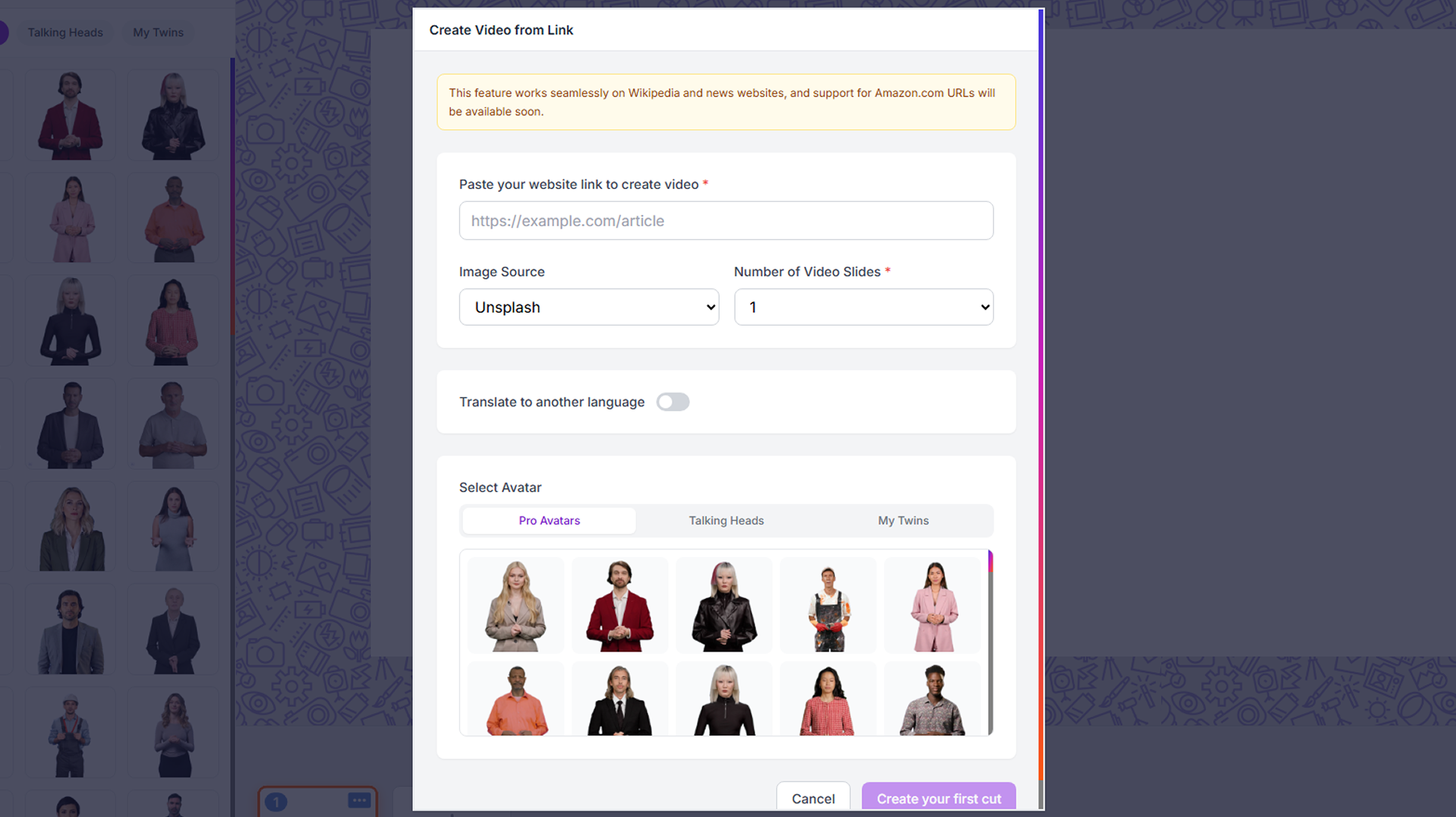
Turn any content into a presenter video
- Paste a website link, PDF, Word doc, or plain text, and vidBoard will automatically split it into structured video content
- Generate a full video from a plain-text prompt without building slides from scratch
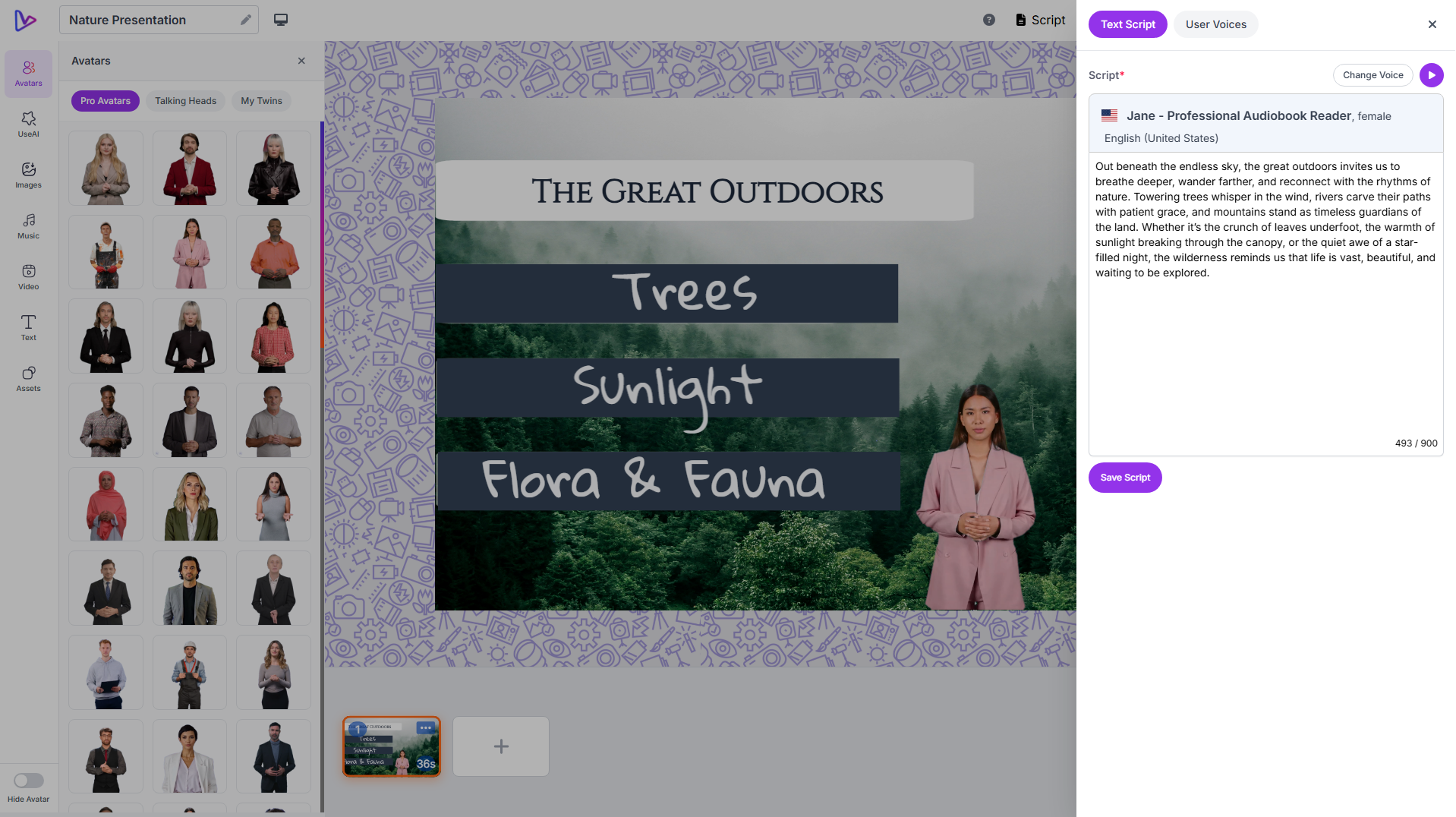
Present in any language with lifelike AI avatars
- Choose from 100+ pre-made AI avatars spanning diverse demographics, ages, and presentation styles
- Lip-sync your avatar across 125+ languages, including right-to-left languages like Hebrew and Arabic
- Select from 500+ AI voices powered by ElevenLabs, Resemble.ai, OpenAI, and Microsoft Azure for natural-sounding narration
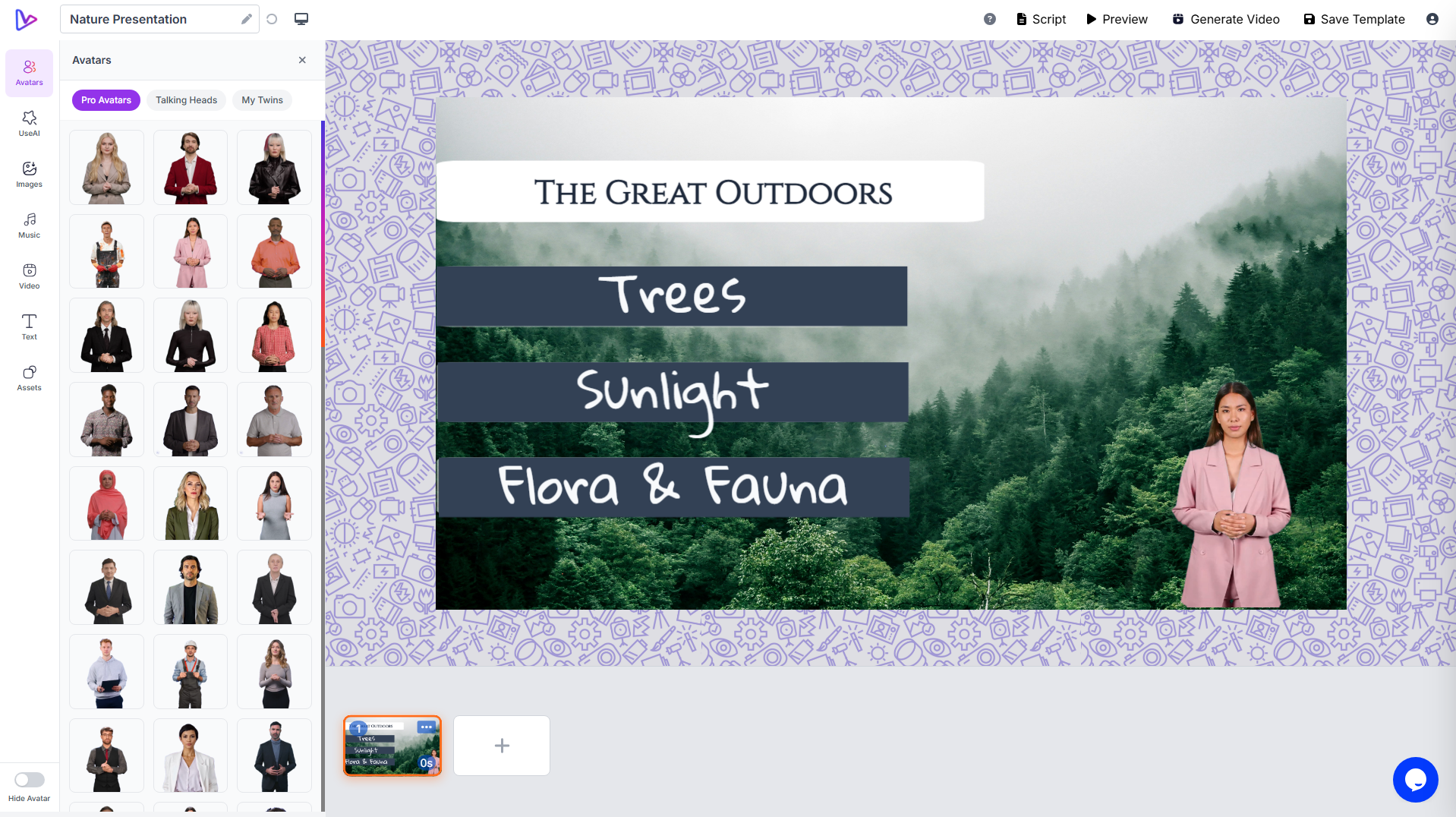
Edit your video with full creative control
- Adjust text styling per character, reorder slides, and control every object on the canvas with a Canva-style drag-and-drop editor
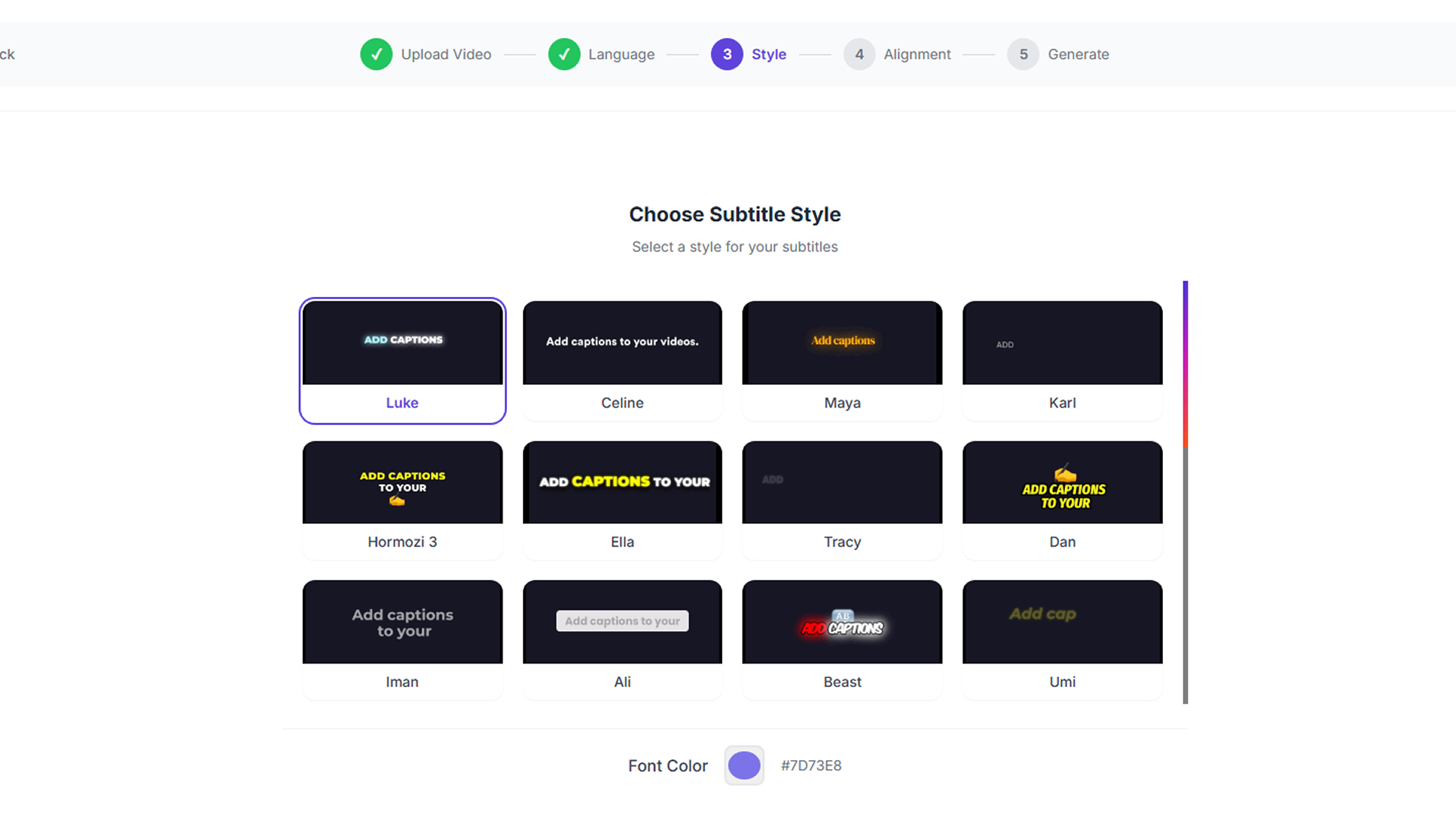
- Add AI-generated captions to your videos, all auto-synced to your audio
- Apply slide transitions and smart alignment tools to polish the final presentation
Level up your videos with built-in assets
- Generate AI images and background music inside vidBoard—no external tools or stock subscriptions needed
- Pull free visual assets from Pexels, Unsplash, and Pixabay directly within the editor
- Create faceless videos using AI-generated visuals and music for a fully automated output
- Export your finished video as an MP4 ready to publish anywhere
Plans & features
Deal terms & conditions
- Lifetime access to vidBoard
- All future Tier 2 Plan updates
- If Plan name changes, deal will be mapped to the new Plan name with all accompanying updates
- No codes, no stacking—just choose the plan that’s right for you
- You must activate your license within 60 days of purchase
- Ability to upgrade between 5 license tiers while the deal is available
- Ability to downgrade between 5 license tiers within 60 days of purchase
- GDPR compliant
- Available for new vidBoard users and returning AppSumo purchasers
- Previous AppSumo customers who purchased vidBoard can upgrade their license to increase their feature limits
- Purchasers of previous vidBoard Lifetime Deals must purchase this deal to receive access to AppSumo features & limits
- Previous Tier 1 purchasers will keep their 100-video monthly limit
- *Pro Avatars are vidBoard digital avatars with hand movements

60 day money-back guarantee. Try it out for 2 months to make sure it's right for you!
Features included in all plans
- Timeline triggers
- BYOK
- ElevenLabs integration
- Open AI integration
- All digital avatars
- All video templates
- Multi-language subtitles
- Faceless videos
- Only avatar videos
- 1M+ high-quality media assets
- Background music and videos
- 125+ languages
- Create video from document
- URL to video