UPDF - PDF Editor All Platforms for Individuals


Features
- Edit text in PDF
- Edit image in PDF
- Edit or add links in PDF
- Convert PDF to Word, Excel, PowerPoint, Images, HTML, XML, PDF/A, Text , or CSV with OCR technology
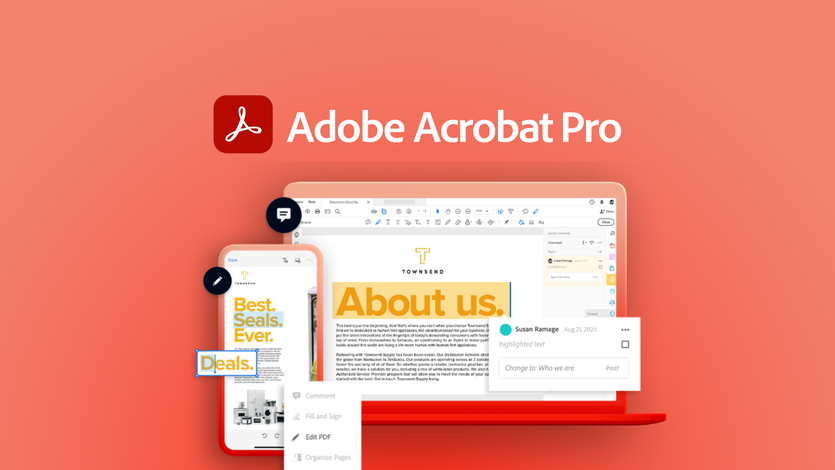
- Annotate PDF with highlights, underline, strike-though, stamps, stickers, text boxes, or draw on PDF
- Organize PDF pages, such as delete, rearrange, rotate, extract, and replace pages
- Protect PDF by adding open password or permission password
- Share PDF via a link or through email
- View PDF across all devices with dark mode
- Support changing the background color of PDF
- Redeem UPDF on devices
Questions
 Sumoglobin
Q: I've bought this now, however, it hardly seems like a lifetime deal.
In my account it says my 10GB of UPDF Cloud storage expires in 2024. That's not lifetime.
I also see that you say we do not get upgraded for free if you 'redesign' the app, so that doesn't seem like it's a lifetime deal either if you're not including all future updates and if my included cloud storage expires next year.
Are there ANY other things that I should be aware of that expire or that aren't included for a lifetime?
Thank you.
Review

UPDF - PDF Editor All Platforms for Individuals has received positive feedback for its intuitive interface, powerful OCR functionality, and efficient editing capabilities. While some users have reported minor issues with dark mode background and occasional glitches with multi-page scanning, these are considered minor inconveniences. With an overall rating of 4.6 and 193 reviews, UPDF is a solid choice for those seeking a versatile PDF editor. Additionally, the 60-day money-back guarantee makes it worth trying out.