Full stack + Web3 apps, no VPS, ever.


Cloudpen
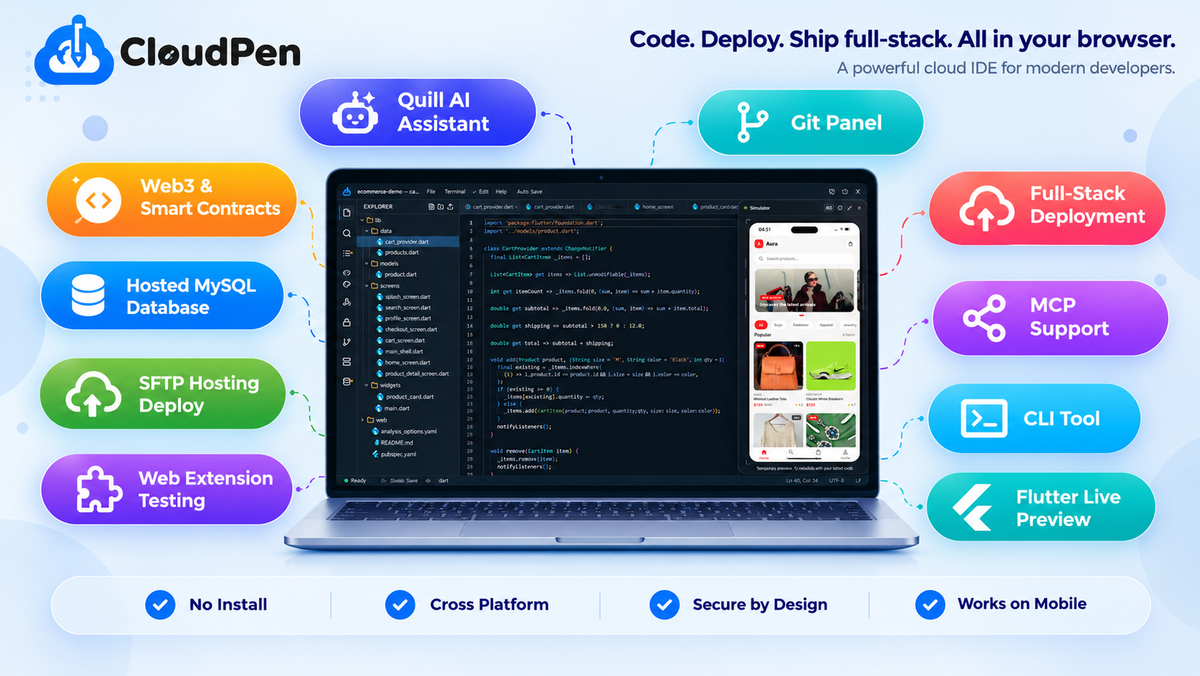
Micro-SaaSCode, Deploy, and Host Full Stack Apps Plus Web3 Smart Contracts From One Browser Tab.
20% off ends in
00
Hours
:
00
Mins
:
00
Secs
$79.20$99$390
Choose a plan
- Lifetime access
- Refundable up to 60 days
No "We Got Your Back" guarantee. Radar is a discovery engine — we don't vet these products, so this guarantee doesn't apply.
AppSumo's 60-day refund applies to most deals. AI skills are non-refundable once redeemed.

Early-stage product. Brought to you by the team who built it.
Every new project starts the same way: an hour lost to VPS setup, database configs, and local tooling before you write a single line. Cloudpen skips all of it, open a tab and start building.
TL;DR
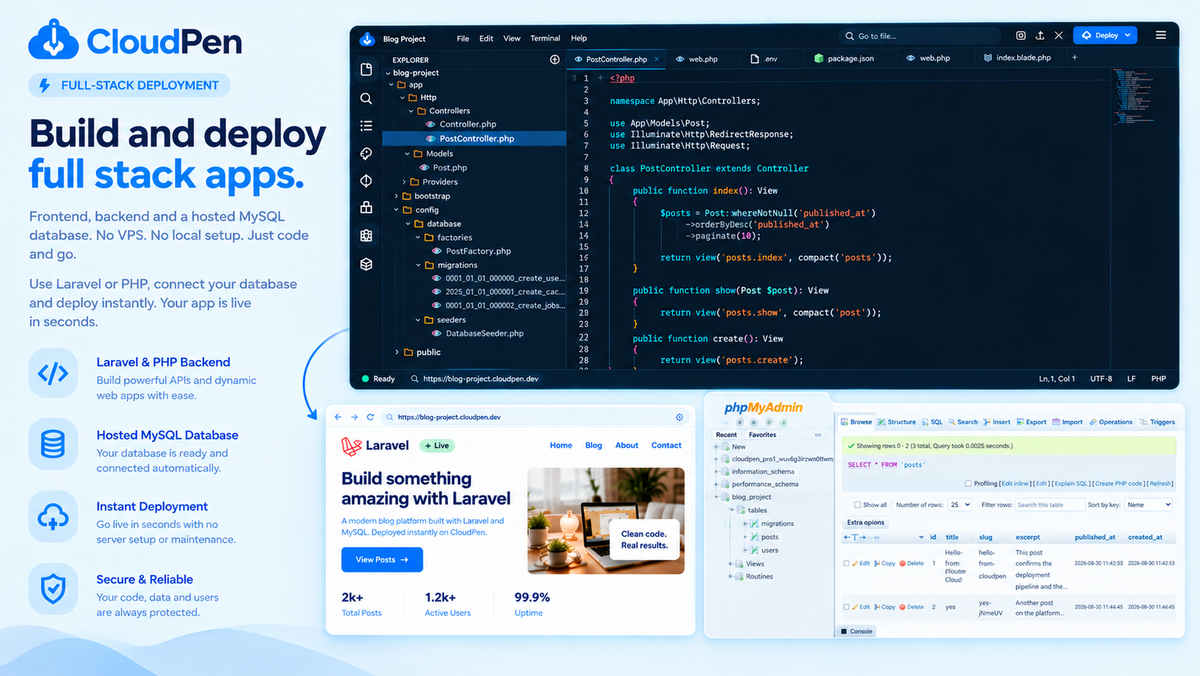
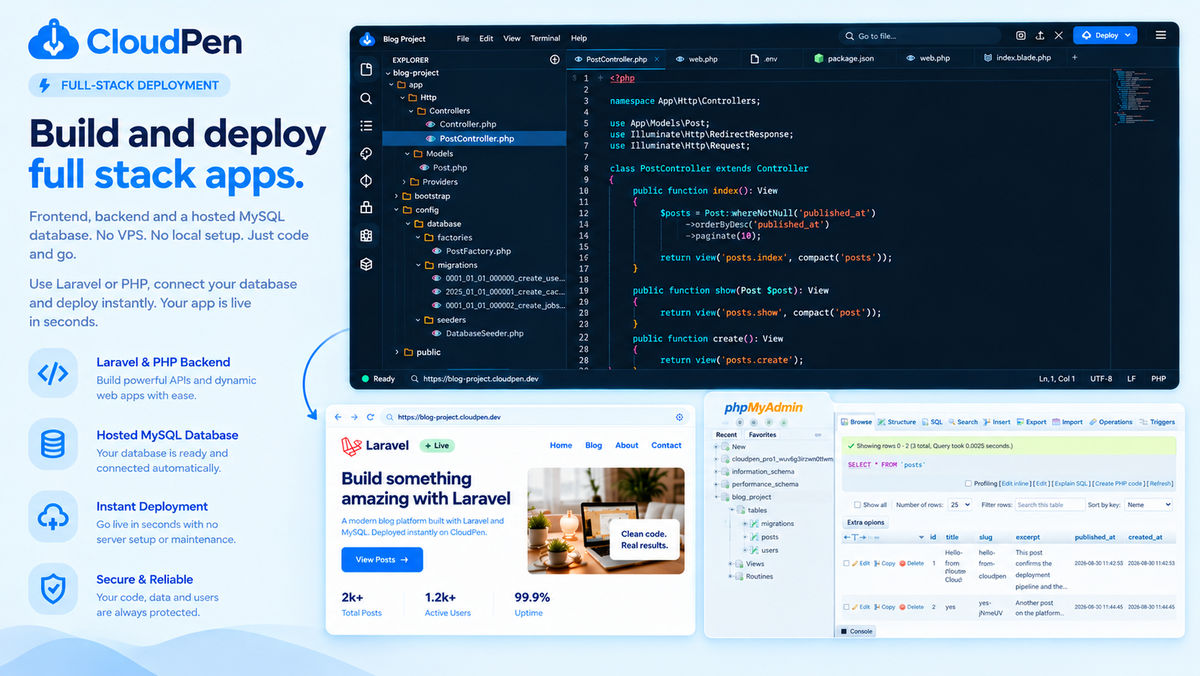
 Deploy real full stack apps, Laravel or PHP backend plus a hosted MySQL database, without ever touching a VPS.
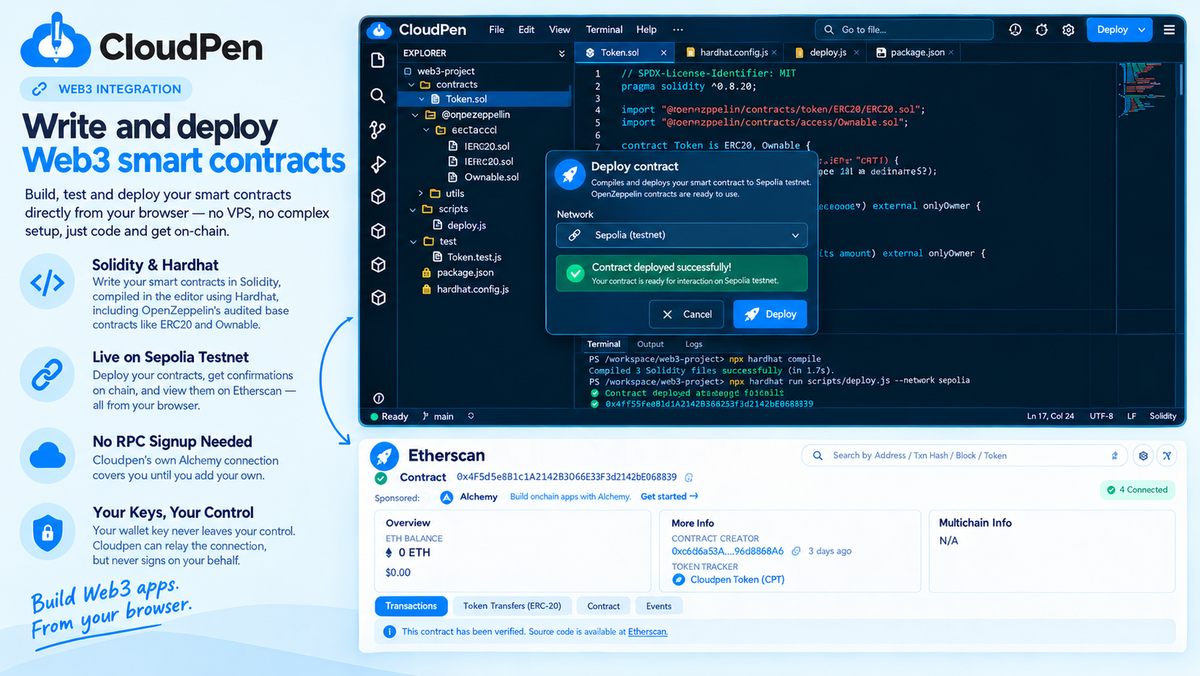
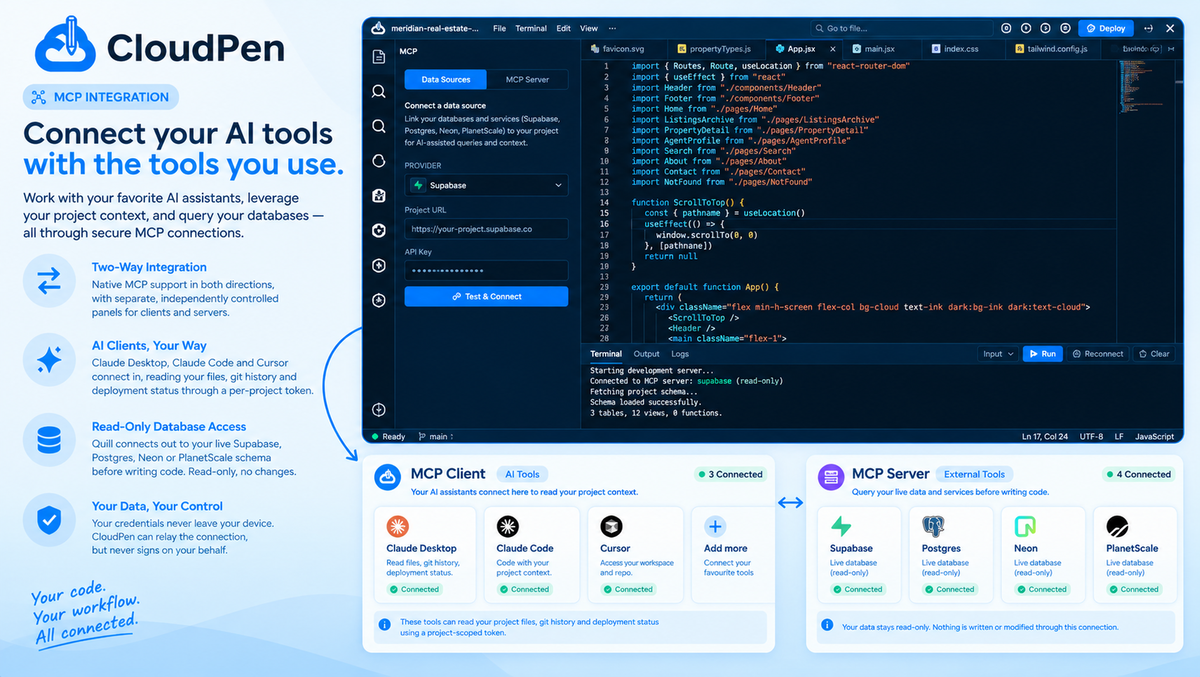
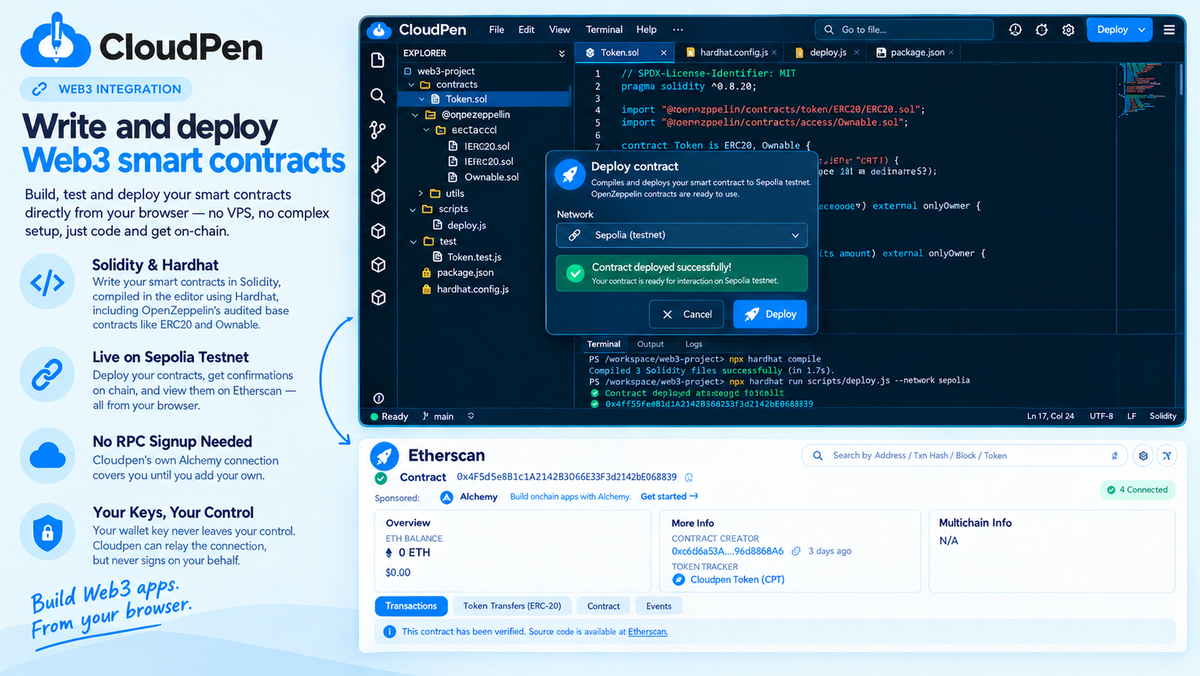
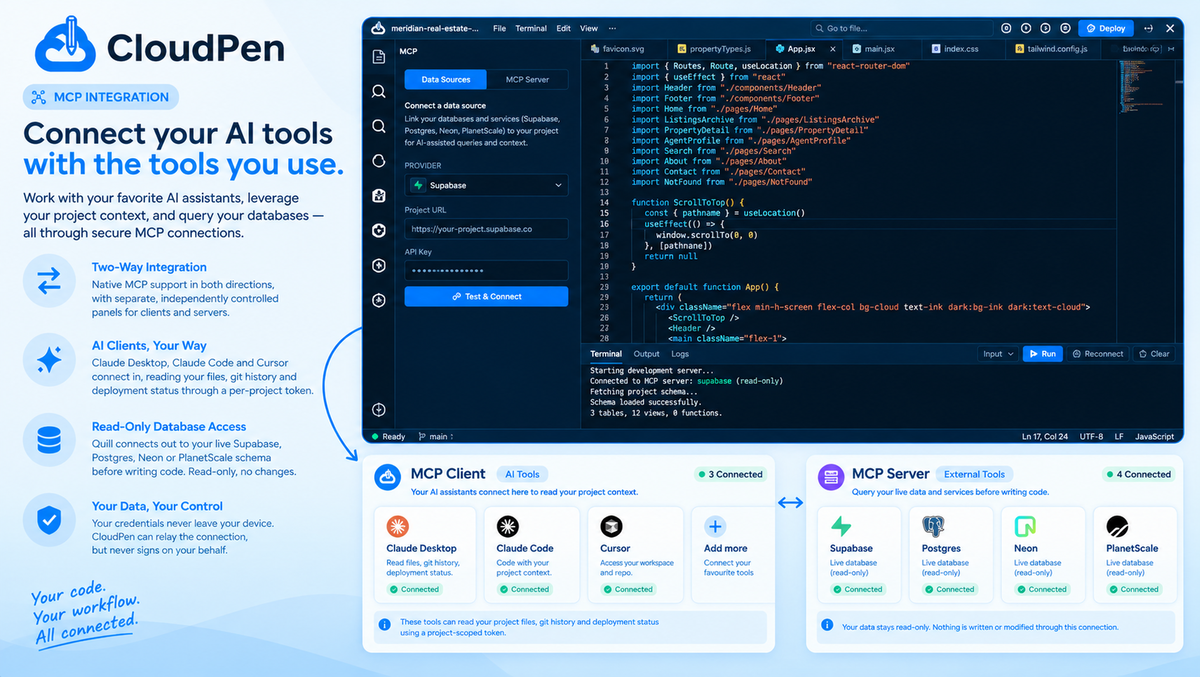
- Write and deploy Web3 smart contracts in one click, and connect Claude, Cursor, or any MCP tool straight to your project.
At-a-glance
cloudpen.devAlternative to
BrowserStack, GitLab, Replit
Integrations
Custom API, Ethereum, GitHub, Google Gemini, OpenAI
Best for
Developers, Educators, Freelancers