Here's Why We Built It

Hey Sumo-lings,
People are using FormGent to collect quotes, payments, quiz scores, and job applications - and then walking away from their WordPress dashboard to open Word, copy-paste the submission data, format it, and email it manually.
The form was doing its job. The hour after the submission wasn't.
That gap between "data collected" and "document delivered" is where a lot of the friction lives for small businesses and freelancers. You finally have good form. You still have to do the paperwork.
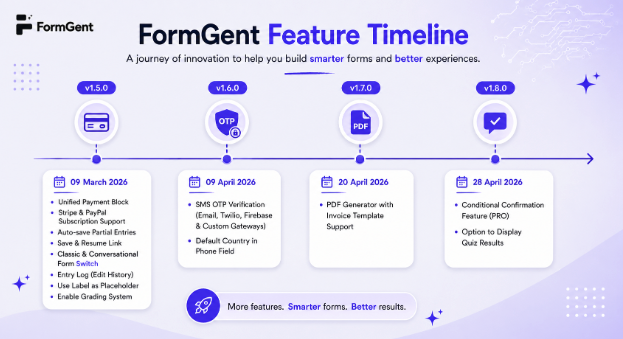
We shipped PDF Generation to close that gap.
What it actually does
When someone submits your form, FormGent can now automatically generate a formatted PDF and deliver it - either as a download link on the thank-you screen, or as an attachment in the confirmation email or both. No manual steps. No copy-pasting.
The PDF pulls in the actual submission data through dynamic tags. So Full Name, Email, Paid Amount, Digital Signature - whatever your form collects - shows up in the right place in the document, personalised to that specific respondent.
You set the template up once. It runs on every submission after that.
Templates, or a blank canvas
We didn't want people to start from scratch every time, so we built a few starter layouts:
Business - a letterhead-style layout for quote confirmations, application summaries, or anything that needs to look like official correspondence. Pre-structured with address placeholders and a clean body area.
Invoice - a table-based layout pre-loaded with payment tags: billing name, transaction ID, payment method, amount, currency, items table. If you're running payment forms through FormGent, this one is ready to go almost immediately.
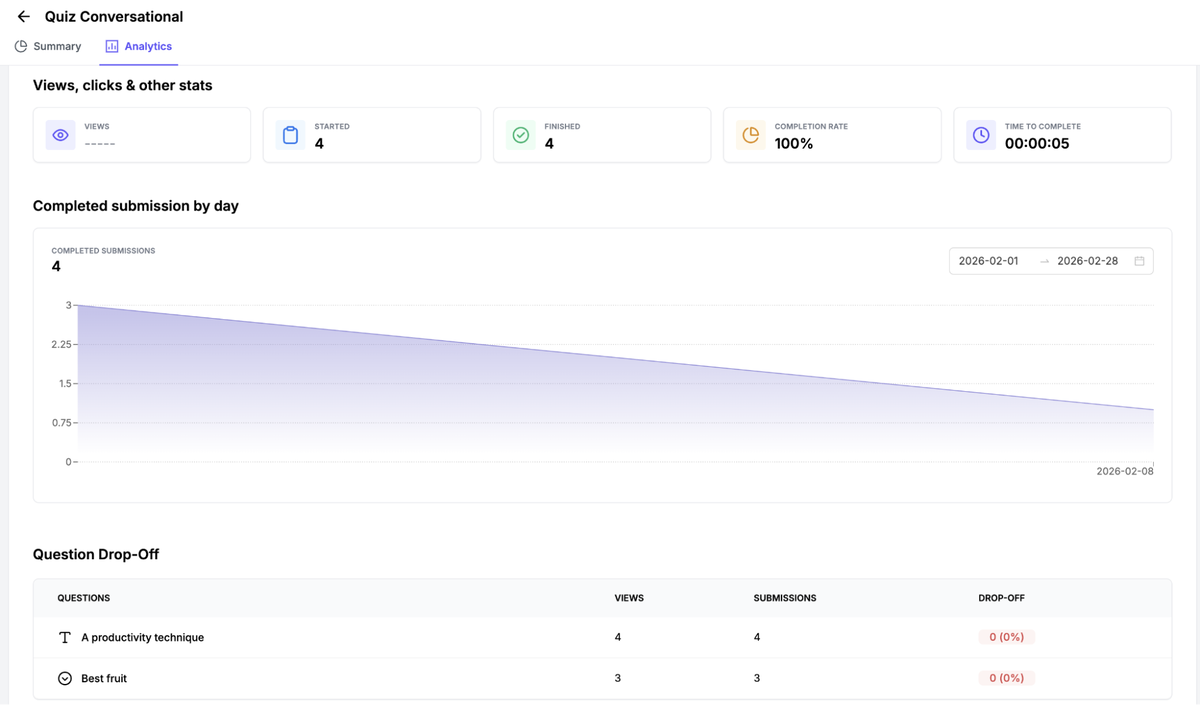
Certificate - a decorative layout built for quiz completions or graded forms. Pre-populated with respondent name, score, and user details. Pair it with FormGent's Quiz feature and you have a full completion-to-certificate flow without a separate tool.
Custom Template - a completely blank editor. If your use case doesn't fit any of the above, you have full HTML control and can build exactly what you need.
A few things worth knowing
PDF Generation is a Pro feature. If you're on an AppSumo tier that includes Pro, it's already available to you under Form Settings → PDF Generation.
The first time you enable it, FormGent will prompt you to download the PDF rendering library. This is a one-time install across your site - not per form, not per template.
We also included password protection per PDF and RTL language support (Arabic, Hebrew, Persian).
What this changes, practically
If you're running a service business and collecting quote requests, your client now gets a formatted quote summary the moment they submit - not after you've had time to type one up.
If you're running a paid course or membership, quiz completions can generate and deliver a certificate automatically.
If you have a donation or payment form, every transaction produces an instant invoice without you touching it.
FormGent has always been about not charging for things that should just work. PDF generation is table stakes for any serious form builder. It took us longer than we'd have liked to do it properly - dynamic templates, multiple layouts, email delivery, confirmation delivery. But we'd rather ship it right than ship it fast and patch it for six months.
We'd love to hear what you're going to build with this. Drop your use case below - especially if it's something we haven't thought of. Those replies directly shape what we prioritise next.
Thanks for being on this with us.
Masud Rana
Founder & CEO, FormGent