Hey Sumo-lings,
I’m excited to preview the next major Hoursmith feature: recurring invoices, launching early next week.
The goal is simple: configure your billing once, and let Hoursmith prepare the next invoice when it is due.
You will be able to choose:
Weekly, biweekly, monthly, quarterly, yearly or custom intervals
A start date and optional ending rule
Fixed charges, uninvoiced work, expenses or a combination
Draft generation or guarded automatic sending
Due dates, taxes, discounts, notes, payment methods and recipients
THREE BILLING STYLES
Fixed: Repeat charges such as monthly maintenance, hosting or consulting retainers.
Variable: Automatically collect eligible uninvoiced hourly work and billable expenses from all or selected client projects.
Hybrid: Combine a recurring base fee with additional time and expenses.
If a variable-only occurrence has no billable work, Hoursmith skips it without assigning an invoice number or sending an empty invoice. A hybrid invoice still generates its base charge.
DRAFT OR AUTOMATIC SENDING
“Create draft” prepares the invoice for you to review.
“Create and send automatically” emails it using your existing Hoursmith sender, SMTP, Amazon SES or Resend configuration.
For invoices containing variable work or expenses, you must set a maximum total. If the invoice exceeds that amount, Hoursmith keeps it as a draft marked “Needs review” instead of sending it unexpectedly.
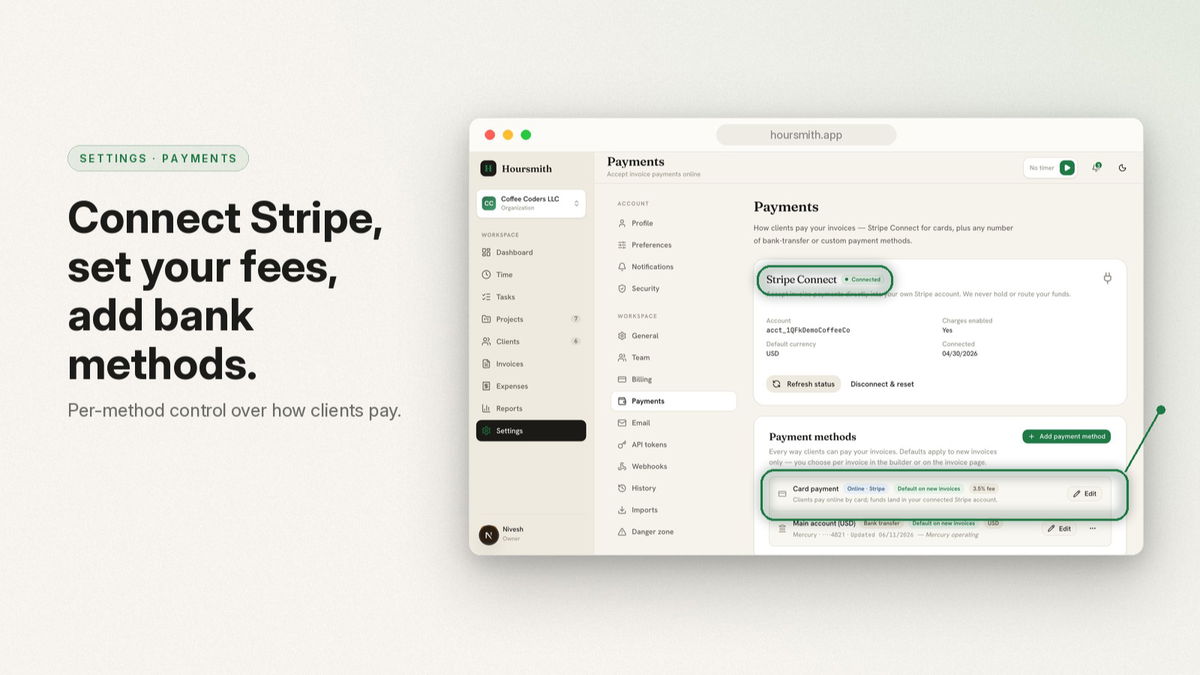
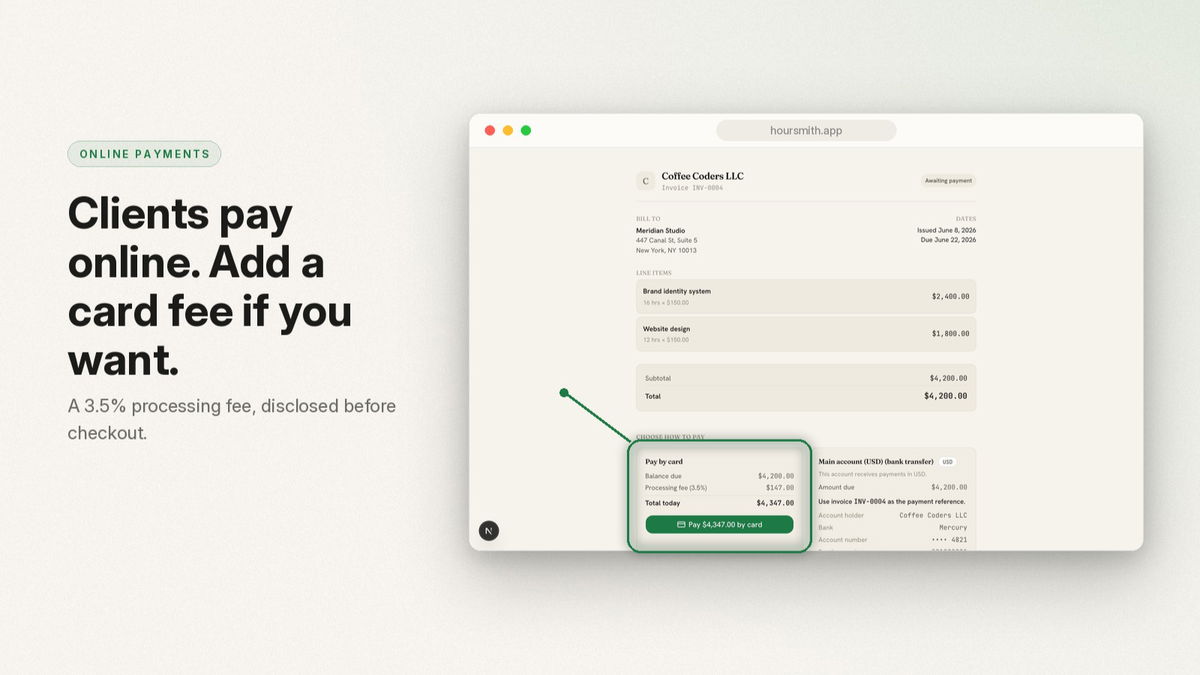
Automatic sending does not automatically charge the client. It sends the normal invoice and payment link, after which the client pays through Stripe, bank transfer or another enabled method.
NORMAL HOURSMITH INVOICES
A recurring schedule is only a template—not revenue or an outstanding invoice.
When an occurrence becomes due, Hoursmith creates an ordinary invoice and assigns the next number. It then works like every other invoice, including:
Branded PDFs and public links
Client portal
Stripe and manual payments
Partial payments
Supporting documents
Reminders, reports and exports
You will also be able to pause, resume, skip the next invoice, undo a skip, generate the next invoice now, clone a schedule, or end it.
When editing an upcoming occurrence, you can apply the change to only that invoice or to that and all future invoices. Previously generated invoices are never rewritten.
Resuming a paused schedule will move to the next future date instead of creating a surprise backlog.
Recurring invoices will be part of the Studio plan, so every Hoursmith AppSumo lifetime customer will receive them regardless of license tier.
If you have a particular recurring billing workflow you want us to consider before launch, please leave a comment.
— Nivesh
Founder of Hoursmith