Copy any website's code and assets

No reviews yet, be the first!
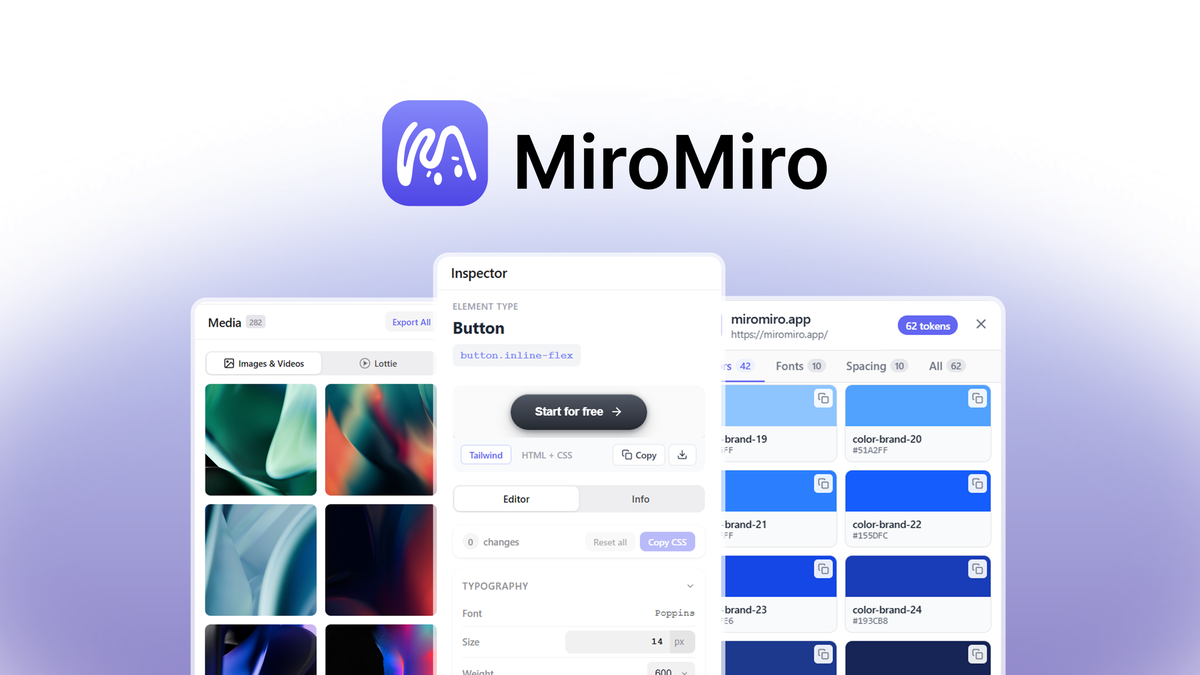
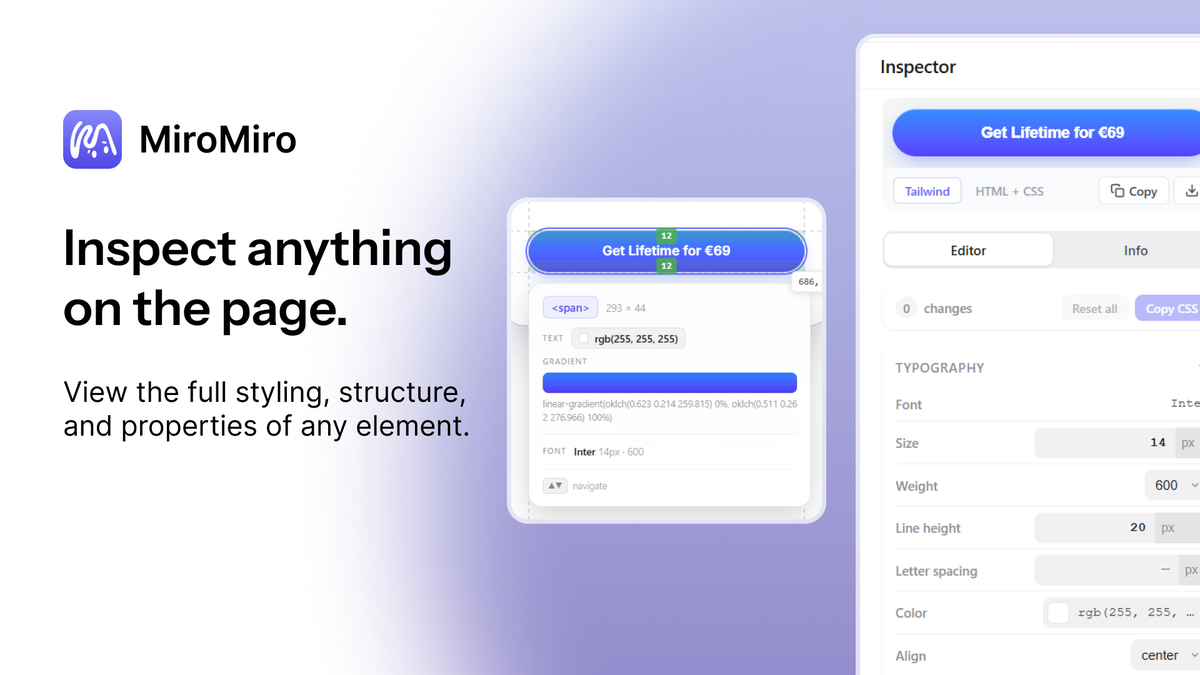
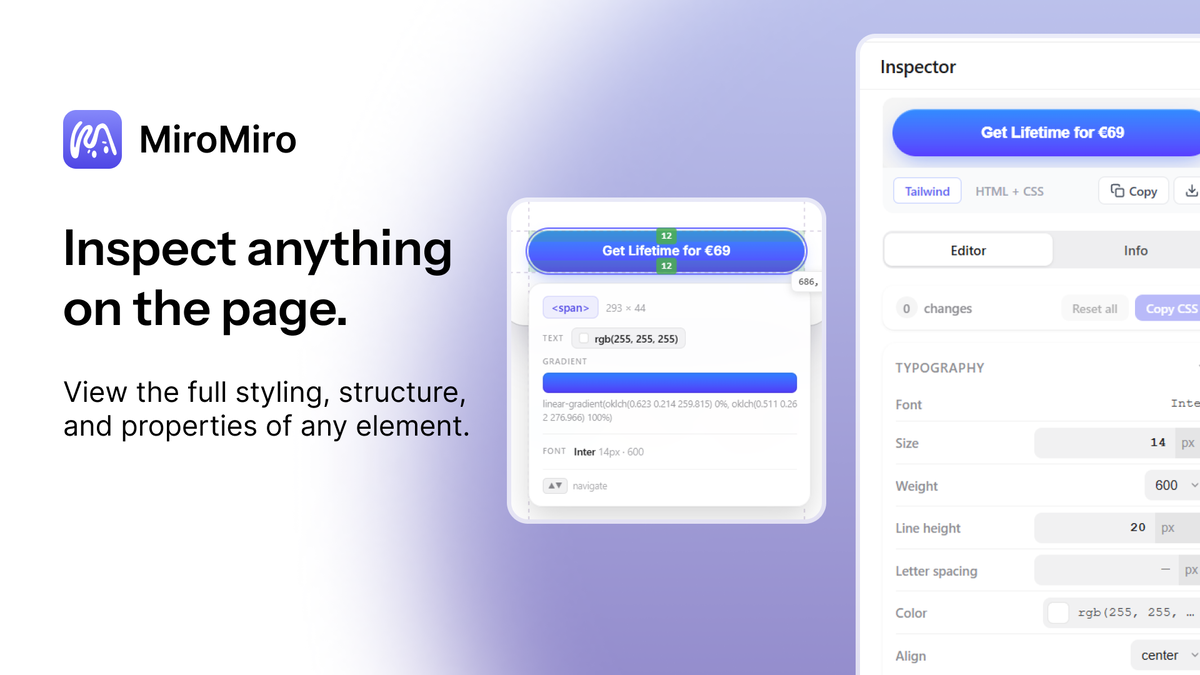
Inspector panel
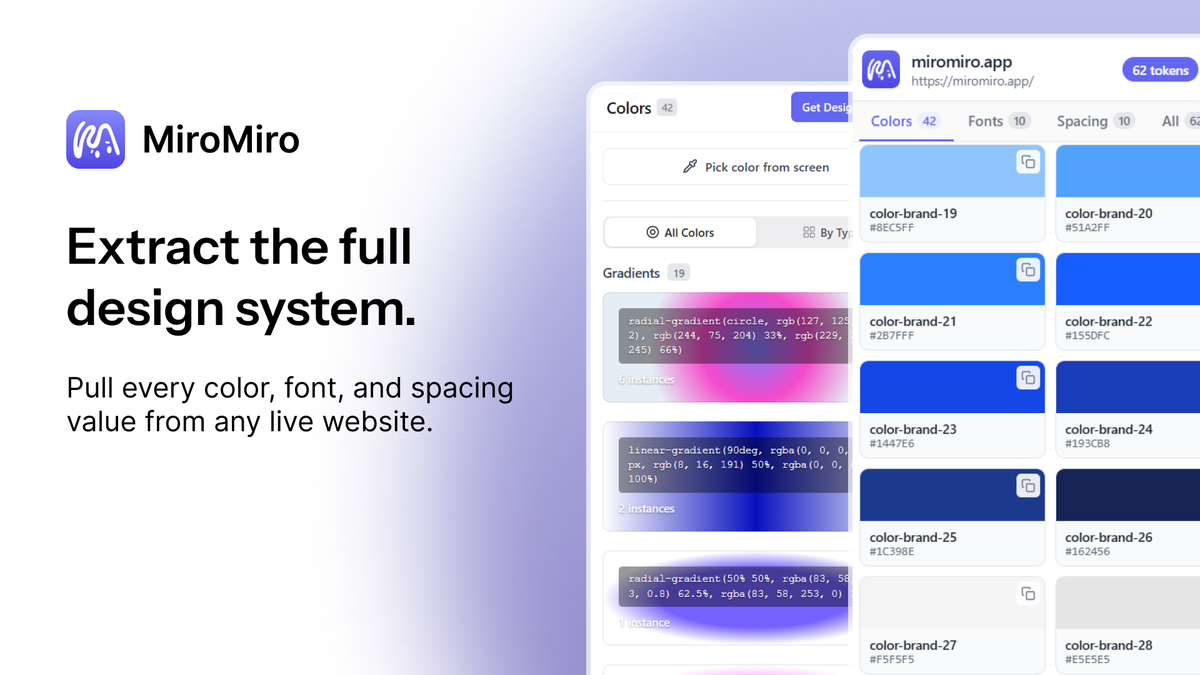
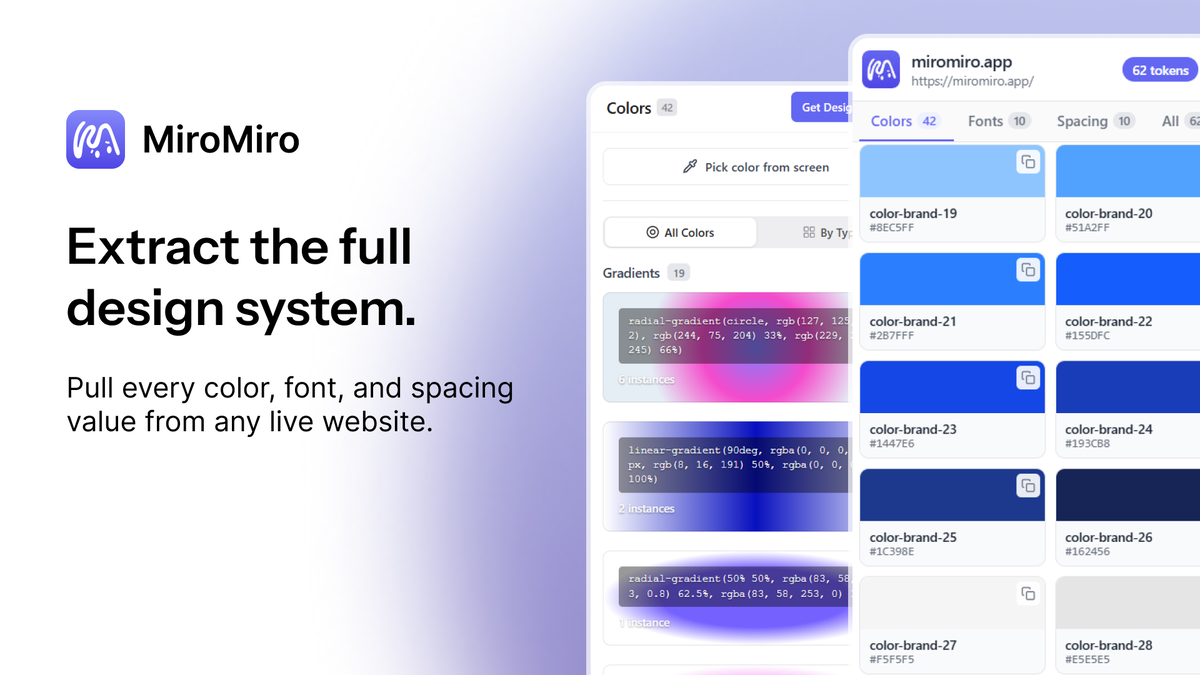
Extracted colors, fonts, and spacing
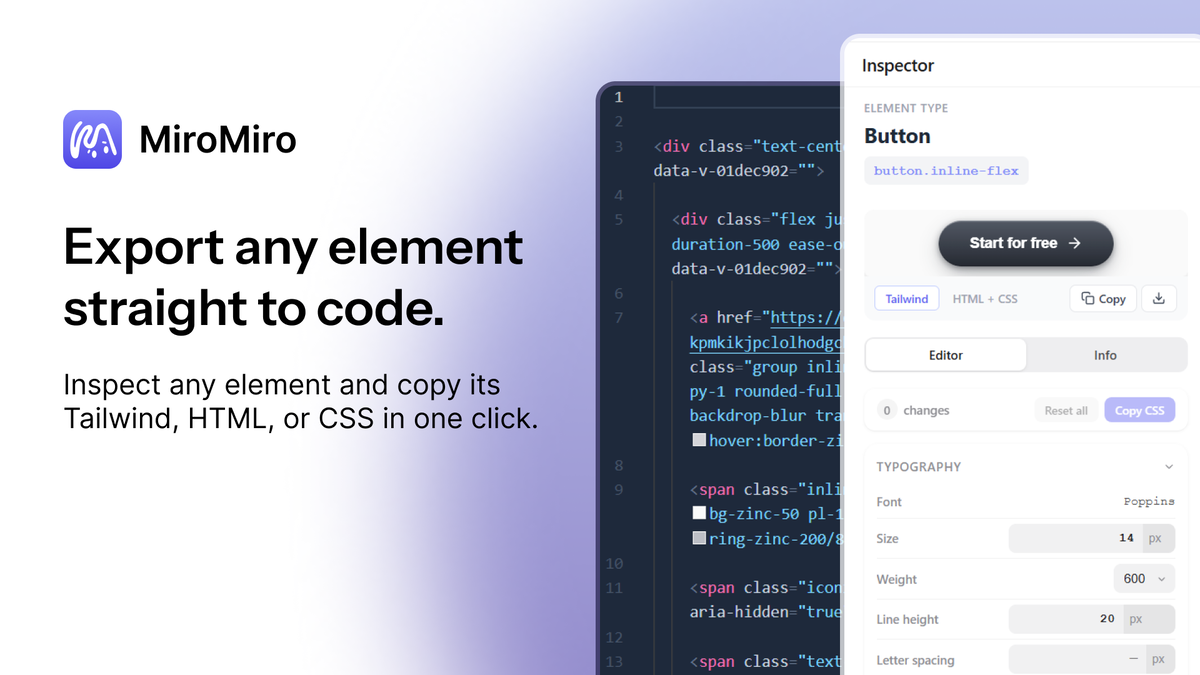
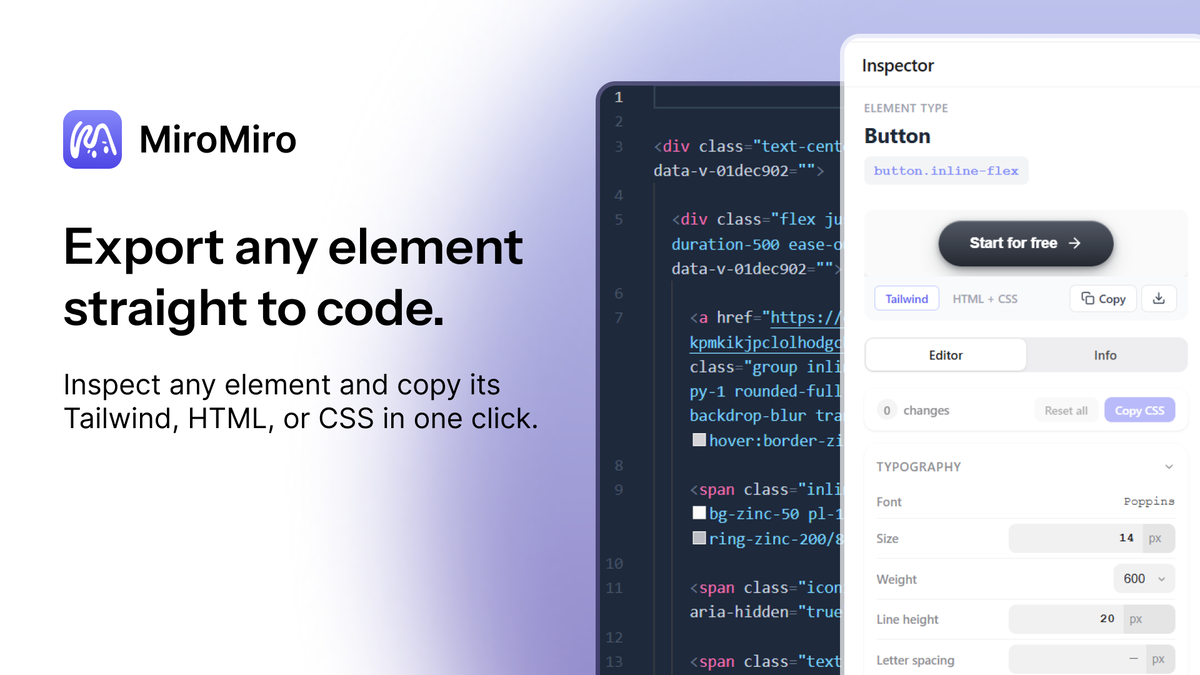
Exported elements
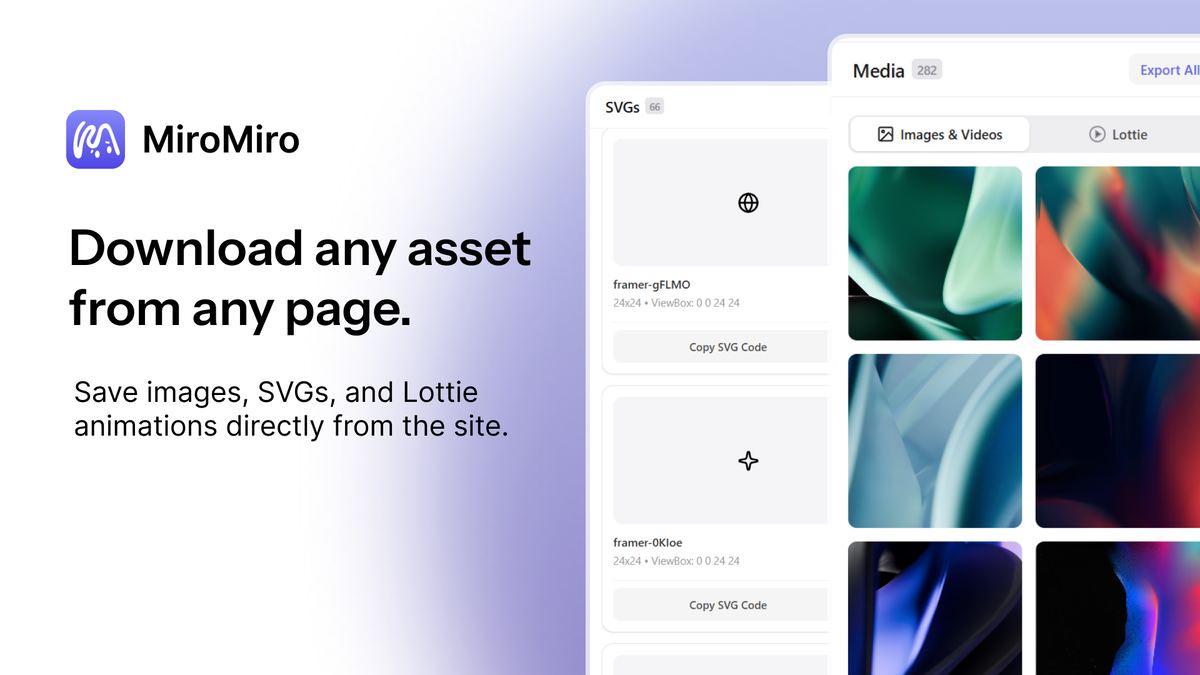
Downloaded assets

MiroMiro

-75%$49
$199
  • Lifetime access
  • Refundable up to 60 days
  • Plus members are covered by our We Got Your Back guarantee

AppSumo Launchpad

Chosen by AppSumo for their potential and innovation

Reverse engineering a UI shouldn't require juggling a color picker, font finder, and code copier. MiroMiro inspects any element, extracts the full design system, and exports it all as clean Tailwind or HTML.

TL;DR

  • checkmarkCopy any element as clean Tailwind or HTML + CSS in one click, ready to paste into Cursor, Claude, or v0
  • checkmarkExtract colors, fonts, gradients, spacing, and Lottie animations from any live site into one organized panel

At-a-glance

miromiro.app

Alternative to

ColorZilla, CSS Scan, Hoverify

Integrations

Brave, Chrome, Edge, Firefox

Best for

Developers, Product designers, Web designers

MiroMiro logo

MiroMiro

Pull CSS, design tokens, and visual assets from any live website without leaving your browser

Inspect any element on any page

  • Reveal the true computed styles of any element, including fonts, colors, spacing, and shadows, to copy exactly what the browser renders
  • Click once to copy clean CSS instantly, skipping the DevTools rabbit hole entirely
  • Check WCAG contrast on any inspected text, so you can catch accessibility issues before they become someone else's bug report
  • Edit values like colors, fonts, spacing, and shadows live on the page, see the site update in real time, and copy the results as CSS or Tailwind
Inspect any element on any page

Capture any site's entire design system

  • Capture every color, gradient, font, shadow, and spacing value from any live site automatically
  • Export design tokens to Tailwind config, CSS variables, or JSON and drop them straight into your project
  • Build consistent themes across projects faster by pulling every value automatically instead of documenting it by hand
Capture any site's entire design system

Turn any section into paste-ready code

  • Convert any section or whole page to clean HTML and Tailwind to get output that reads like code you wrote yourself
  • Paste components directly into Cursor, Claude, or v0 and keep building without stopping to clean anything up
  • Turn anything into shippable code in seconds so you can go from idea to product in a day
Turn any section into paste-ready code

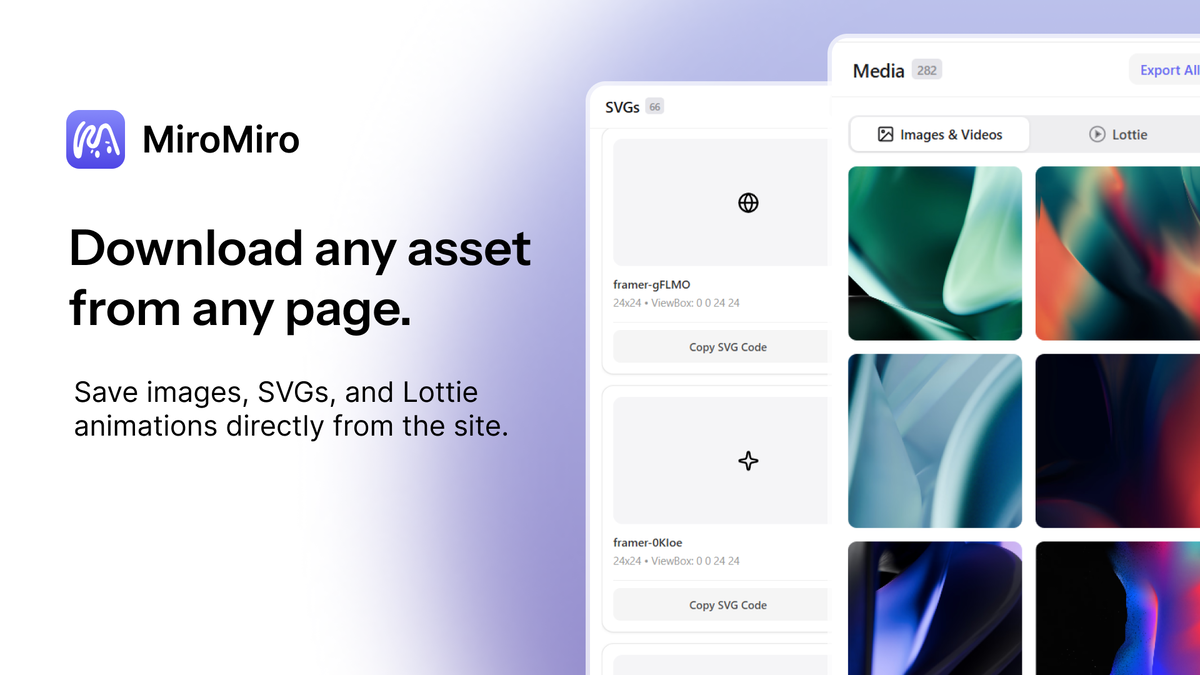
Download every asset from any page

  • Collect images, SVGs, and videos in bulk from any page—no more right-clicking one file at a time
  • Detect and download Lottie animations automatically, straight from the page without hunting through network requests
  • Find everything you grabbed in one organized panel, ready to use the moment your build needs it
Download every asset from any page

Choose the plan that’s right for you

Feel secure in your purchase with AppSumo's 60 day money-back guarantee.

Recommended badgeRecommended
Refundable up to 60 days
Plus members are covered by our
We Got Your Back guarantee
Deal terms & conditions
MiroMiro
See MiroMiro
Founded December 1, 2025
🇪🇸Galicia, Spain
1-10
Startup
Bootstrapped
Verified by PandaDoc

Effortless web asset extraction

Hey Sumo-Lings 👋

I'm Soraia, a frontend developer and the solo builder behind MiroMiro.

As a developer and design enthusiast, I kept hitting the same problem: you find a design you love on a live site, and there's no good way to get it out.

Screenshots lose the details, DevTools means digging through minified CSS, and rebuilding by eye takes hours. MiroMiro is a browser extension that pulls the real thing straight from the page: images, SVGs, fonts, videos, Lottie animations, full color palettes, and clean, copy-paste-ready code.

What makes MiroMiro different is that it's all in one tool.

Normally you'd need one extension for fonts, another for colors, another for images, and DevTools for the code. MiroMiro replaces that whole stack, and it doesn't guess from a picture: it reads the site's actual CSS, so the colors, fonts, and code you export match what's really rendered.

That matters even more now that so many of us build with AI, because pasting real code and design values into your AI tool gets you an accurate rebuild on the first prompt instead of a screenshot guess. Everything you grab also lands in a library you can come back to later.

I'm excited to be on AppSumo because I'm building MiroMiro for the long run, and this is the community I want building alongside me. The extension is just the start: we've already expanded into a design extraction API and an MCP server, so AI agents and coding tools can pull design data from any site the same way you do in the browser.

I'll be around in the questions section throughout the campaign, so ask me anything! 🙌

Questions & reviews