Omnistream
Broadcast stable, professional-quality live video from your phone with this multi-network streaming app


Sold out
View images
The hardest part about going live shouldn't be worrying about unstable video, frozen frames, and your audio cutting out. (“They said what?!”)
Sure, professional broadcasting gear can save you—if you have the budget, training, and space to store all that clunky equipment.
If only there was a high-quality broadcasting app that let you stream stable video with external camera support right from your smartphone.
Introducing Omnistream.
TL;DR

Stream stable, professional-quality video from your smartphone using bonded networks for rock-solid reliability
Create broadcast-level livestreams with studio tools like guests, external camera support, and multi-platform streaming
At-a-glance
Overview
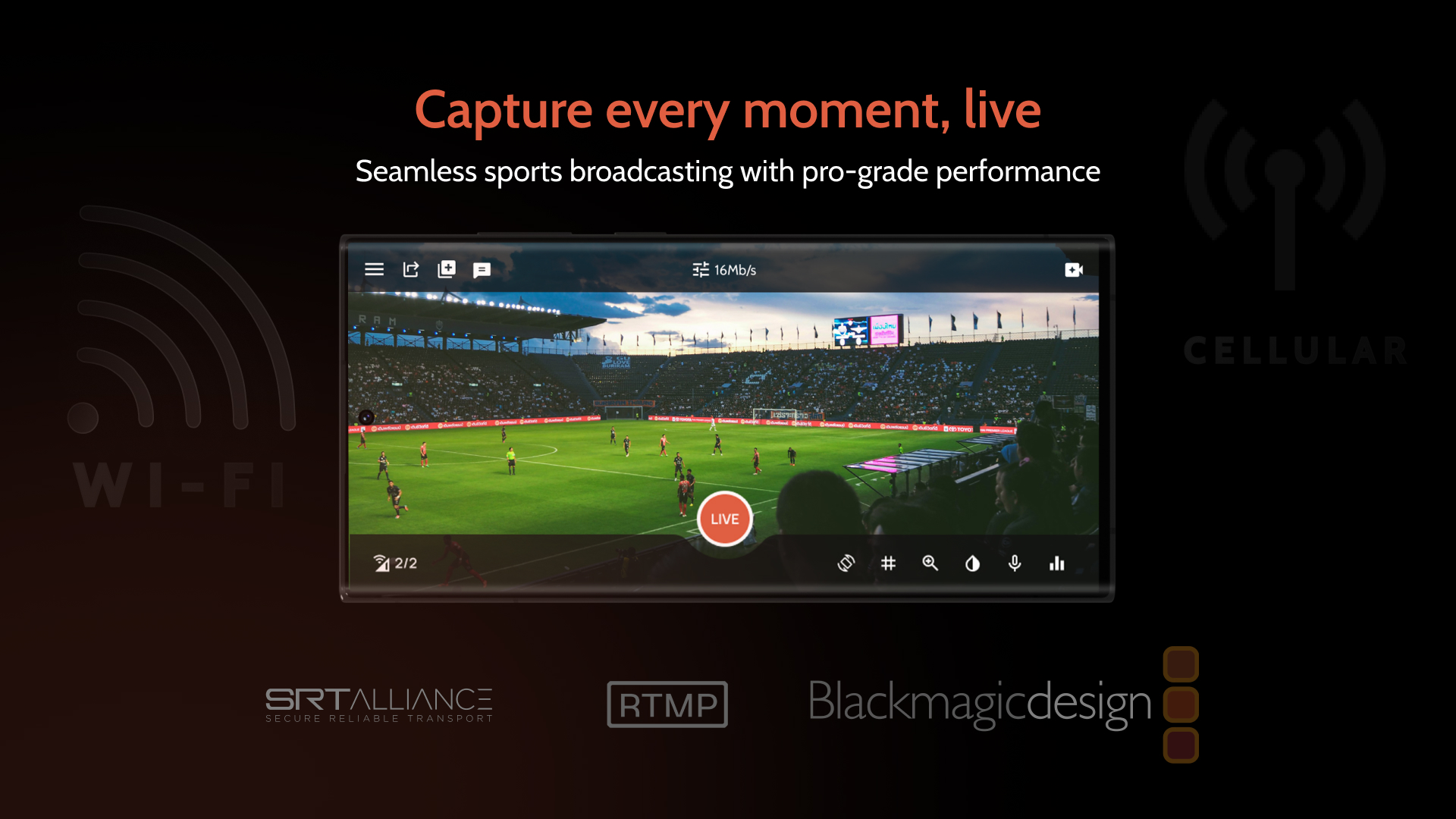
Omnistream is a mobile streaming app that lets you deliver stable, high-quality live video from anywhere using multi-network bonding.
%(omnistream-vid25)
Stream broadcasts right from your phone
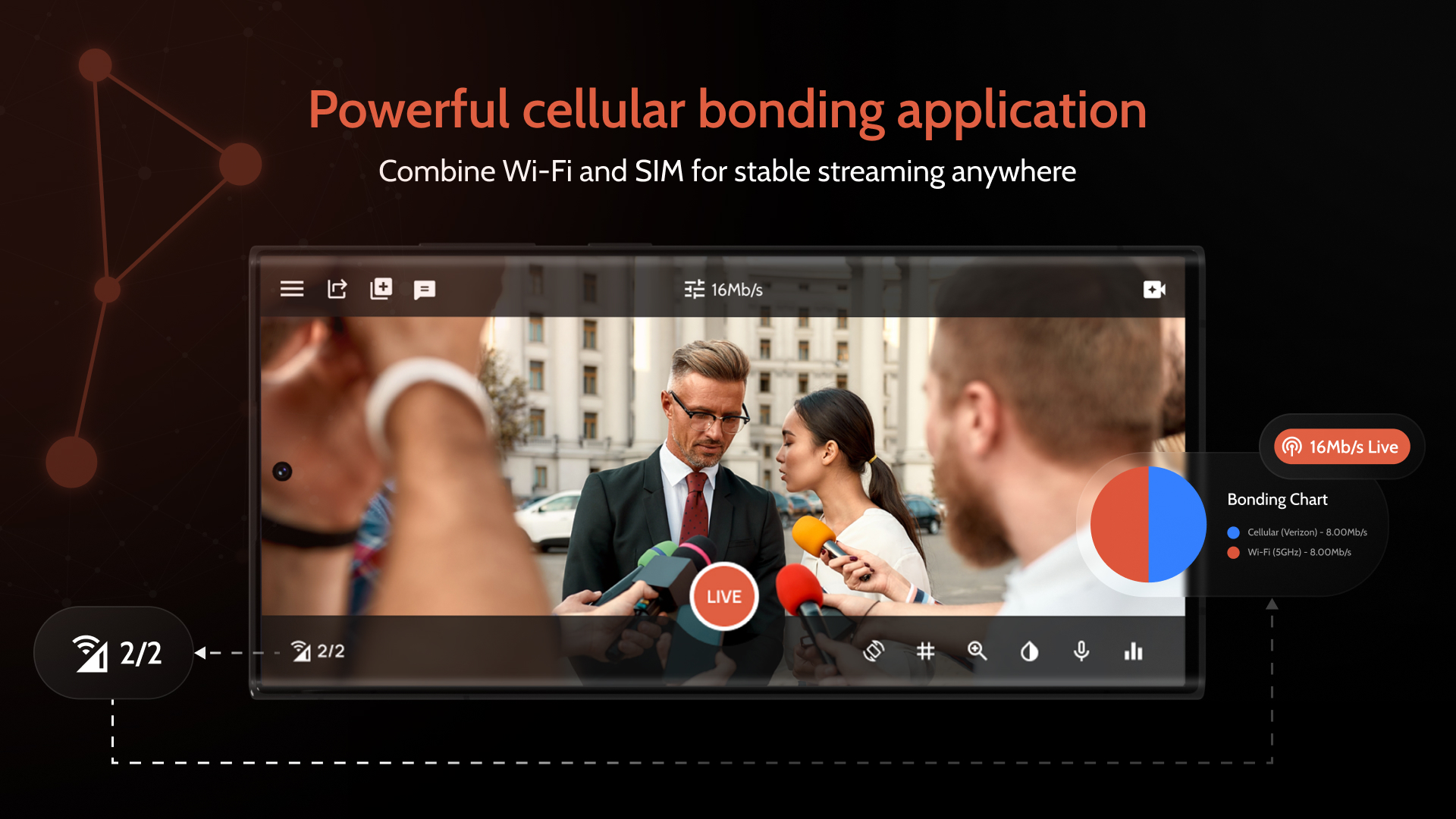
- Combine multiple mobile carriers for a high-bandwidth connection that holds up even when one network fluctuates
- Keep your stream stable, smooth, and professional from start to finish
- Get the reliability of expensive broadcast equipment in a simple mobile app anyone can use
Create a virtual TV Studio
- Turn your smartphone into a complete virtual TV studio
- Add overlays, lower thirds, and graphics directly using the Android app
- Invite remote guests and manage multi-person interviews with ease
- Control your entire production from one streamlined dashboard
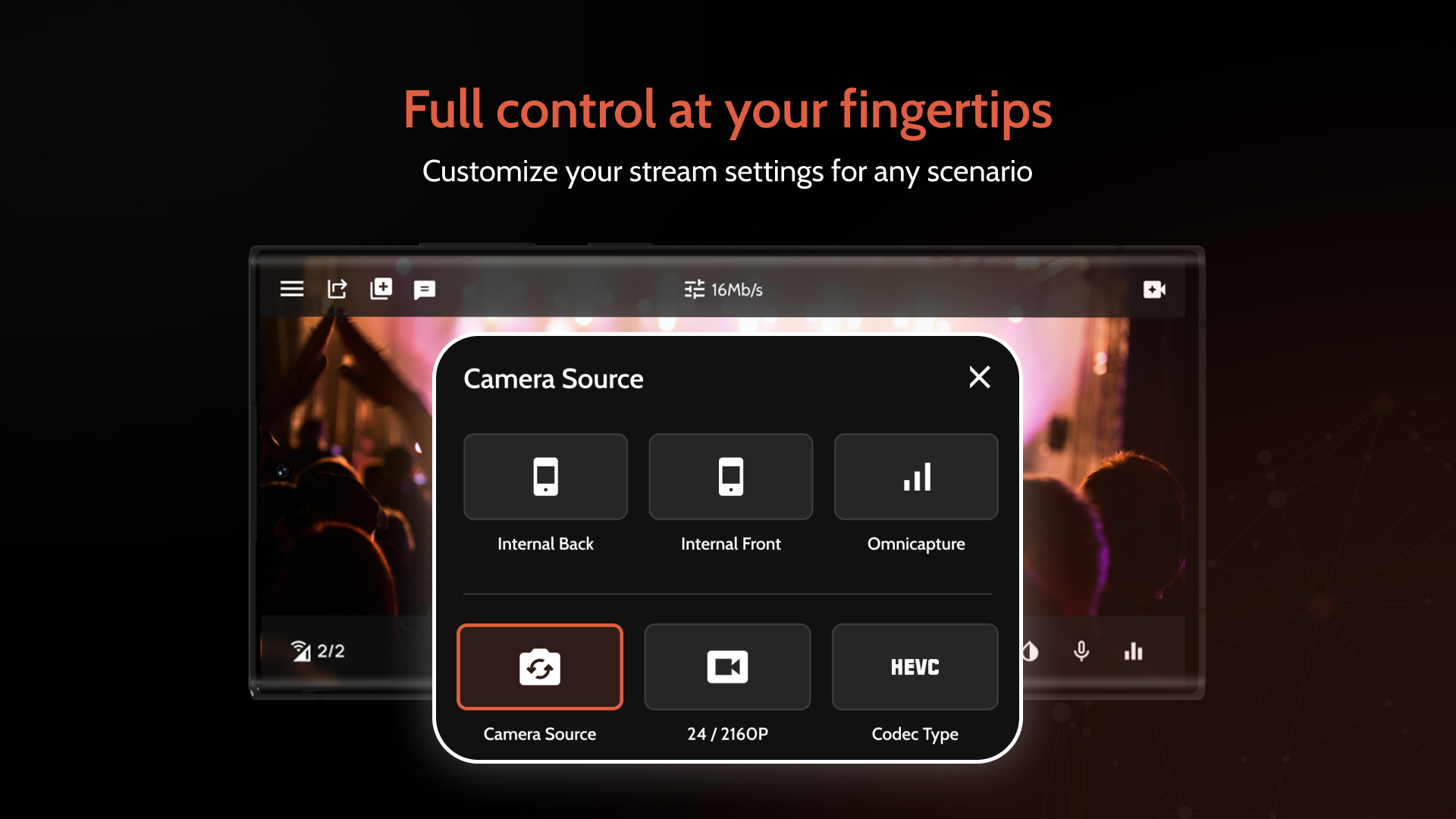
Get external camera support
- Connect DSLR and HDMI cameras directly to your smartphone.
- Plug in an off-the-shelf adapter for iOS users
- Use a USB-C to HDMI cable for Android users
- Access clean lenses, better lighting control, and superior audio without breaking the bank
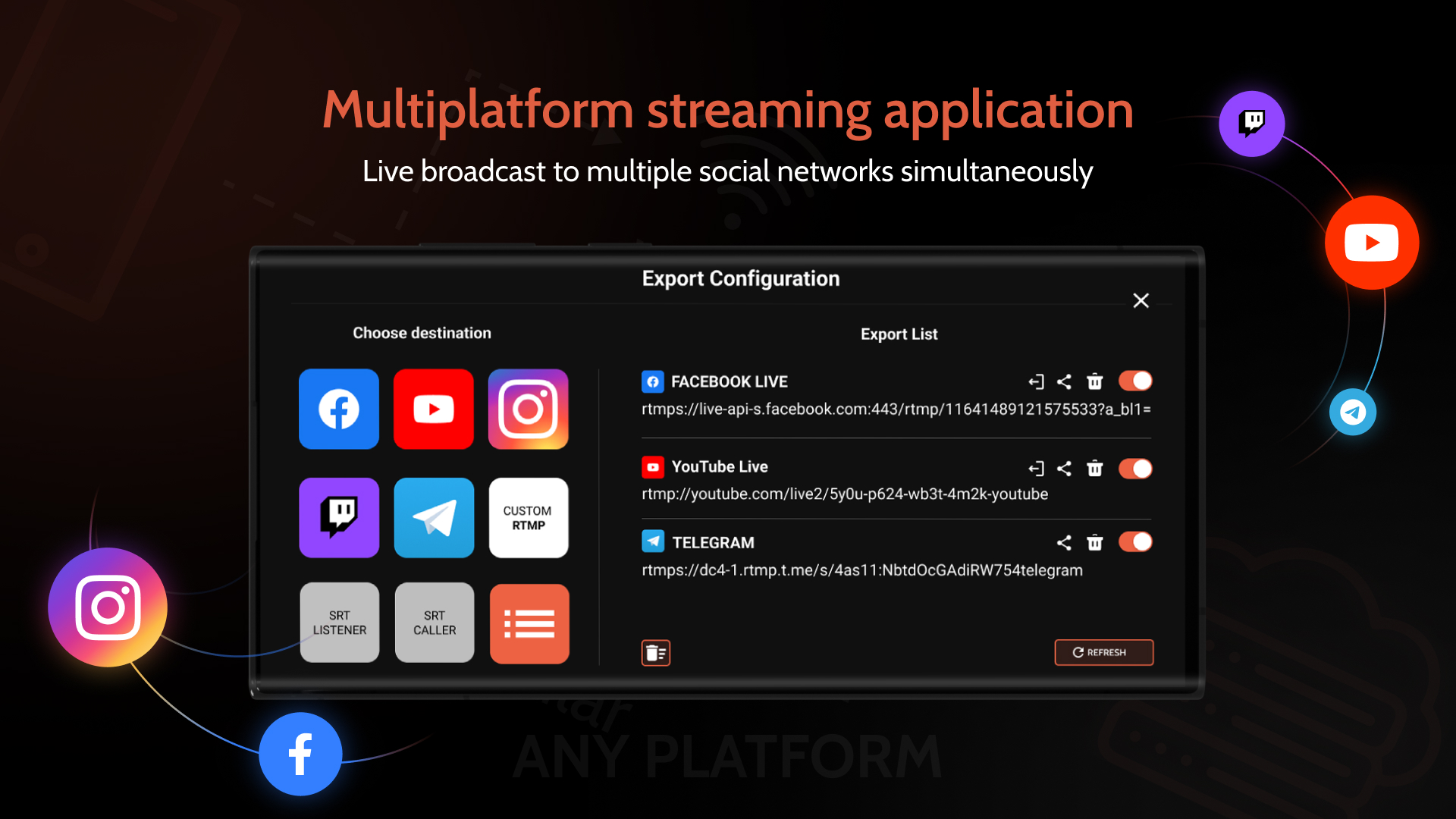
Stream everything, everywhere all at once
- Go live on YouTube, Facebook, Instagram, Twitch, Telegram, and any custom RTMP destination—from one single app
- Engage every segment of your audience without extra work
- Expand your reach without juggling separate apps or workflows
Plans & features
Deal terms & conditions
- Get lifetime access to Omnistream
- All future Videographer (1 Code) or Corporate (2-5 Codes) plan updates
- If the plan name linked to your deal changes, it will automatically transfer to the new plan with all updates
- Redeem your codes within 60 days of purchase, with the ability to stack up to 5 codes
- A valid phone number is required in order to use Omnistream
- Note: You must download the Omnistream app via the Google Play Store or App Store

60 day money-back guarantee. Try it out for 2 months to make sure it's right for you!
Features included in all plans
- SRT exports to vMix/OBS
- Cellular bonding technology
- Multiplatform distribution
- Camera: smarthphone/DSLR
- Remote controller mgmt.
- Graphical enhancement
- Uplink boosting