Hey Sumo-lings 👋
Competitor intelligence becomes much more useful when it can meet you inside the tools where you already work.
Today, we’re opening two new ways to build with Rival Ads:
- The Rival Ads Public API (Beta) for scripts, dashboards, reporting pipelines, and custom automations.
- The Rival Ads MCP Server (Beta) for connecting compatible AI clients directly to your live Rival Ads workspace.
This means Rival Ads no longer needs to be another tab you keep checking.
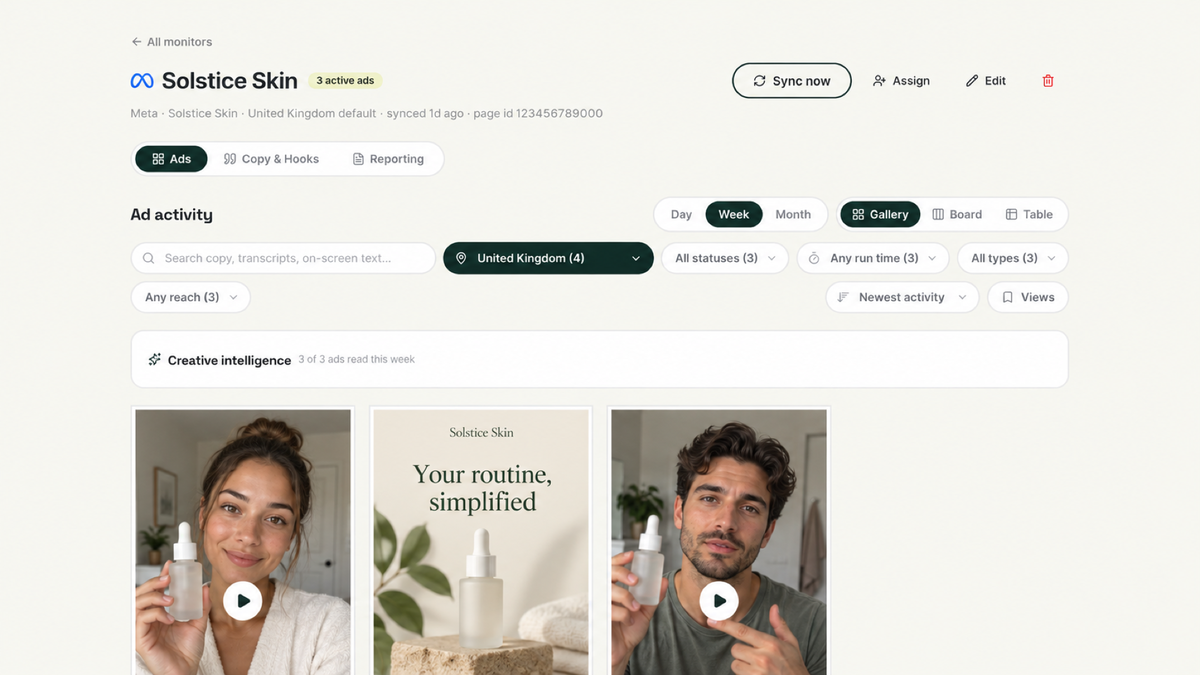
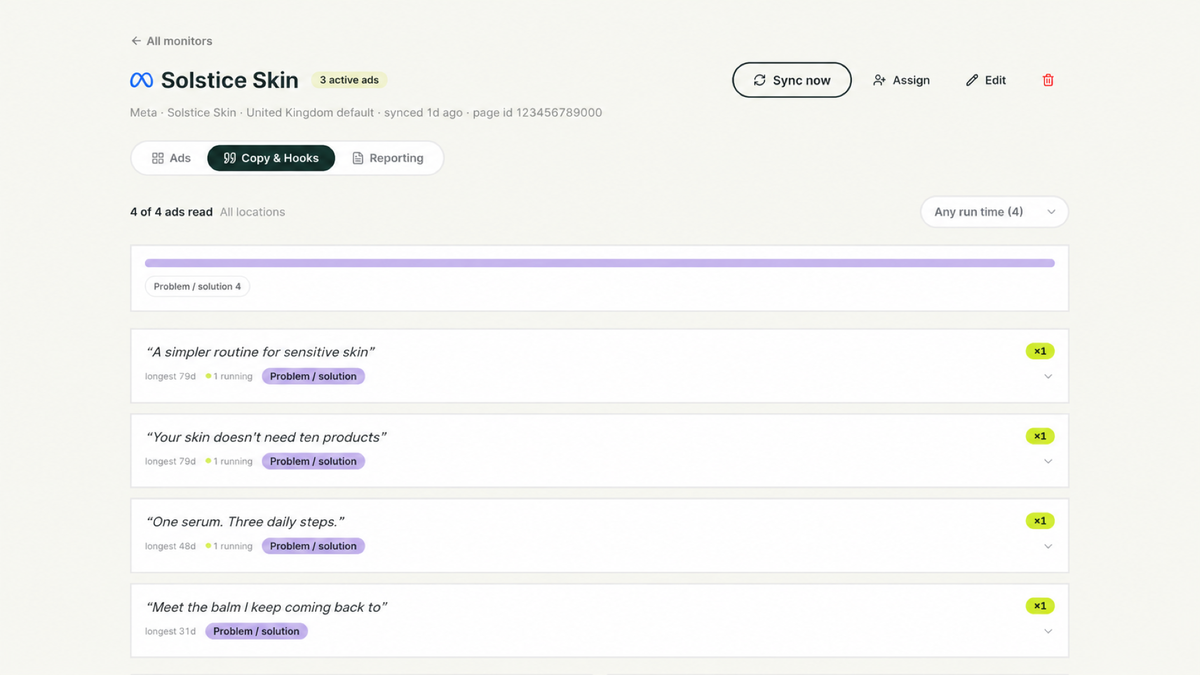
You can pull current competitor ads into an internal dashboard, organize your swipe file from another tool, update client report links automatically, or ask an AI client to find recent launches and summarize what changed.
Built for real workflows
The API and MCP server can work with your:
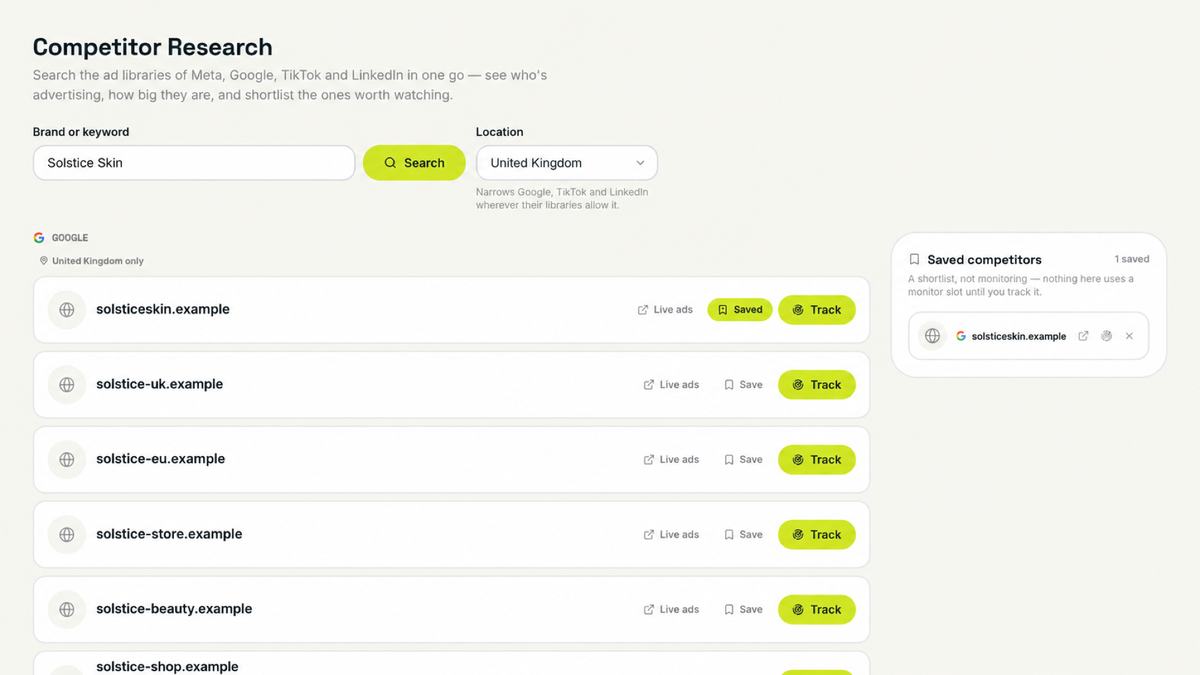
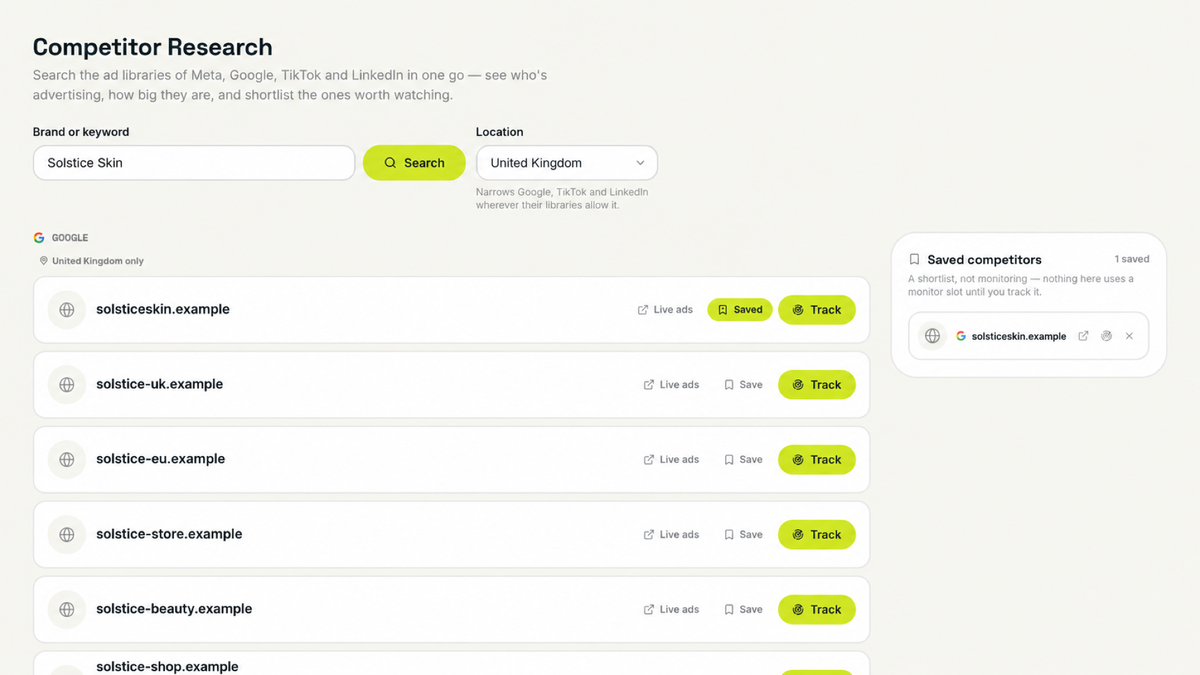
- Competitor monitors and projects
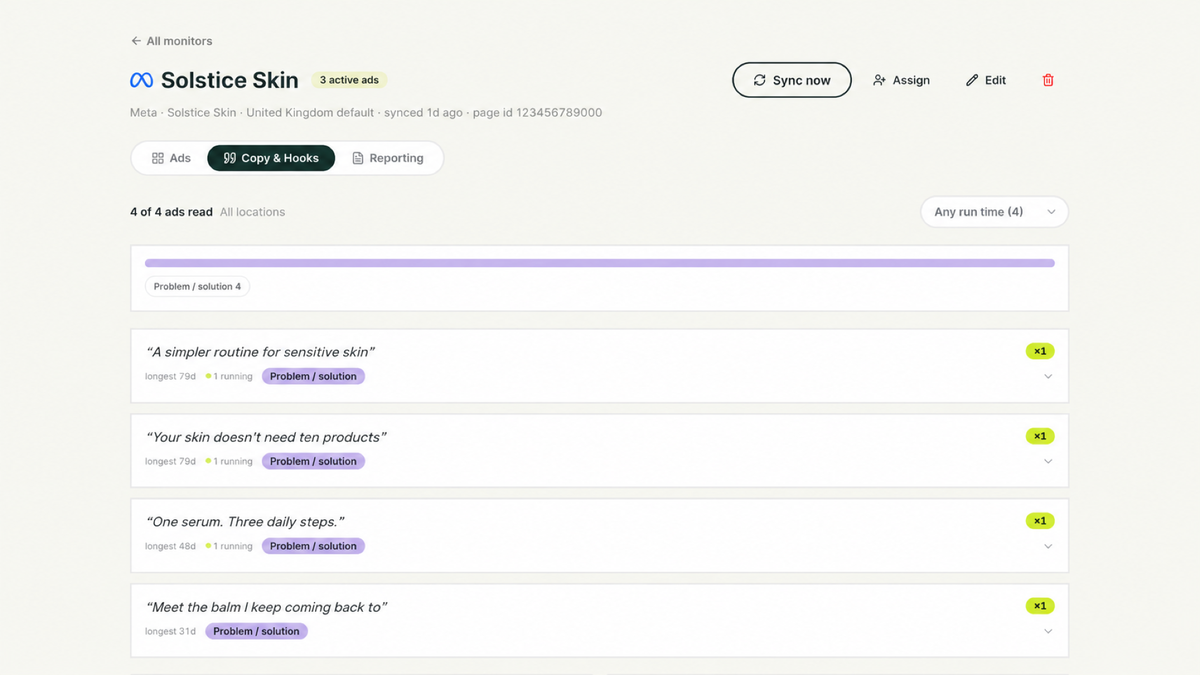
- Current and historical ads
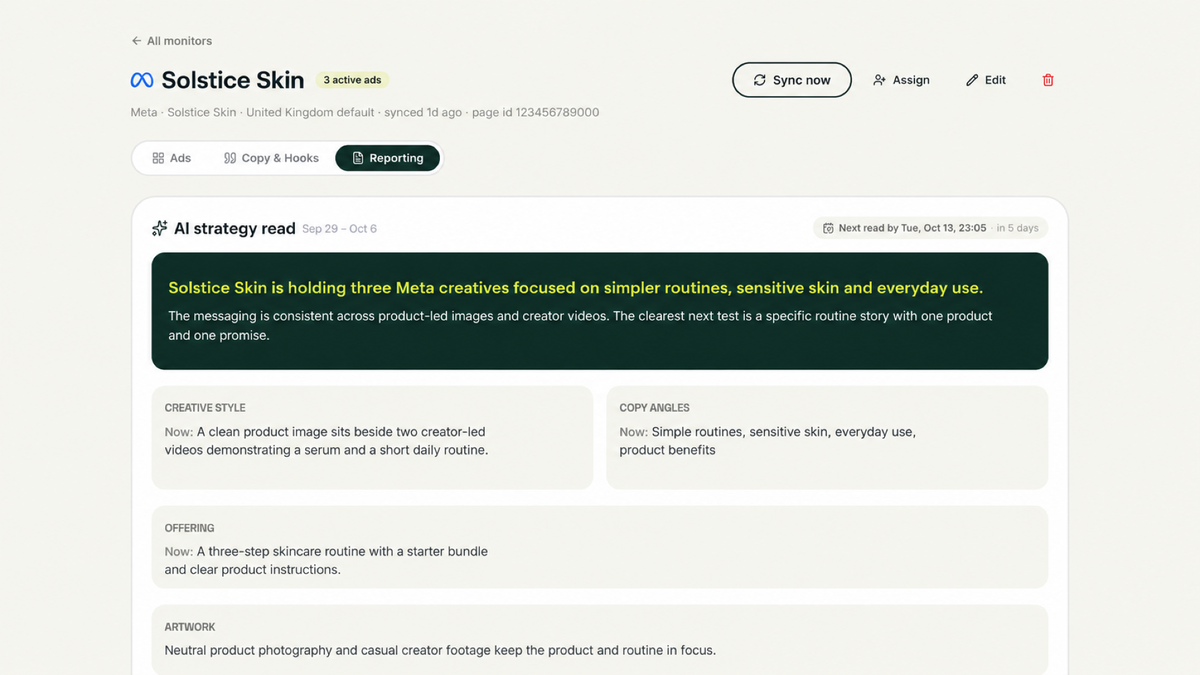
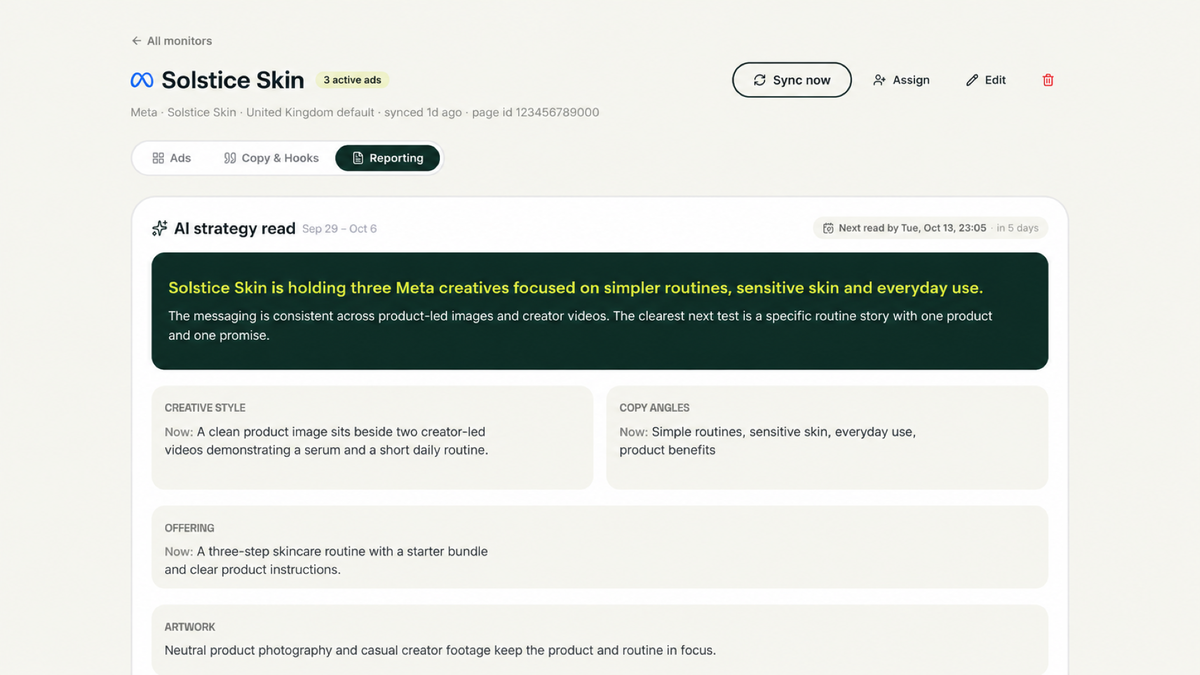
- Strategy reads
- Swipe-file folders and saved ads
- Client report links
- Sync requests and their progress
Both use the same rules and data as the Rival Ads dashboard, so you are not working with a cut-down second version of the product.
Your workspace stays in your control
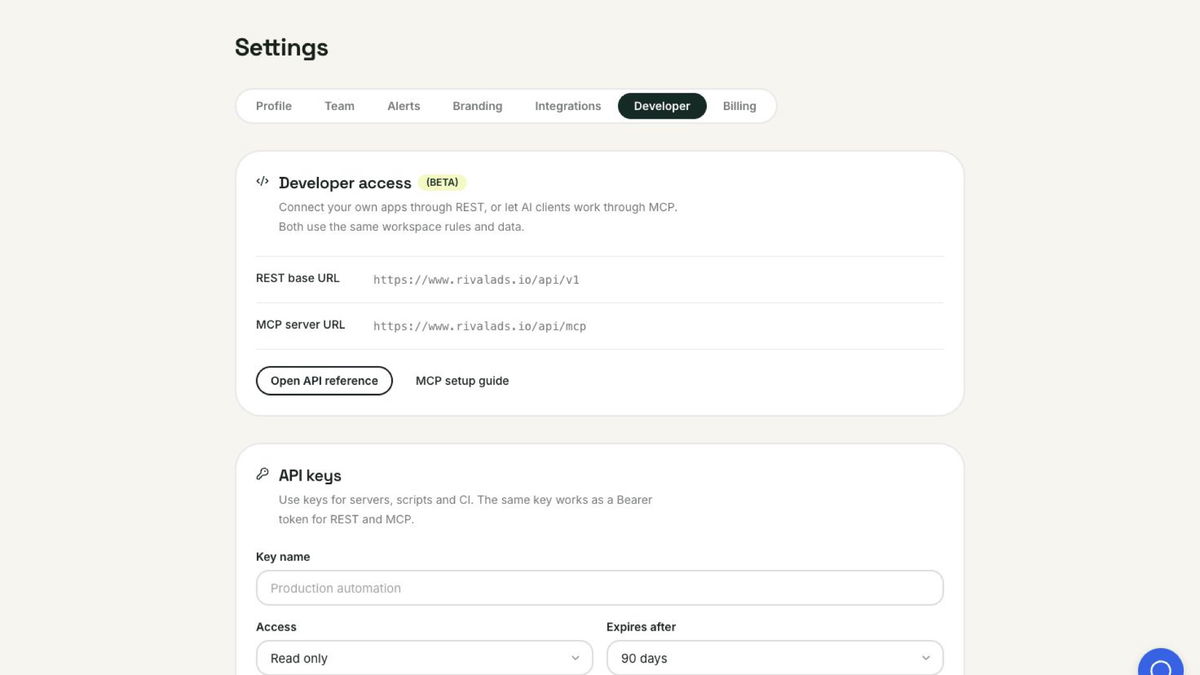
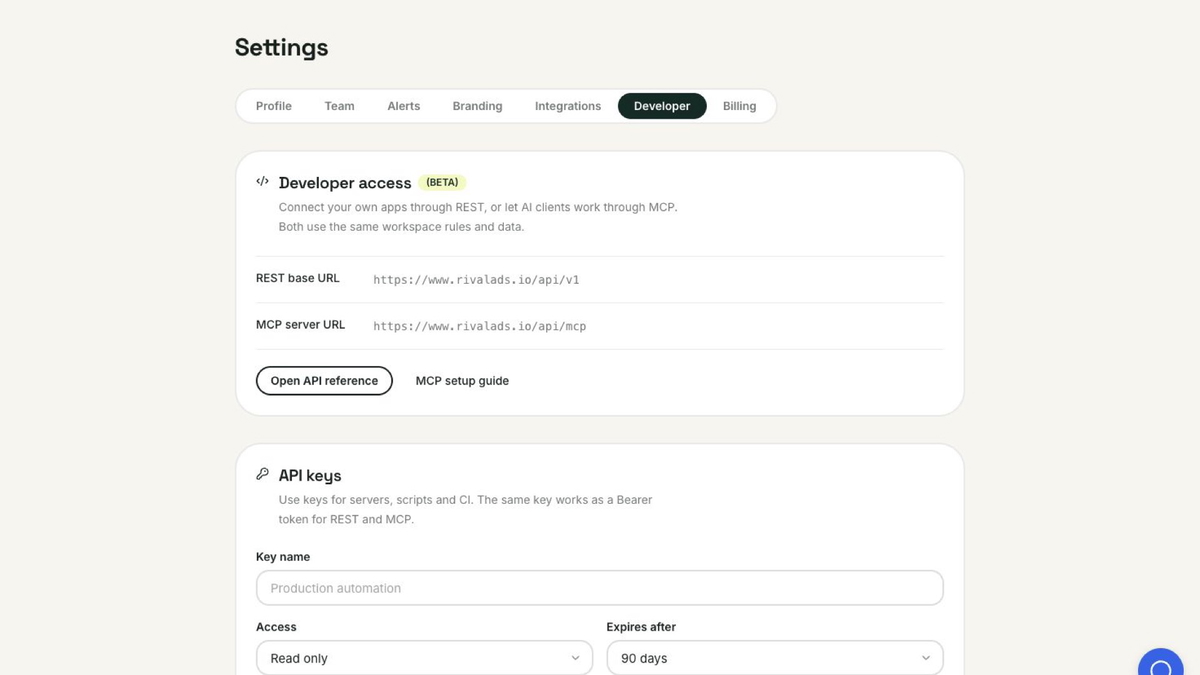
Workspace owners can create read-only or read-and-write API keys, choose an expiry, and revoke them at any time.
Interactive AI clients can connect through a secure approval screen, so you never need to hand over your password or expose an API key. Each connection is limited to the permissions you approve and can be disconnected whenever you choose.
Why “Beta”?
The complete API and MCP surface has been tested end to end, including every currently available action.
We’re calling it Beta because we want the next round of improvements to come from the workflows you actually build - not from us guessing in isolation. Some naming and setup details may evolve as that feedback comes in.
You’ll find everything under Settings → Developer, including your API keys, connected AI clients, server URLs, setup guide, and interactive API reference.
If you try it, please tell us:
What are you connecting Rival Ads to, and what is the first workflow you want to automate?
We’ll be reading every reply.