· 4,895 bought
SheetMagic: ChatGPT + Google Sheets AI Integration

Create AI content in bulk using ChatGPT & Google Sheets.
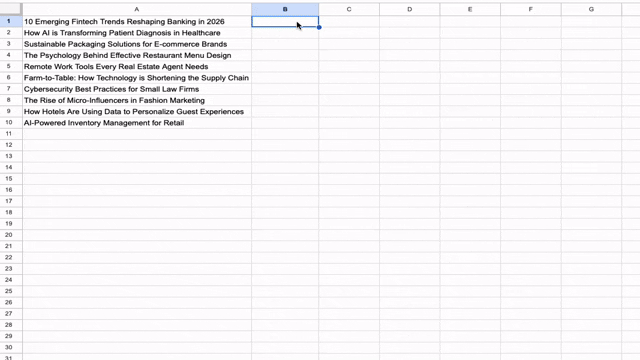
Connect prompts between different cells and automate the work you do in ChatGPT to save time like never before.
Check out the wealth of features you'll get with this deal.
Scrape web pages & search engines to get information from live URLs!

SheetMagic: ChatGPT + Google Sheets AI Integration

-94%$69
$1,196
Sold out!
Notify me when it returns
  • Lifetime access
  • Refundable up to 60 days
No "We Got Your Back" guarantee. This listing is managed by the partner who built the product — we haven't vetted it, so this guarantee doesn't apply.
Refundable up to 60 days from your purchase date.

What buyers say

★ 4.7 · 270 reviews
“The installation and setup were very smooth, and the first steps felt intuitive. I’ve only just started experimenting with a few functions, but I can already see how much time this tool could save…”
Verified buyer

Every AI model. One Google Sheet. SheetMagic connects your spreadsheets to live data and the world’s most powerful AI models instantly.

Up to 15User license(s)
Up to 15Seat(s)
From $69once, forever
  • Harness the power of AI in Google Sheets
  • Use ChatGPT to create content in bulk
  • Works with Elementor, Google Sheets, WordPress
  • Alternative to Copy.aiCopy.ai, Google SheetsGoogle Sheets, JasperJasper
SheetMagic: ChatGPT + Google Sheets AI Integration logo

SheetMagic: ChatGPT + Google Sheets AI Integration

Automate content creation, data analysis, and web scraping in Google Sheets

Turn your Google Sheets into an AI powerhouse

  • Access the world's most powerful LLMs in a single cell
  • Connect your own API key and pay only what the providers charge
  • All models included: Use OpenAI’s GPT5.2, Claude Opus 4.5, Gemini 3.0 Pro, Perplexity’s Sonar Pro, and more
Turn your Google Sheets into an AI powerhouse

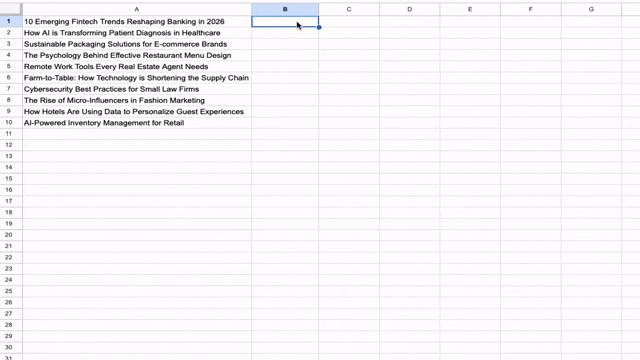
Connect prompts between different cells and automate the work you do to save time like never before

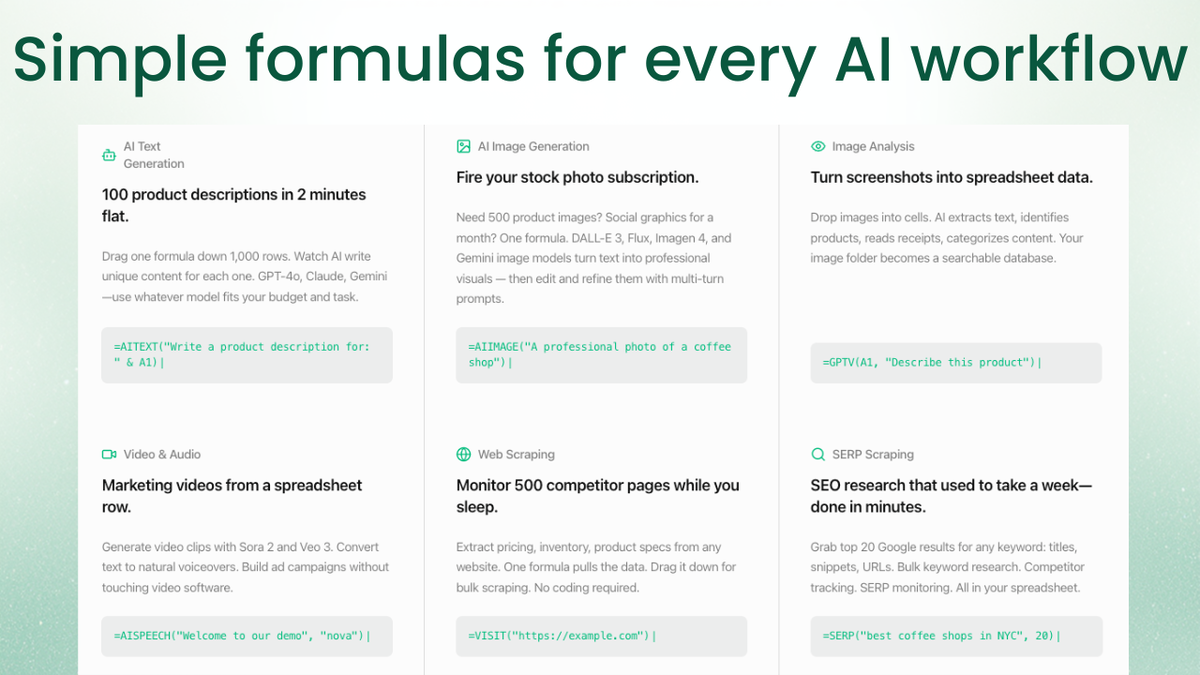
  • Use simple formulas like =aitext('your prompt') or =visit(url): to generate hundreds of product descriptions, ad copies, or emails in seconds
  • Generate DALL-E 3 images or use GPT-Vision to analyze and describe images directly in your cells
  • SheetMagic turns your spreadsheet into a live web crawler -- no extra subscriptions required
Connect prompts between different cells and automate the work you do to save time like never before

Manage, assign, and scale with your dedicated dashboard

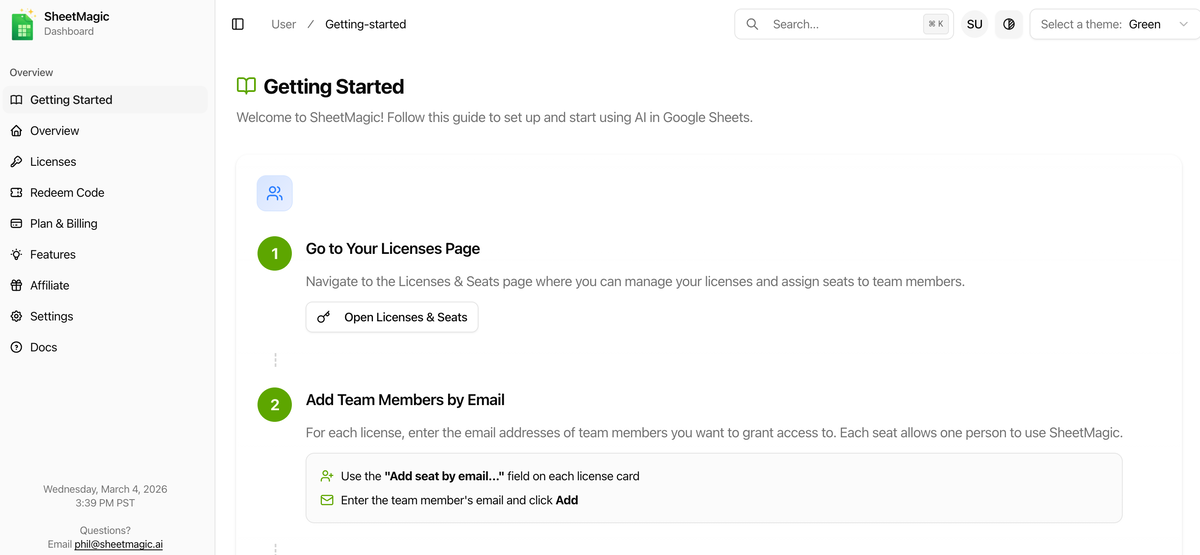
  • Every purchase includes access to a dedicated management dashboard on sheetmagic.ai
  • View your total licenses, assign seats to specific team members, and monitor active users in real-time
  • If you purchase higher tiers, you can easily distribute those seats to teammates or contractors
Manage, assign, and scale with your dedicated dashboard

Maximize your workflow with independent web & AI credits

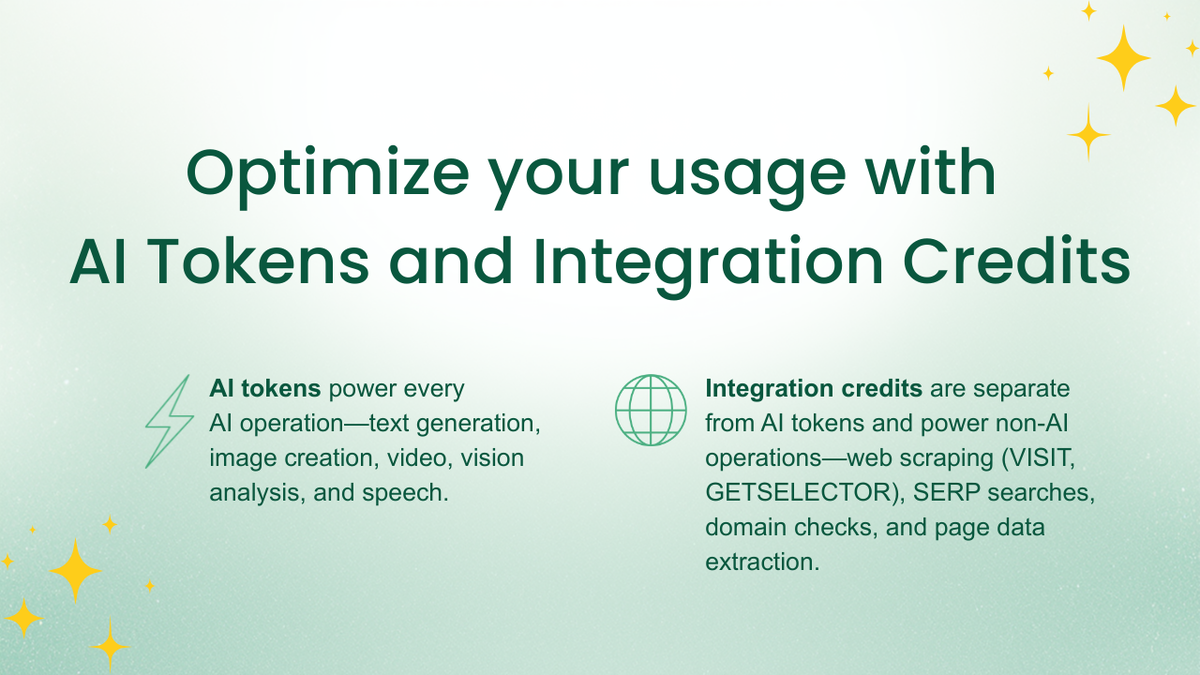
  • Power your webscraping further with integration credits, which are tracked differently from AI tokens
  • Optimize your usage separately; AI tokens power text generation (AITEXT, AILIST) and credits power web operations (VISIT, GETMETATITLE)
  • AppSumo lifetime deal purchases include a preset number of credits that reset each month
Maximize your workflow with independent web & AI credits

Choose the plan that’s right for you

Feel secure in your purchase with AppSumo's 60 day money-back guarantee.

Refundable up to 60 days
Deal terms & conditions
SheetMagic: ChatGPT + Google Sheets AI Integration
See SheetMagic: ChatGPT + Google Sheets AI Integration
🇺🇸Portland, Oregon, United States
1-10
Startup
Bootstrapped

NEW FEATURE: Browse the web with SheetGPT 🌐

Thanks to one of our users, we were given a great idea to let SheetGPT interact with the web & to be able to give it specific URLs to work with.

OpenAI doesn't allow you to browse the internet directly through their API, however we just published a really effective workaround.

In SheetGPT, you can now use the function =visit("YOUR URL HERE") and it will return all of the content on that page and then you can use the regular =AI() function to interact with that.

This solves the same problem of working with specific URLs and fixes the fact that OpenAI cannot browse the internet and is limited to data from 2021.

Really great feature idea and I was happy to implement it :) I'll be using that myself now too!

Best,

Curran

Questions & reviews

AskSumo

Customers are all about SheetMagic: AI Chat Agent + Google Sheets AI Integration, praising its seamless integration, powerful AI models, and time-saving automation. There are a few hiccups like initial setup challenges and occasional errors under heavy load, just small bumps on the road. Weighing the raves against the occasional grumbles, SheetMagic is hitting the mark and is a solid buy for those in need of AI-powered spreadsheet magic. Plus, with a 60-day money-back guarantee, it's definitely worth a try.

AI-powered summary of customer reviews