Turn screen recordings into tutorials

40 bought
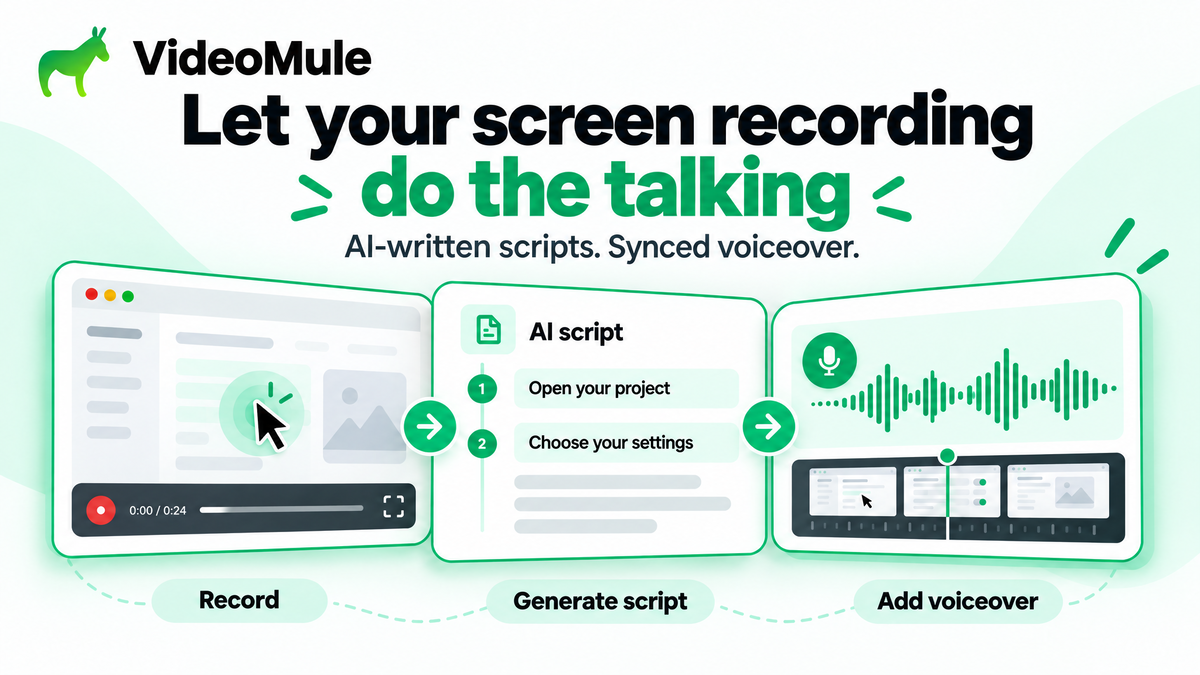
Illustration of a screen recording becoming an AI-written script and synced voiceover in VideoMule.
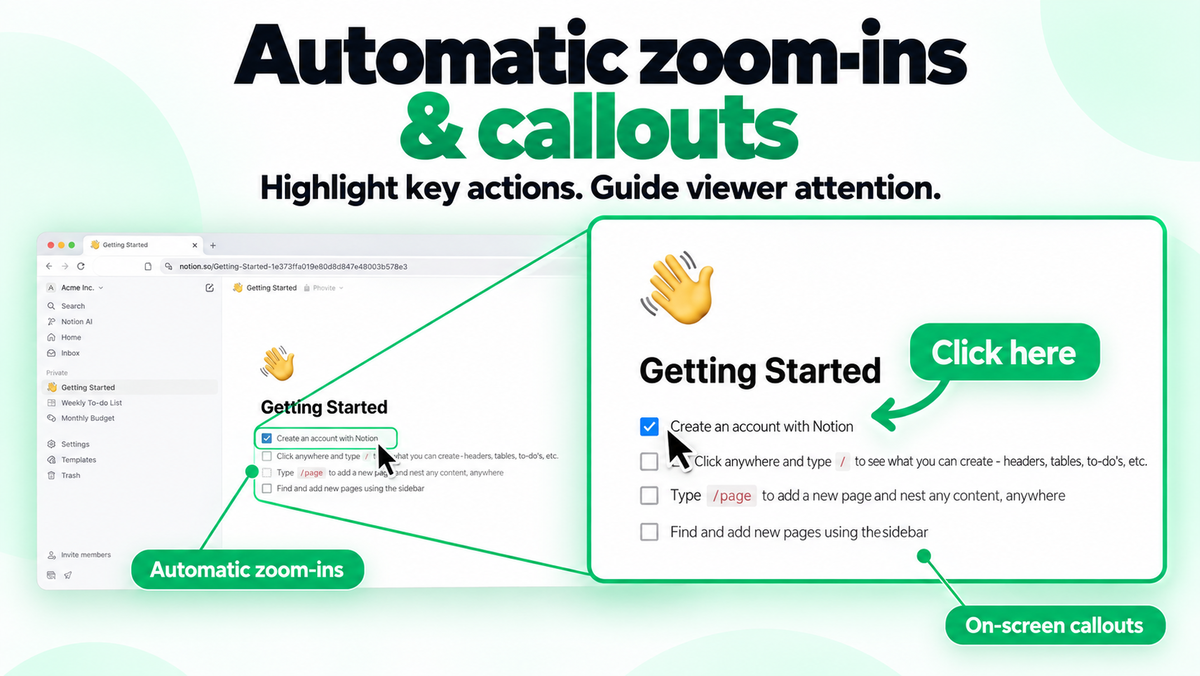
Illustration of how video mule can zoom in into the screen and add callouts
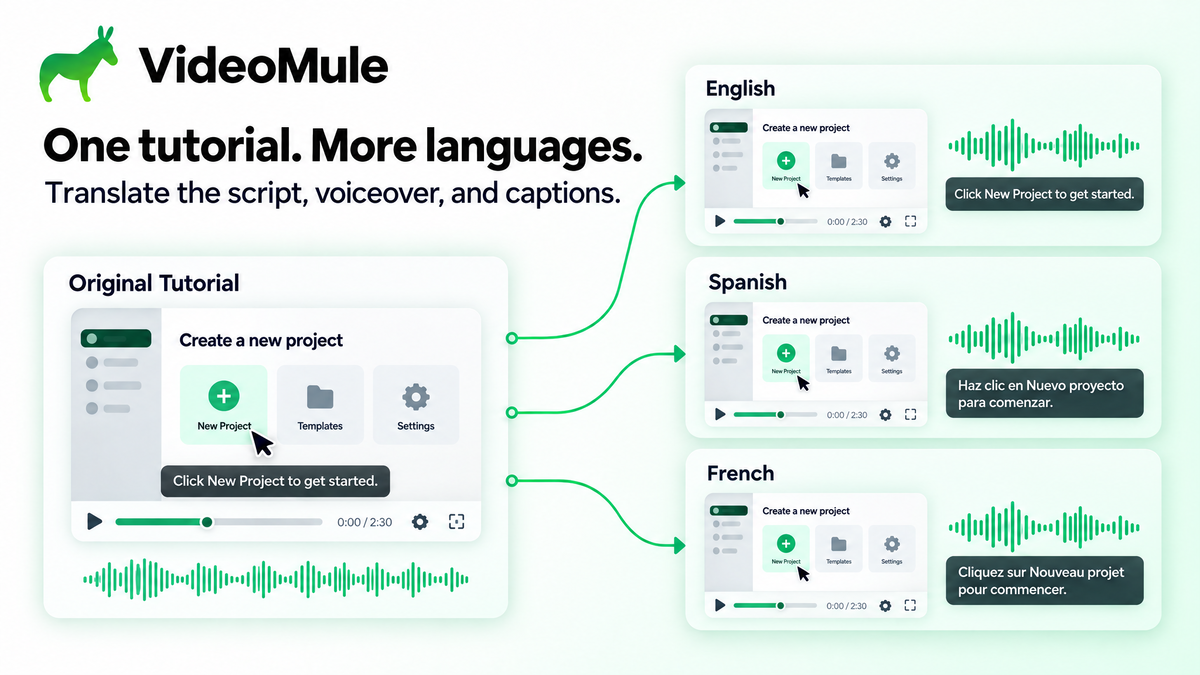
Illustration of one tutorial with English, Spanish, and French narration and captions.
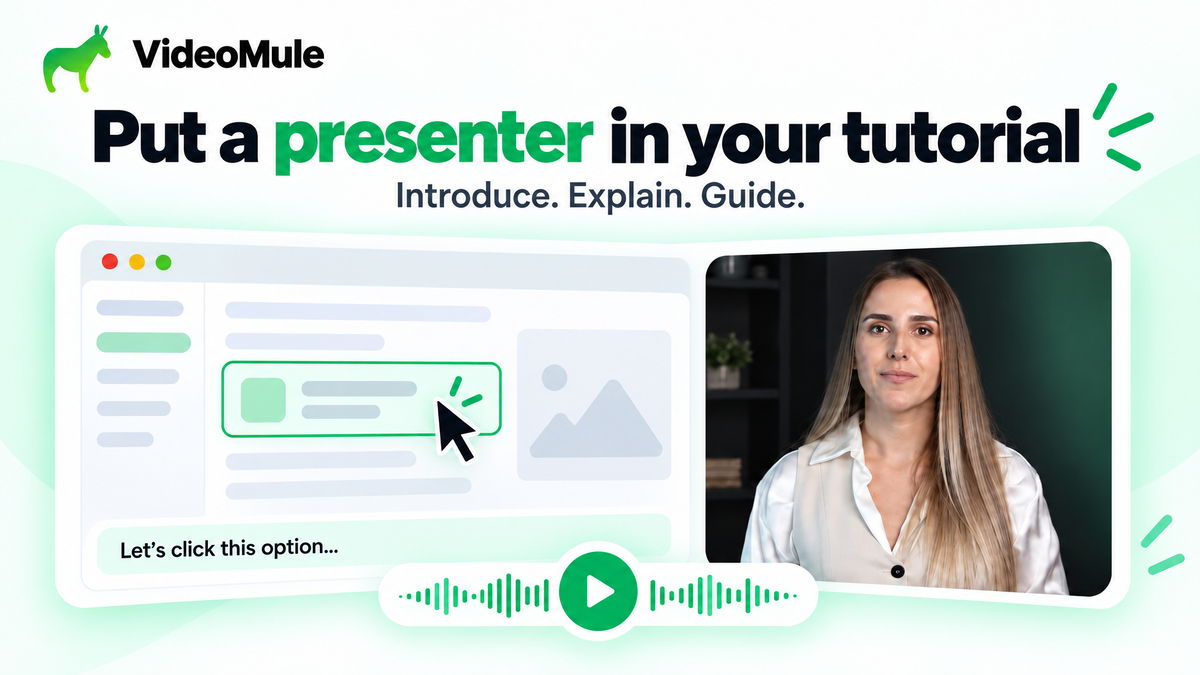
Illustration of an AI presenter beside a screen walkthrough, with a caption and audio waveform.

VideoMule

-72%$69
$249
once, no subscription
Only on AppSumoLimited-time deal
  • Lifetime access
  • Refundable up to 60 days
  • Plus members are covered by our We Got Your Back guarantee
AppSumo Launchpad

Chosen by AppSumo for their potential and innovation

What buyers say

“VideoMule has been a really useful addition to my content creation toolkit. I like that it helps simplify the process of working with video without making things feel overly complicated. The…”
Verified buyer

Create narrated how-to and training videos from screen recordings with AI scripts and voiceover

Up to 10Seats
Up to 120Upload minutes per month
From $69once, forever
  • Turn screen recordings into tutorials with AI-written scripts and synced voiceover
  • Edit your timeline and captions, create translated versions, or add an AI presenter
  • Works with Chrome
  • Alternative to DescriptDescript, LoomLoom, SynthesiaSynthesia

Record or upload a demo, then add AI scripts, synced voiceover, auto-zooms, captions, and presenters

Create professional tutorial videos in minutes

  • Record your screen with the Chrome extension or upload a screen recording you already have
  • Generate unlimited AI scripts from your on-screen actions and audio, with AI narration synced to the recording
  • Edit any script line and regenerate the voiceover whenever you want to tweak the explanation
  • Pick from 100+ AI voices in 35+ languages to grow your reach
Create professional tutorial videos in minutes

Highlight key actions

  • Draw attention to the action you're explaining with automatic zoom-ins and on-screen callouts
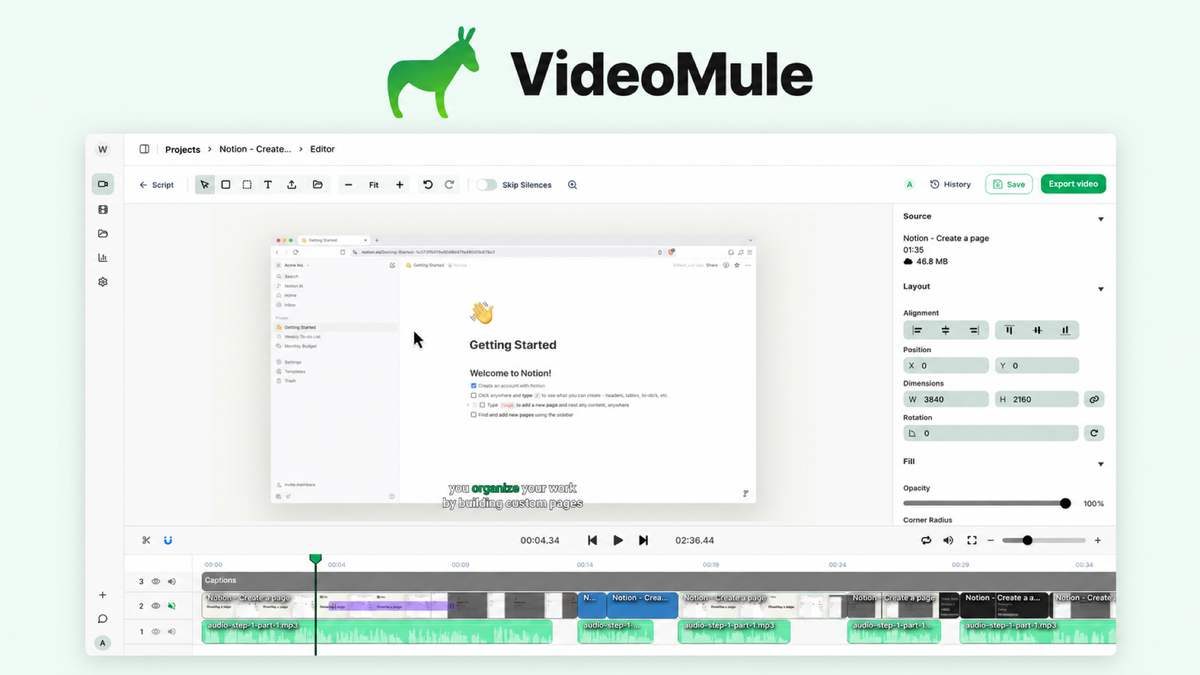
  • Fine-tune video, audio, and captions on a multitrack timeline
  • Export your finished tutorial in HD, rendering locally or in the cloud
Highlight key actions

Teach in more languages

  • Create a translated version of your tutorial in 70+ languages, with a new script, voiceover, and captions
  • Reuse the same screen recording to onboard customers or train teams in another language
  • Connect your ElevenLabs key for premium voices, voice cloning, and dubbing
Teach in more languages

Give your tutorial a face

  • Drop in a stock AI presenter for an intro, closing message, or transition
  • Train your own photo avatar, or create a digital twin (available in Tier 2 and above)
Give your tutorial a face

Choose the plan that’s right for you

Feel secure in your purchase with AppSumo's 60 day money-back guarantee.

Refundable up to 60 days
Plus members are covered by our
We Got Your Back guarantee
Deal terms & conditions
VideoMule
See VideoMule
Founded January 1, 2026
🇮🇳India
1-10
Startup
Bootstrapped

Now live: bring your own Gemini API key for video analysis

We listened to your feedback. You can now bring your own Google Gemini API key to VideoMule for video analysis!

VideoMule uses your Gemini account to analyze screen recordings, including recordings without narration, and create the outline for your script. These analyses won’t consume your VideoMule video analysis minutes.

For AppSumo customers: Both and Video only uploads stop consuming your one-time video analysis minutes while your Gemini key is connected. Previously used minutes aren’t restored. Any remaining analysis minutes and add-ons stay on your account for use after you disconnect your key.

Get started

  1. Create a Gemini API key in Google AI Studio.

  2. Open Integrations in your VideoMule workspace.

  3. Under Gemini video analysis, paste your key and click Connect.

Available on paid and AppSumo plans. A workspace admin must connect the key.

Your key supports Video only, Both video & audio, and video analysis in Auto mode. Gemini usage is subject to Google’s pricing and quotas. Audio-only usage, storage, and rendering remain on your existing plan.

Read the setup guide

Questions & reviews

AskSumo

Customers appreciate VideoMule, praising its AI-generated scripts, synchronized voiceovers, and user-friendly interface that simplifies video creation. While some users noted minor drawbacks like occasional rendering issues and the need for script editor improvements, these are just small bumps on the road. Weighing the raves against the occasional grumbles, VideoMule is hitting the mark and is a solid buy for those looking to create narrated how-to and training videos. Additionally, users can now utilize their own Google Gemini API key for video analysis, which enhances the functionality without consuming VideoMule's analysis minutes. Plus, with a 60-day money-back guarantee, there's no reason not to give it a try!

AI-powered summary of customer reviews