
Bit Assist
Connect with your visitors using Facebook Messenger, WhatsApp, and 20+ social channels in one button


Turn More Website Visitors Into Leads With One Smart Chat Widget
Connect with your visitors on the platforms they already use and trust.
Bit Assist is a fast and lightweight WordPress chat plugin that helps you manage customer communication, capture leads, and support visitors from one simple widget. Instead of adding many separate chat buttons or tools to your site, you can bring everything together in one clean floating widget that looks professional and works smoothly.
TL;DR

At-a-glance
Deal type
Alternative to
Overview
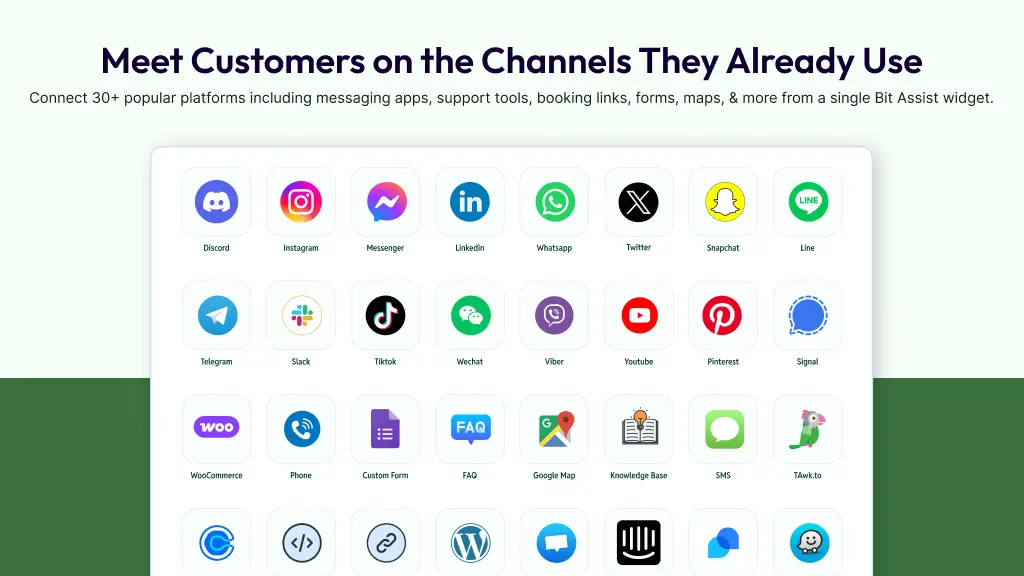
Let Visitors Contact You Their Way
Bit Assist supports 30+ messaging, support, and action channels in one place. Your visitors can reach you through popular platforms like WhatsApp, Messenger, Telegram, Slack, Instagram, TikTok, Discord, LinkedIn, Viber, WeChat, Skype, Snapchat, Signal, YouTube, Pinterest, and more.
You can also connect live chat tools like Tidio, Tawk.to, Intercom, and Crisp, so visitors can choose the channel that feels easiest for them.
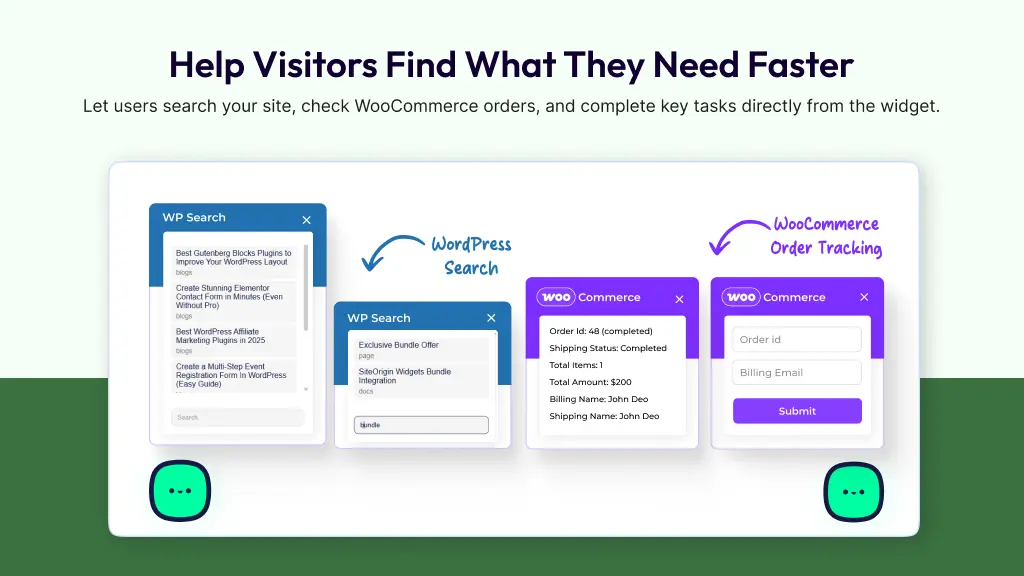
More Than Just a Chat Button
Bit Assist is not only for messaging. It also helps visitors get support, find information, and take action faster. You can add useful tools like custom forms, FAQ, knowledge base, WP Search, WooCommerce order status, call button, SMS, Google Maps, Calendly, TidyCal, Waze, custom channels, and custom iframe support.
This means your widget can do more than start a conversation. It can help visitors find answers, check order status, search for products, book meetings, and contact your business without confusion.
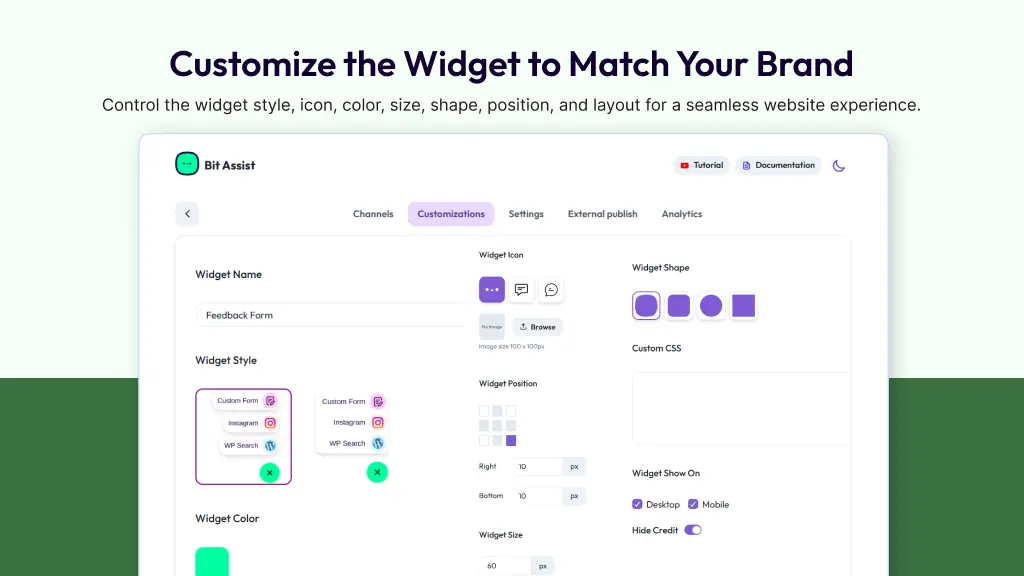
Make the Widget Look Like It Belongs on Your Site
Bit Assist gives you full control over how the widget looks on your website. You can customize the widget name, style, icon, color, position, size, shape, spacing, and even use custom CSS.
This helps you create a widget that feels like a natural part of your website, not a tool added on top of it.
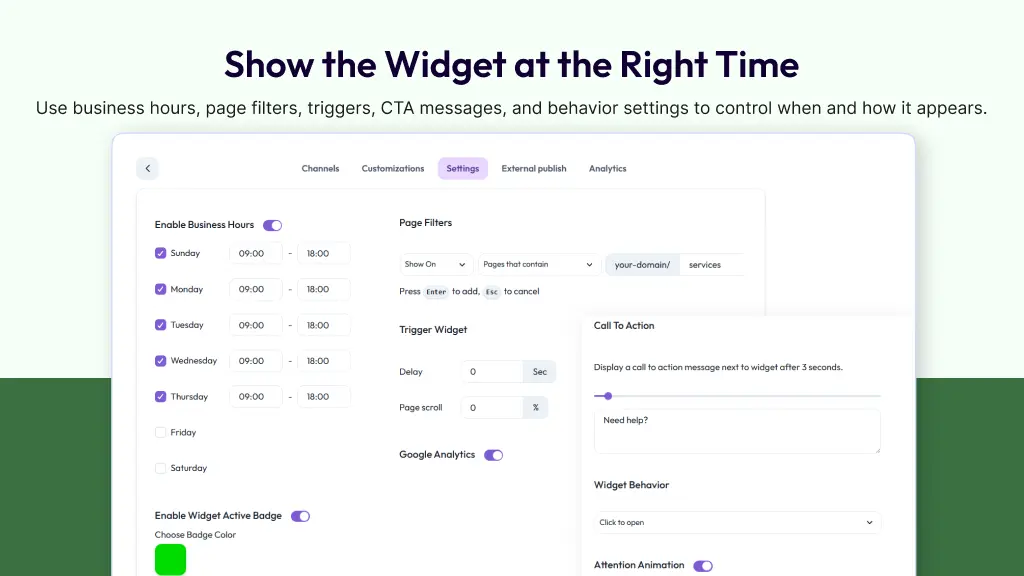
Control When and Where the Widget Appears
Bit Assist also lets you control how the widget works. You can use business hours, hide-after-office-hours settings, page filters, delay triggers, scroll triggers, CTA messages, attention animations, and open behavior options like click, hover, or opened by default.
This helps you show the widget at the right time, on the right pages, and in the right way.
Use Bit Assist Beyond WordPress
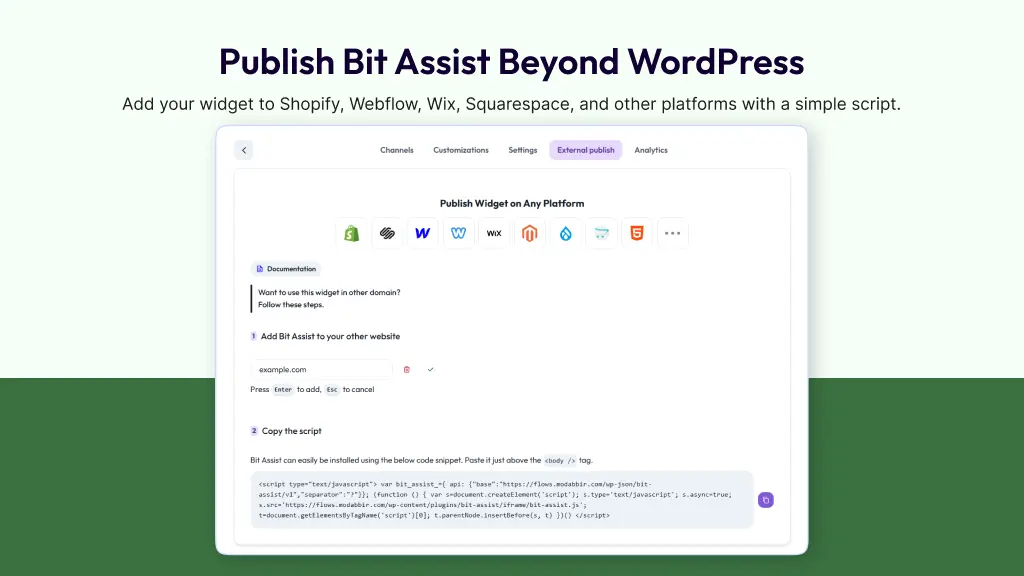
You can manage Bit Assist from WordPress and also use it on other platforms. With External Publish, you can add the same widget to websites built with Shopify, Webflow, Wix, Squarespace, Joomla, Drupal, and more by copying a simple script.
That means you can control your communication widget from one place and use it across multiple websites.
Track Results and Improve Performance
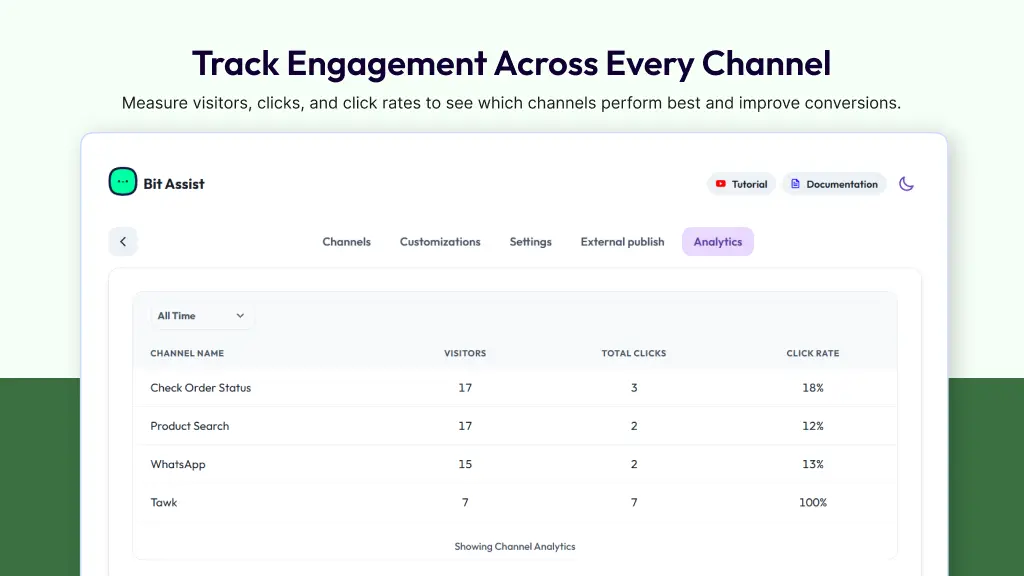
Bit Assist helps you understand how your widget is performing. You can track visitors, total clicks, and click rate with built-in analytics.
You can also connect Google Analytics for deeper tracking and use webhooks to send form data to third-party tools. This makes it easier to connect Bit Assist with your existing workflow and improve results over time.
Plans & features
Deal terms & conditions
- Lifetime access to Bit Assist
- You must redeem your code(s) within 60 days of purchase
- All future plan updates

60 day money-back guarantee. Try it out for 2 months to make sure it's right for you!